14
7.1 Camera selection
The camera list is used to select the recorded camera archives on the recorder. By
clicking on the selection fields in the list, several cameras can be played back
simultaneously.
7.2 Calendar
In the calendar, you can directly select the day for the recording to be searched.
A triangular mark on the day means that records are present.
7.3 Camera command
7.4 Playback control
Then click on the timeline to start / continue playback at the desired time. Recordings
are indicated by coloured bars in the timeline. The colour coding is as follows:
Time representation Timeline
The default setting of the display range of the timeline is 24h. The scaling of the time
bar can be changed with the mouse wheel. To do this, hold the mouse pointer over
the time bar and operate the mouse wheel.
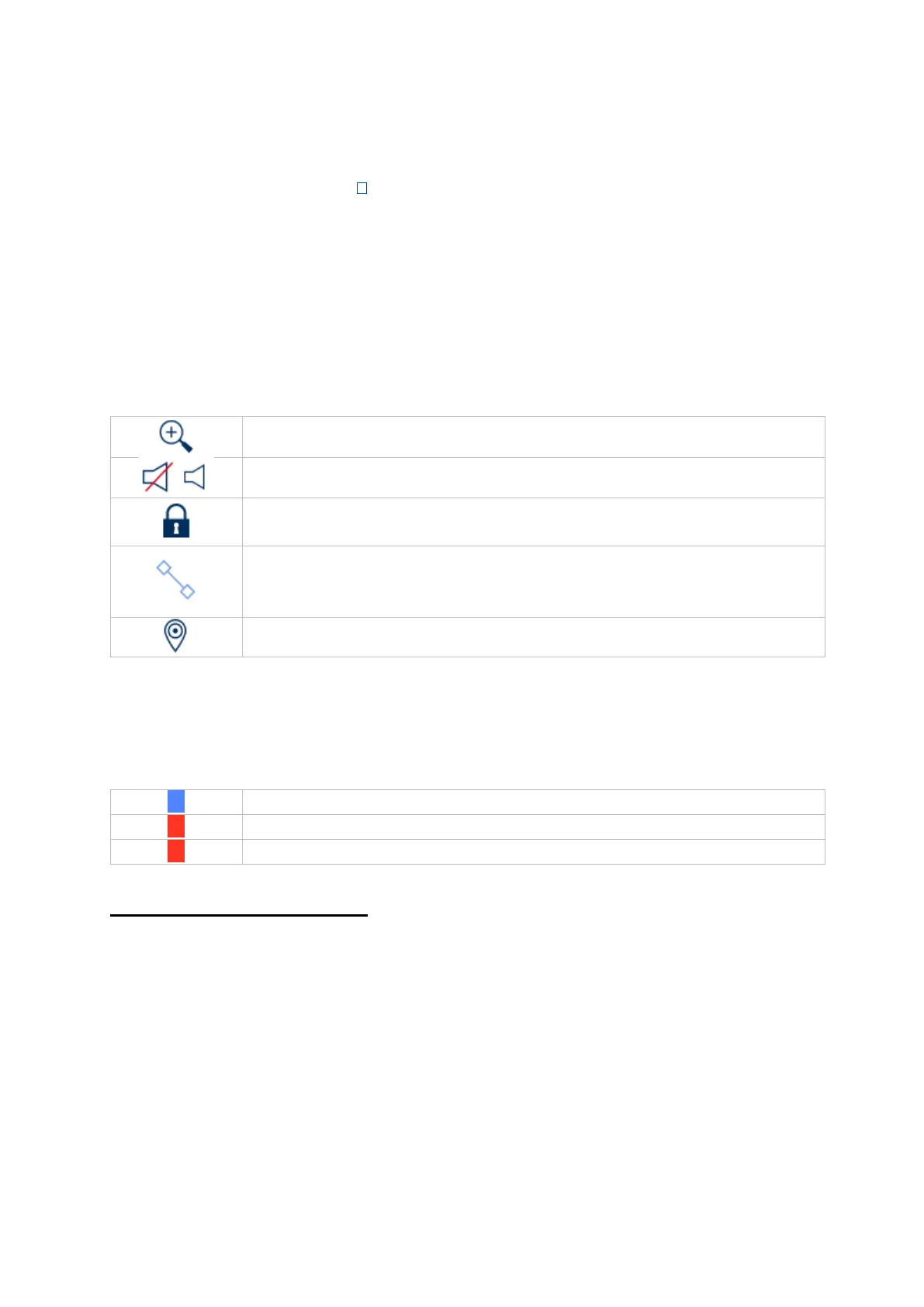
The recording file of the current playback position is locked. A
locked file is not overwritten by the ring buffer.
Opens the Smart Search. To be able to use the Smart Search, the
respective event type must be activated. (Motion Detection, Tripwire
(IP), Intrusion Detection (IP))



 To Next Page