28
9.3. Camera
9.3.1. Camera - analogue
In this menu, you can specify for the first 4 channels whether the channel is to be
occupied by an analogue HD camera (connection via the rear) or an IP camera
(integration via the Ethernet).
In the advanced settings, the option "Improved IPC mode" can also be activated,
which makes it possible to integrate up to a maximum of 2 or 4 IP cameras
(TVVR33602 / TVVR33802).
9.3.2. Camera - IP camera
If a channel is defined as an IP channel, the connection data to the IP camera can be
entered here.
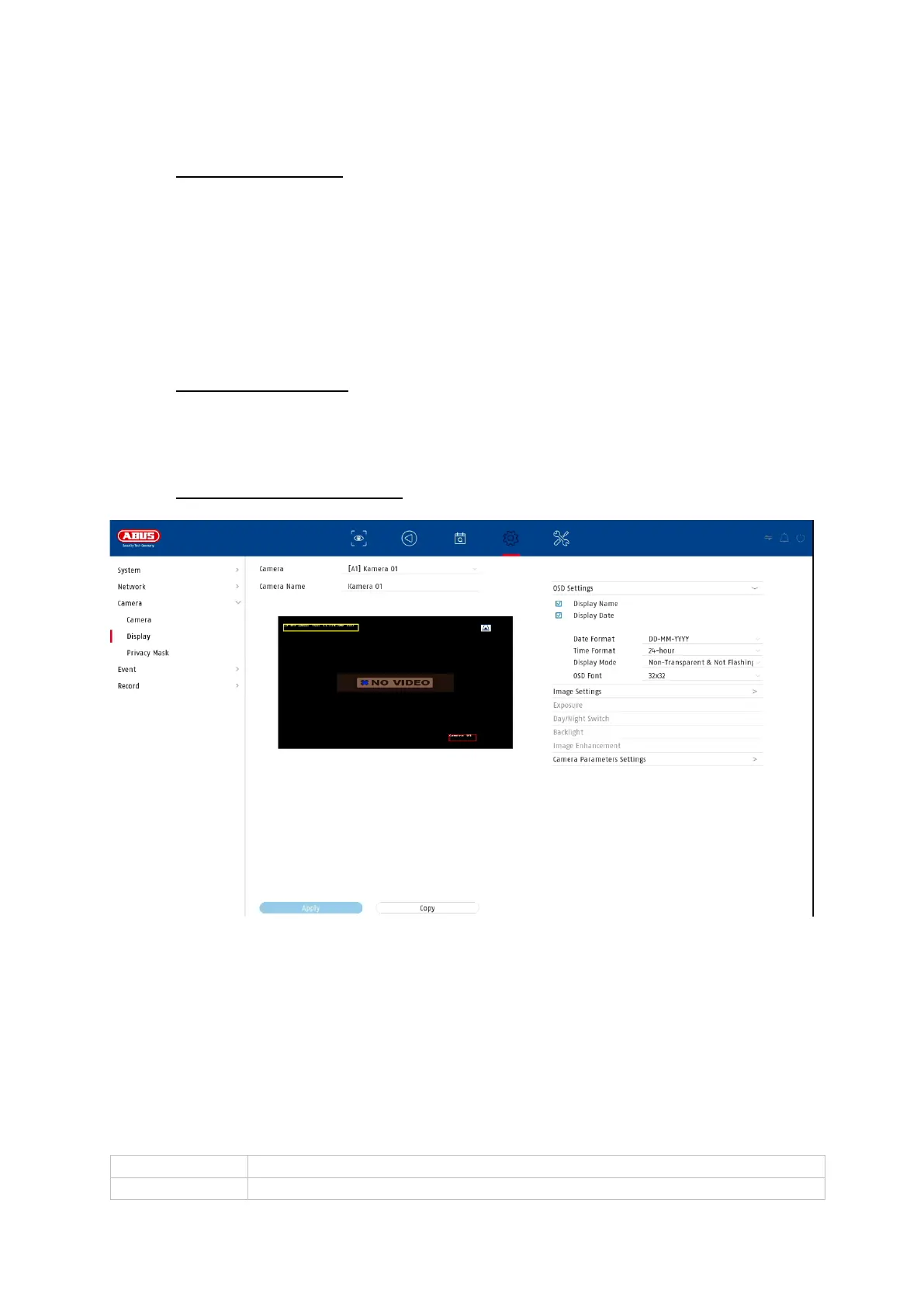
9.3.3. Display / Camera settings
Here you have the option of making individual settings per camera for the display of
the camera. The positioning of the camera name and date & time can be made
directly in the displayed live image.
Attention: Depending on the camera model used, the selection of setting options may
vary.
For more information on the settings, please refer to the operating instructions of the
camera.



 To Next Page