12
6.1 Main menu
6.3 Camera command
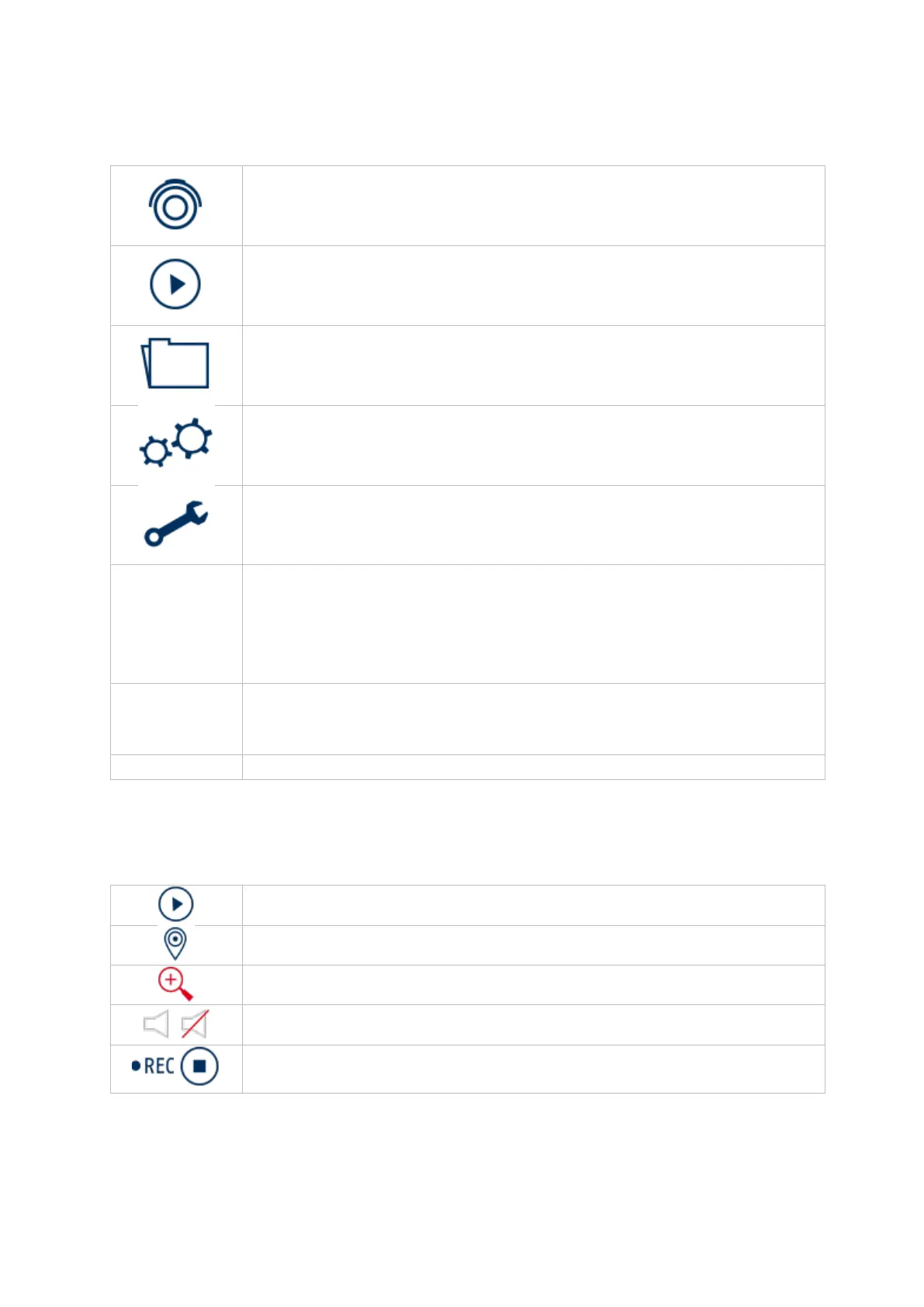
Switches to the live view
Switches to the playback view
Switches to the file search
Switches to the menu for system settings
Switches to the menu for maintenance settings
Switching between Simple Mode / Expert Mode
Only available in simple mode:
NTP, email settings
Alarm information
Quick display of some important alarm events
Logout / Shutdown / Restart
Starts playback of the last 5 minutes
Starts / stops recording, CAUTION: This function overwrites the
existing recording schedules.



 To Next Page