15
Filter Timeline
Four different filters are available to simplify the search for specific records. The
display of the timeline is also always adjusted.
Timeline control
The following functions are available for selection below the timeline:
Displays all permanent records
• Displays all recordings that were triggered by a VCA
function, e.g. movement detection.
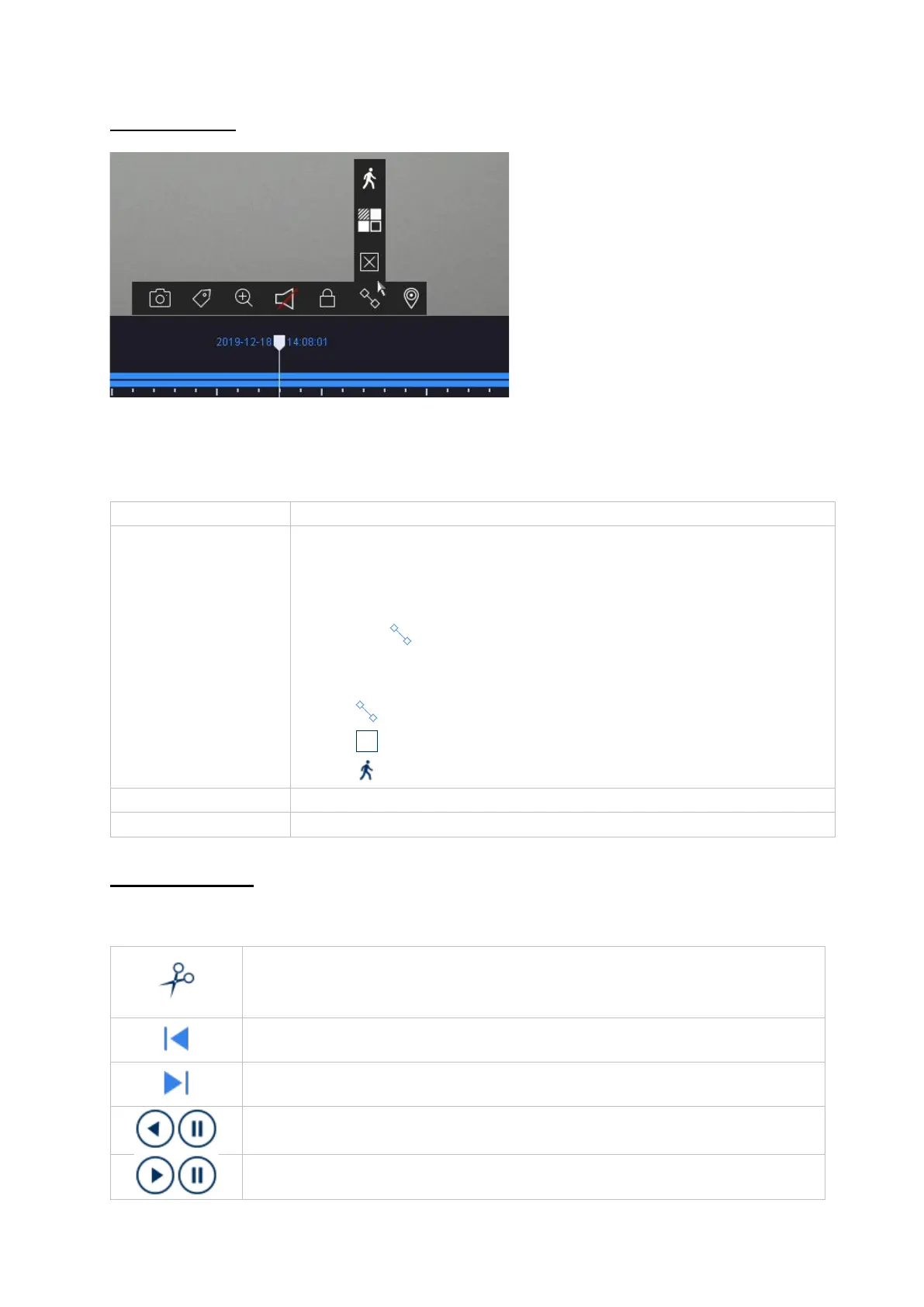
• In existing recordings, a VCA function can be used to
search specifically afterwards. To do this, click on the
icon in the camera command bar.
The following three VCA functions are available:
Tripwire (IP camera)
Intrusion detection (IP camera)
Motion detection (analogue & IP camera)
Use the "Custom Search" beforehand
Displays added markers in the timeline
Allows quick and easy export of video clips. The calendar search
option is available. The time of the video clip can also be determined
by moving the red brackets on the time bar.
Jumps 30 seconds backwards
Reverse playback and pause of the recording (only the full frames (I-
frames) in the H.264/H.265 video stream are always displayed)
Play and pause the recording forward



 To Next Page