18
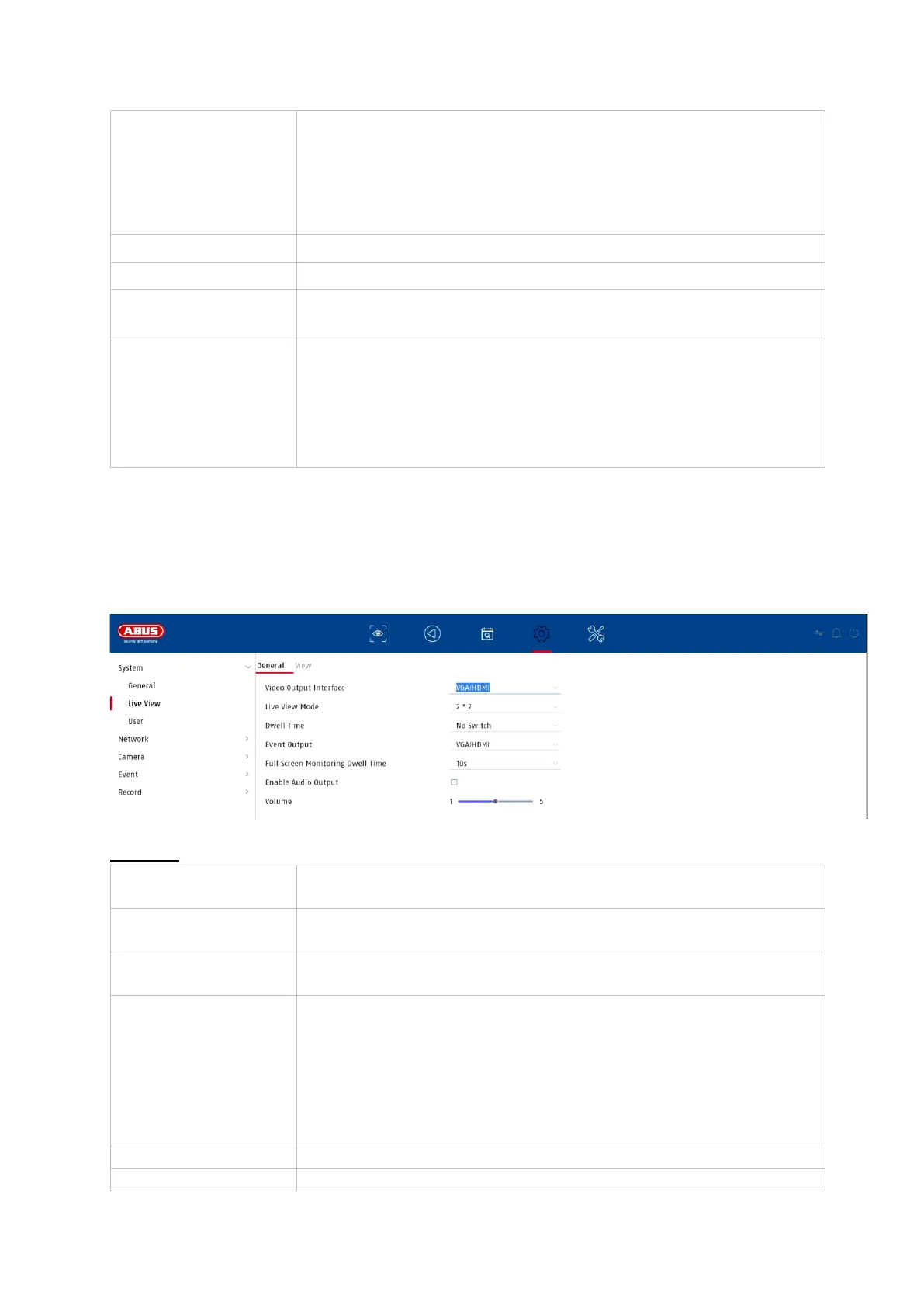
9.1.2. System / Live View
In the Live View menu, you define the behaviour of the local image output on the
recorder.
General
Select whether a password prompt should appear during
local operation.
Attention: When accessing via network, however, the
password must be entered.
Select the monitor resolution of the VGA output
Select the monitor resolution of the HDMI output
Select the desired speed of the mouse pointer
Select whether the recorder should switch between summer
& winter time.
• Auto: Recorder changes automatically
• Manual: Recorder changes according to the set start
and end date.
Here you can select at which connection the settings are to
be changed
Here you can select the camera layout:
1x1, 2x2, 1+5, 1+7, 3x3, etc.
Here you can select the switching time between the individual
cameras for sequence display
Activates the audio output for live viewing.
VGA: if this option is selected, the audio output is via the
RCA sockets on the back of the recorder.
HDMI: if this option is selected, the audio is output via the
HDMI interface.
Here you can adjust the volume
Here you can define the monitor for the output of events



 To Next Page