30
Under "Trigger Channel", you define which cameras are triggered and recorded in
the event of an event.
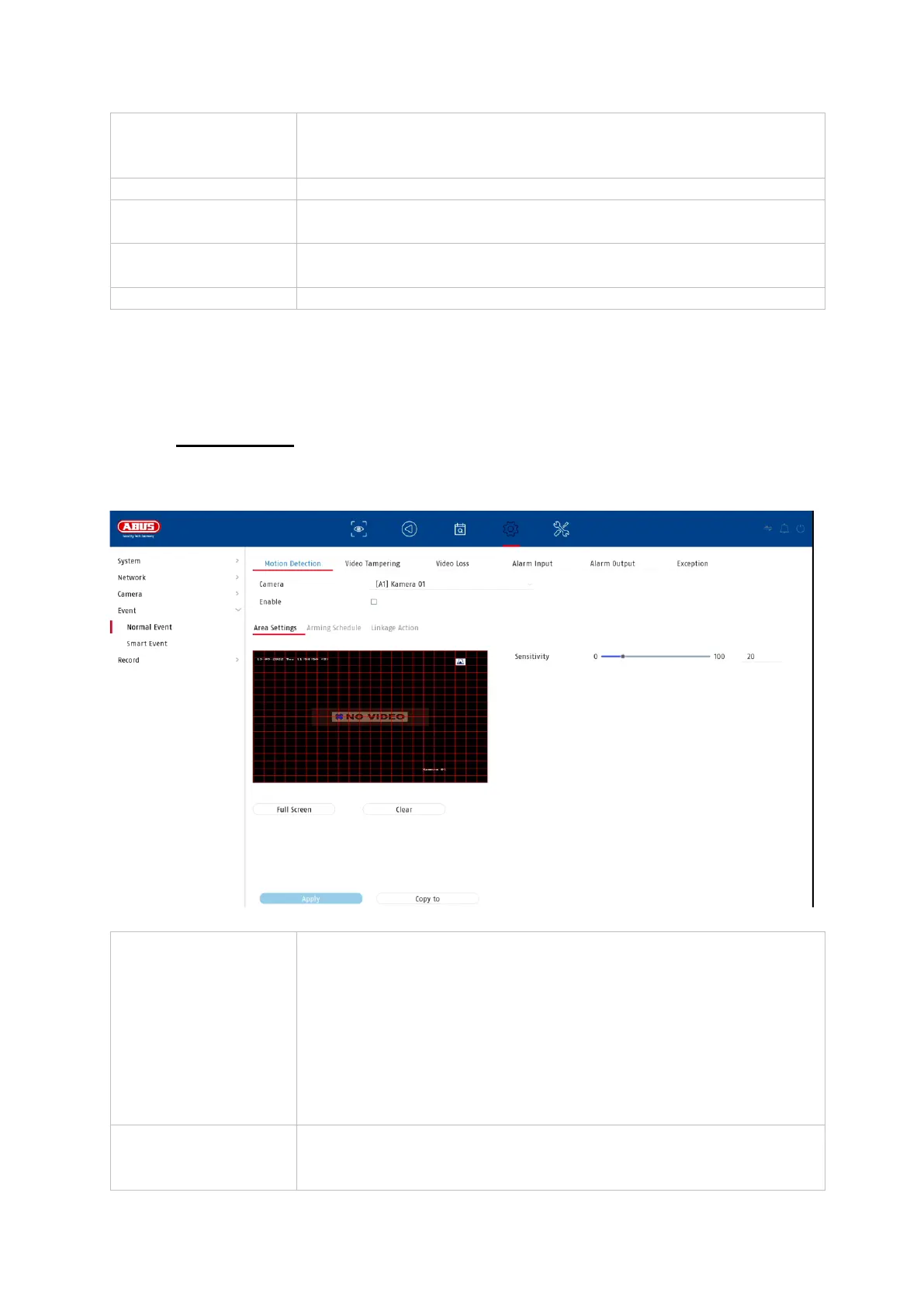
9.4.1. Normal event
The following events can be set up in the "Normal Event" menu:
Displays the triggered camera as a full screen on the local
monitor. (Configuration of the full screen output under
"System" / "Live View")
Starts a warning tone on the recorder
Sends a push message to the ABUS CMS or ABUS Link
Station App
Sends an e-mail (recipients + SMTP must be set up
beforehand)
The recorder only processes motion detection within the
camera.
If a live image of the camera is displayed in this dialogue, you
can directly configure the camera's motion masks.
Note: The displayed settings for motion detection are basic
settings. Detailed settings may be offered in the web interface
of the camera.
The sabotage monitoring function monitors the brightness
value of the selected camera. If the lens is covered, the
trigger strikes.



 To Next Page