Accent 1400 Hardware Manual for Dedicated Devices Page 20
Attaching the New Frame
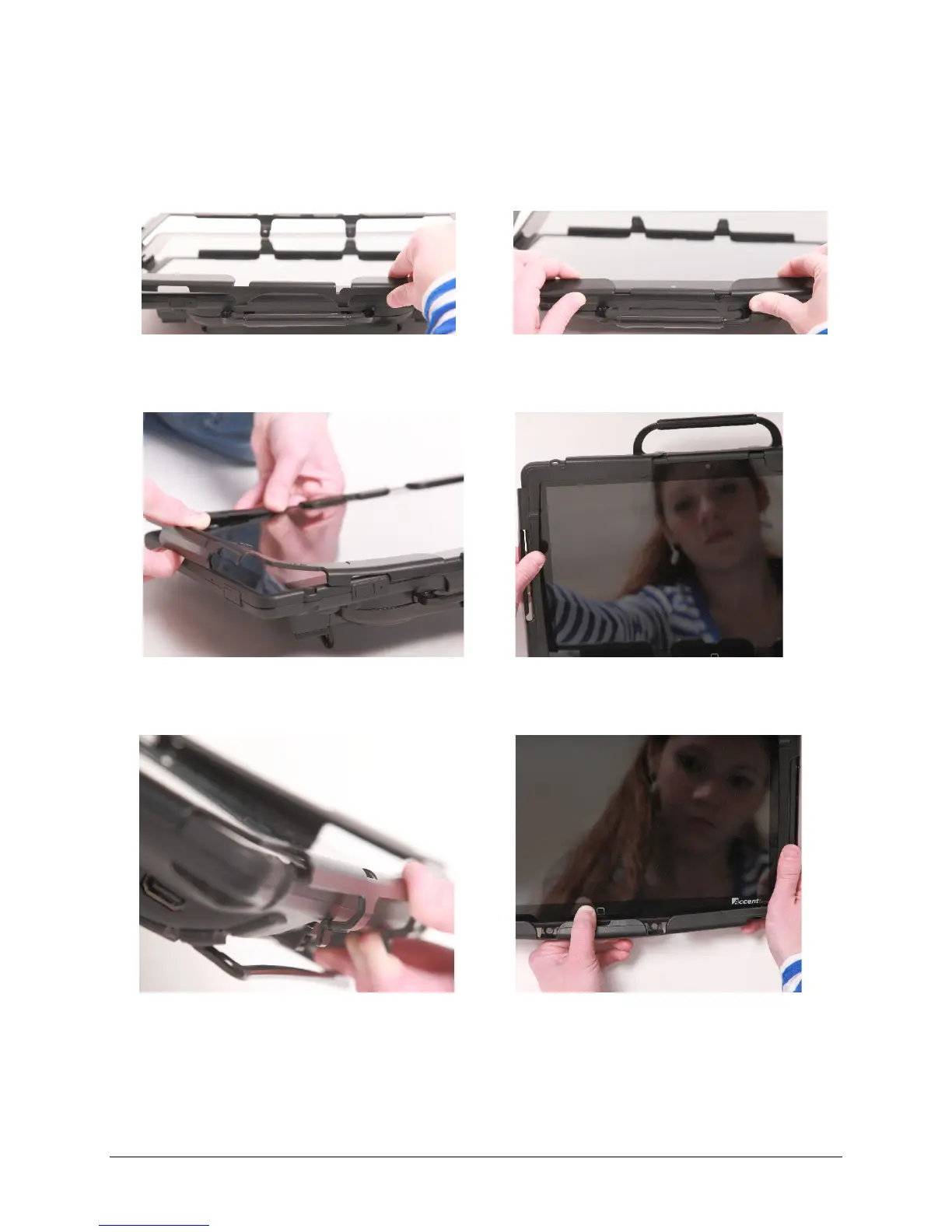
You must attach the device frame before you can mount a Keyguard or TouchGuide over the screen.
1. Line up the Keyguard tabs with the slots on
the top of the device.
2. Press the tabs into the slots.
3. Pull out slightly on the sides of the frame.
4. Push the sides down until they fit over the
edges of the device.
5. Pull out slightly on the bottom of the frame
6. Push the bottom of the frame over the bottom
edge of the device. Snap the frame into place.



 To Next Page