Page 6 of 33 Copyright © Access-IS 2020
3. Installation
3.1 Unpack the LSR116
Unpack the LSR116 and ensure that you have the following items:
• Advisory notice card.
• LSR116 device with attached serial or USB cable.
• Serial unit: USB power injector cable or LPS power supply (IEC cable not supplied).
Report any missing items or damage immediately to your Sales Representative.
3.2 Connection
Connect the LSR116 directly to an RS232 port or a USB port depending on the product version.
Note: The cable is sealed into the unit to prevent entry of water, moisture and dust. Cable length is
2 m for the serial and USB versions.
3.2.1 Connection to RS232
Figure 2. Connection to RS232
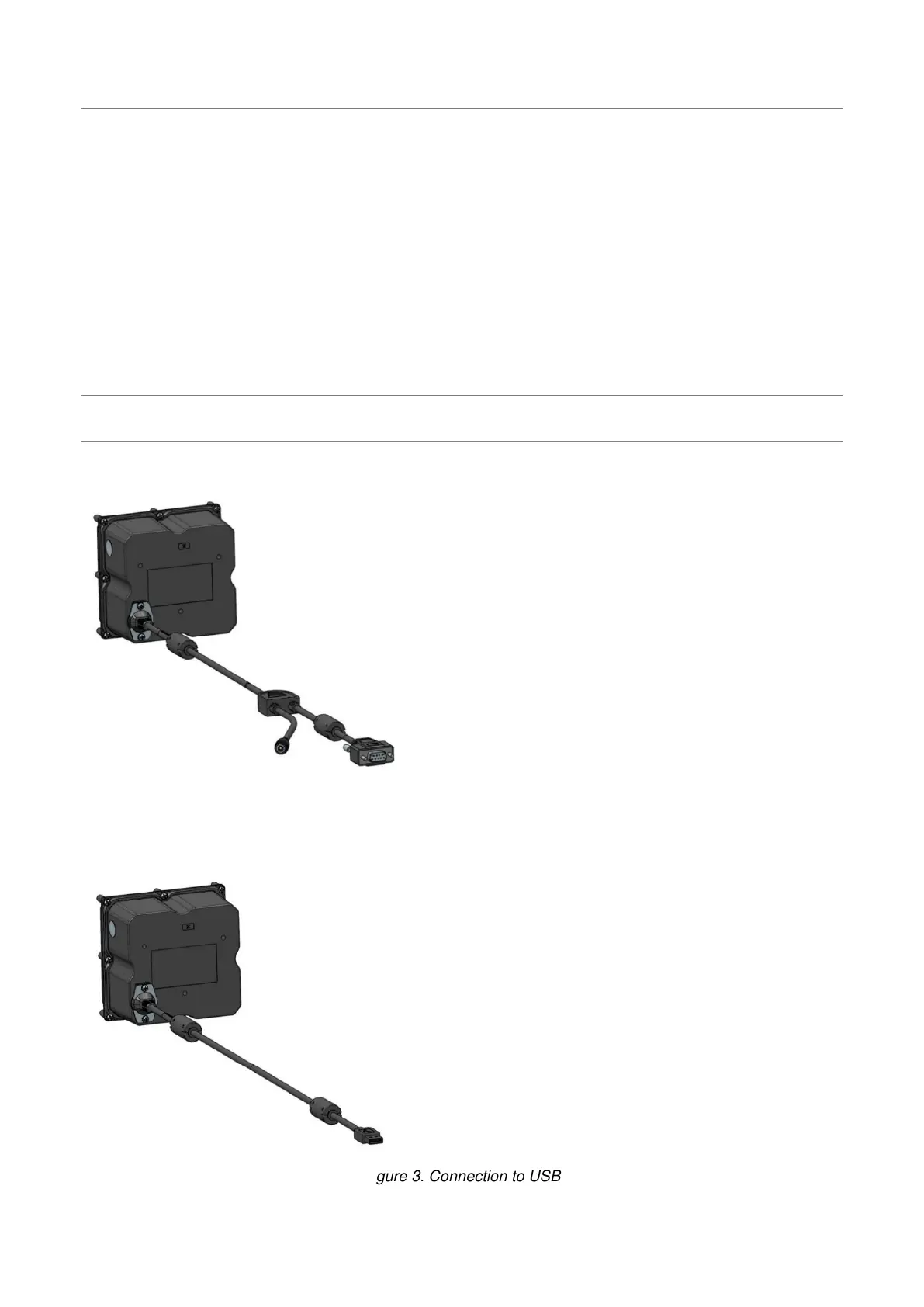
3.2.2 Connection to a USB port
Figure 3. Connection to USB
The LSR116 USB obtains power from the USB port.



 To Next Page