3.1 Power Up
Connect the power cord to the unit, then to a power source and turn the power
switch ON; the unit will conduct a self-check by spinning the counting wheels
several times. The counting number display will show “0” when the unit is ready
to start counting.
3.2 Mode Selection
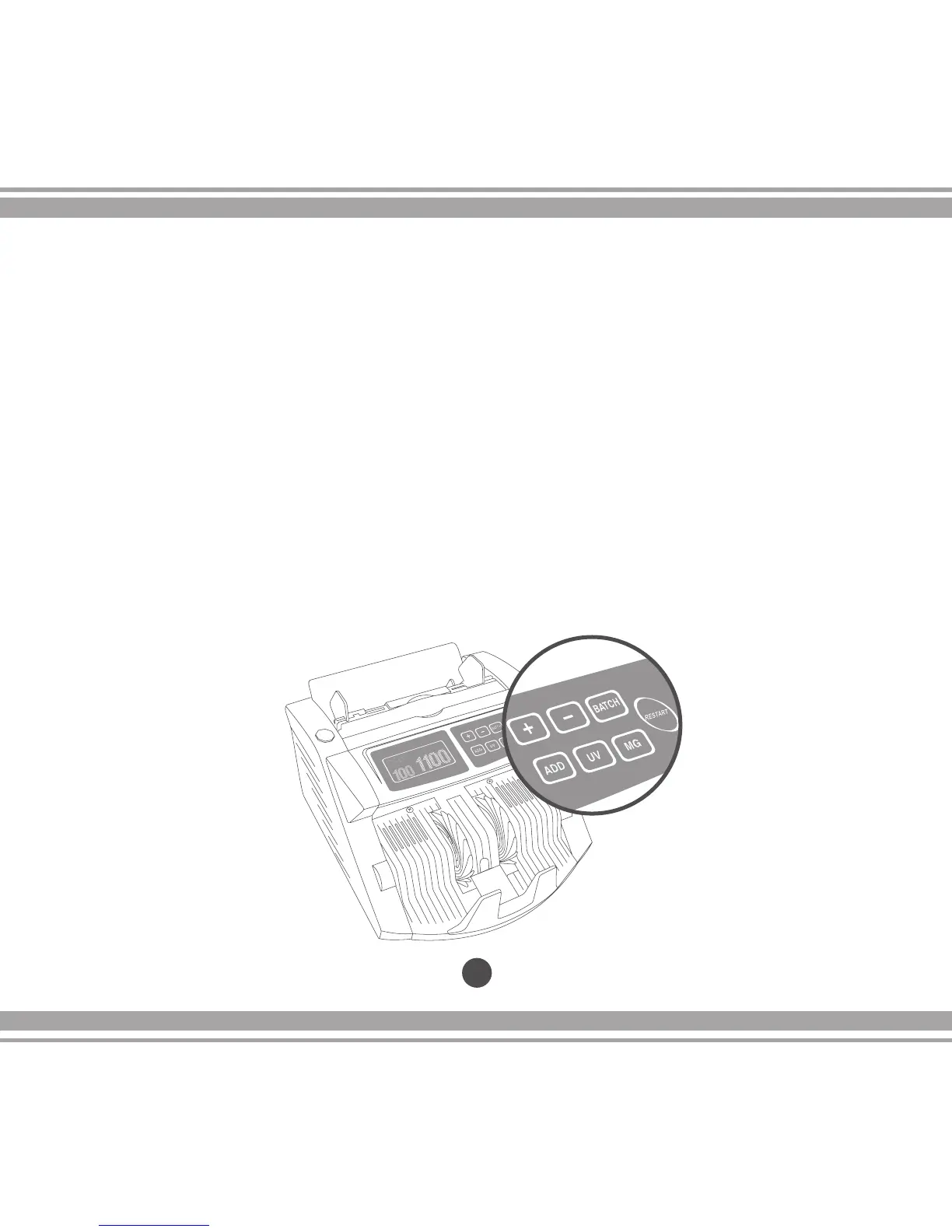
Select the function you want to use: “ADD”, “BATCH”, “UV” or “MG” using the
control panel.. When turned on, the unit will automatically set the “MG and/or UV”
functions to verify for counterfeit banknotes (for AB-1100 UV and/or
AB1100 MG/UV models only).
17
3.0 Operations


 To Next Page