3.10 Emergency Stop Feature
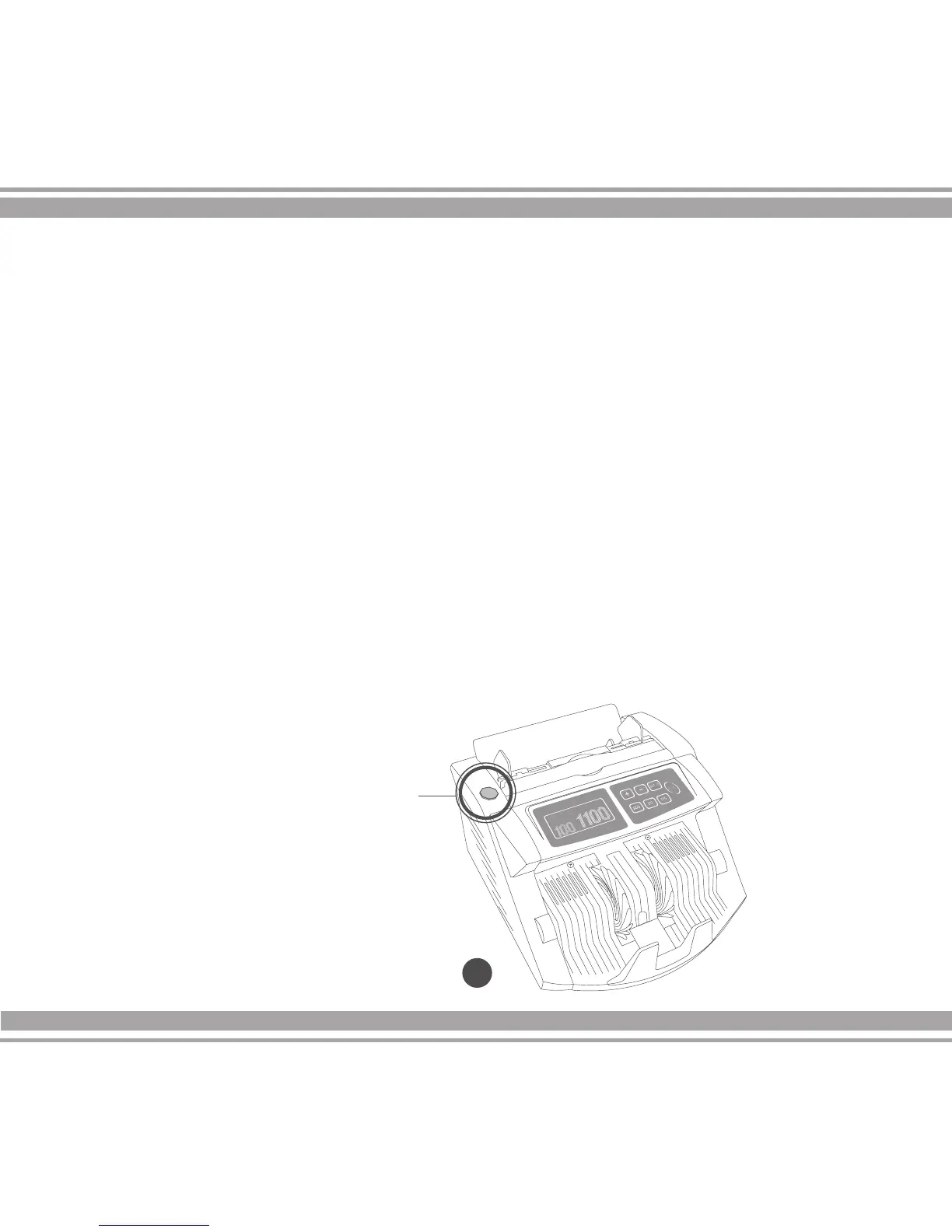
The AB-1100 Plus Series is equipped with an emergency stop button which
protects the user in the event that unintended objects (e.g. neckties, scarves, etc)
reach the feeding rollers of the unit. If the internal resistance increases beyond
the parameters of normal bill counting, the counting operation is
stopped immediately.
In the event of an emergency this feature can be activated manually by depress-
ing the red Emergency Stop Button located on the upper left side of the machine.
The button has a red LED indicator that blinks when the function is ON. Once
ON, the unit will show the message
“EMERGENCY STOP RESTART UNIT”. Once the Emergency Stop feature is
activated, the machine must be turned OFF; the foreign objects removed, and
turned back ON to continue the bill counting operations.
24
3.0 Operations cont.
Emergency Stop Button


 To Next Page