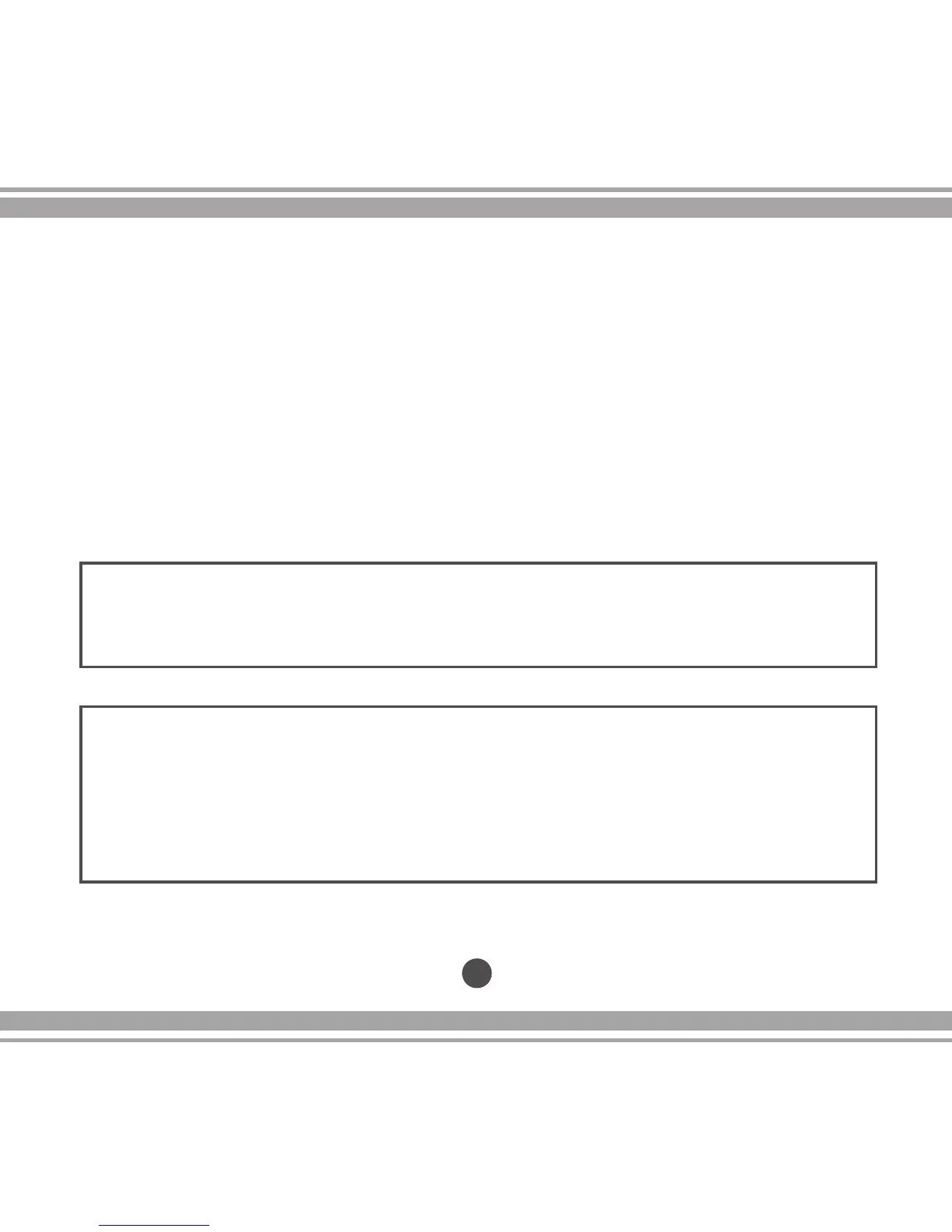
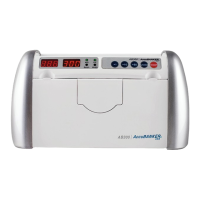
NOTE: The UV and MG functions could be customized for any specic currency
in case was necessary. It apply just for (AB-1100 UV and AB-1100 MG/UV only).
Pressing the MG or UV button functions for 3 seconds, the unit will enter in the SET
UP Menu . The message “UV-X” or “MG-X” will appear on the display. Using the “+”
and “-” buttons, the setting can be adjusted between “0 - 9”. Press the RESTART but-
ton to conrm your selection.
19
2. The machine will count until the hopper is empty or reaches a preset
batching number.
3. The number of counted bills is displayed on the screen.
4. The next counting operation will start again- with “0” on the screen.
5. Loading the hopper with additional bills, without removing the previous notes
accumulated on the stacker, will start the next counting operation automatically.
The newly counted quantity will be added to the previous one.
NOTE: If your machine is an AB-1100 BASIC, you may start counting operations
immediately. Moreover, if your machine is of the type UV or MG/UV, allow it to idle for ve
minutes to attain optimal operation performance.
3.0 Operations cont.


 To Next Page