WinCEGeräte_Handbuch_Administration_v2 00_en 12 / 84
When editing the startup configuration list of known programs, only one of
the two radio buttons "Start" and "Start and wait" will be displayed. Only
the enabled setting is displayed.
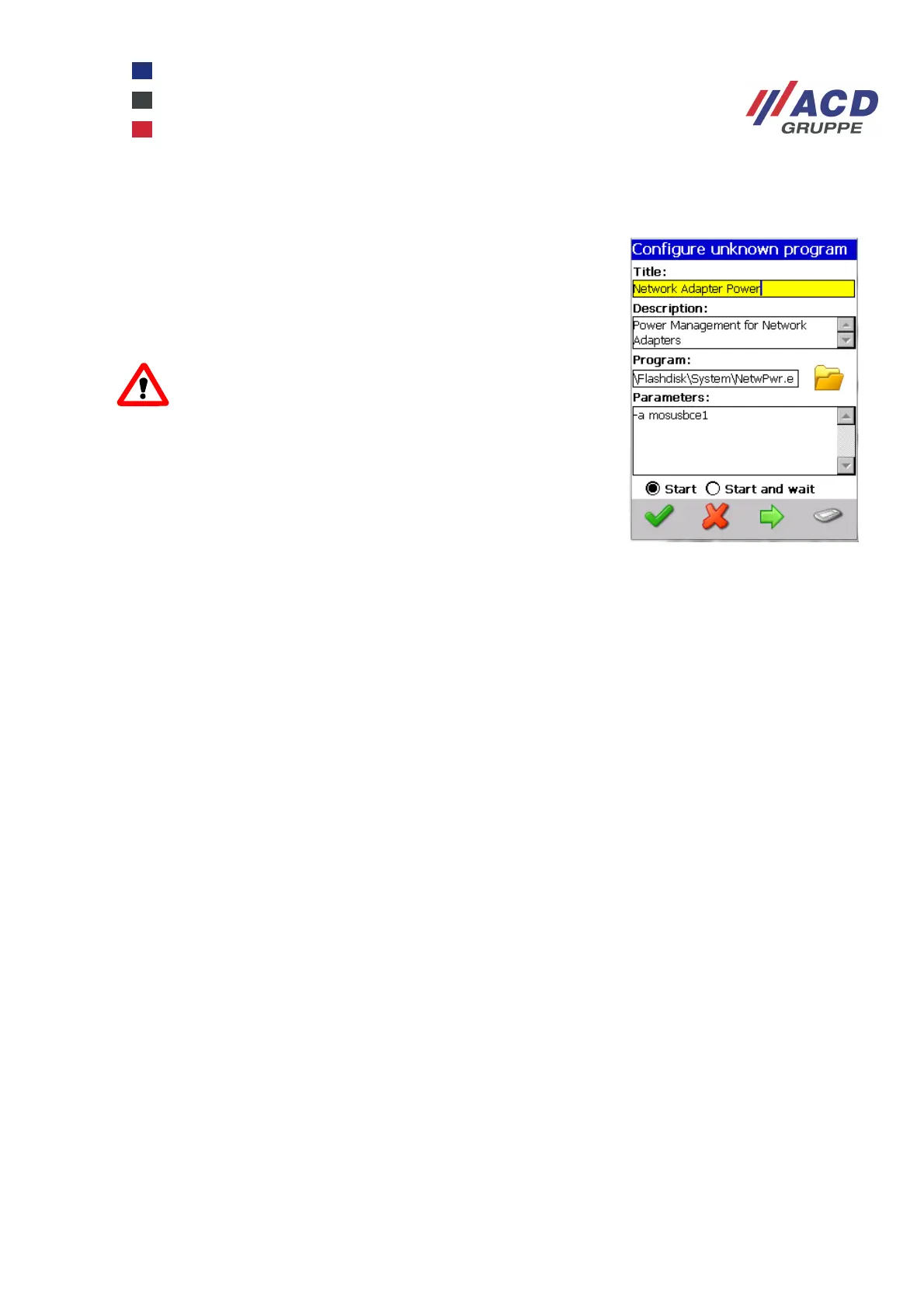
When editing the startup configuration list of "unknown" programs, both
radio buttons are displayed for selection.
.
ATTENTION
It is extremely important to select the correct setting for
the program you require to prevent the device "freezing"
when booted!
Programs with the "Start" button enabled will be launched immediately
and the startup process is launched immediately.
This option is commonly used for long or continuously running programs.
Programs with the "Start and wait" button enabled interrupt the startup
process until the programs have been closed.
This option is commonly used for short executable programs where the
work must be completed before other programs are launched.
More detailed information is available in the StartConfig_SoftwareDoku document.



 To Next Page