WinCEGeräte_Handbuch_Administration_v2 00_en 6 / 84
1.2.4 Desktop information
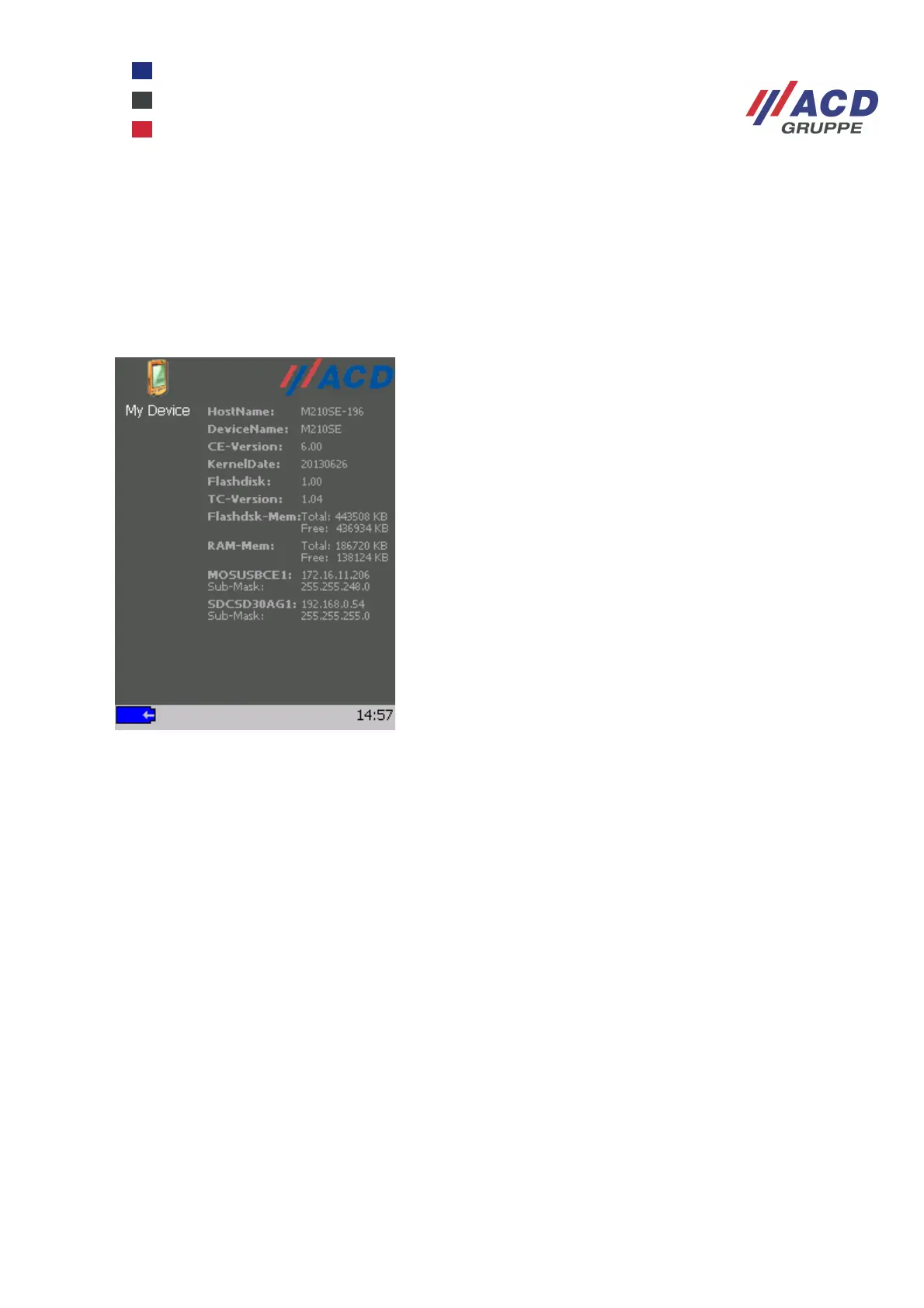
The most important system information is displayed directly on the desktop.
The information is not displayed in real-time; the status at the last device boot is displayed.
To refresh desktop information with the system running, go to Start / Programs / ACD and select the
Background refresh option.
To configure desktop information, see Chapter 3.10.
Desktop information via ACDDesk (a M210SE device under Windows CE 6 is shown above)
1.2.5 Sysinfo - device information at a glance
The Sysinfo utility to be found under Start / Programs / ACD provides a quick overview of the system
resources stored on the device. Information retrieved by this program may be required by Support to provide
concrete help and advice.
It is also possible to generate a protocol file containing current system information (see Chapter 3.11).



 To Next Page