WinCEGeräte_Handbuch_Administration_v2 00_en 71 / 84
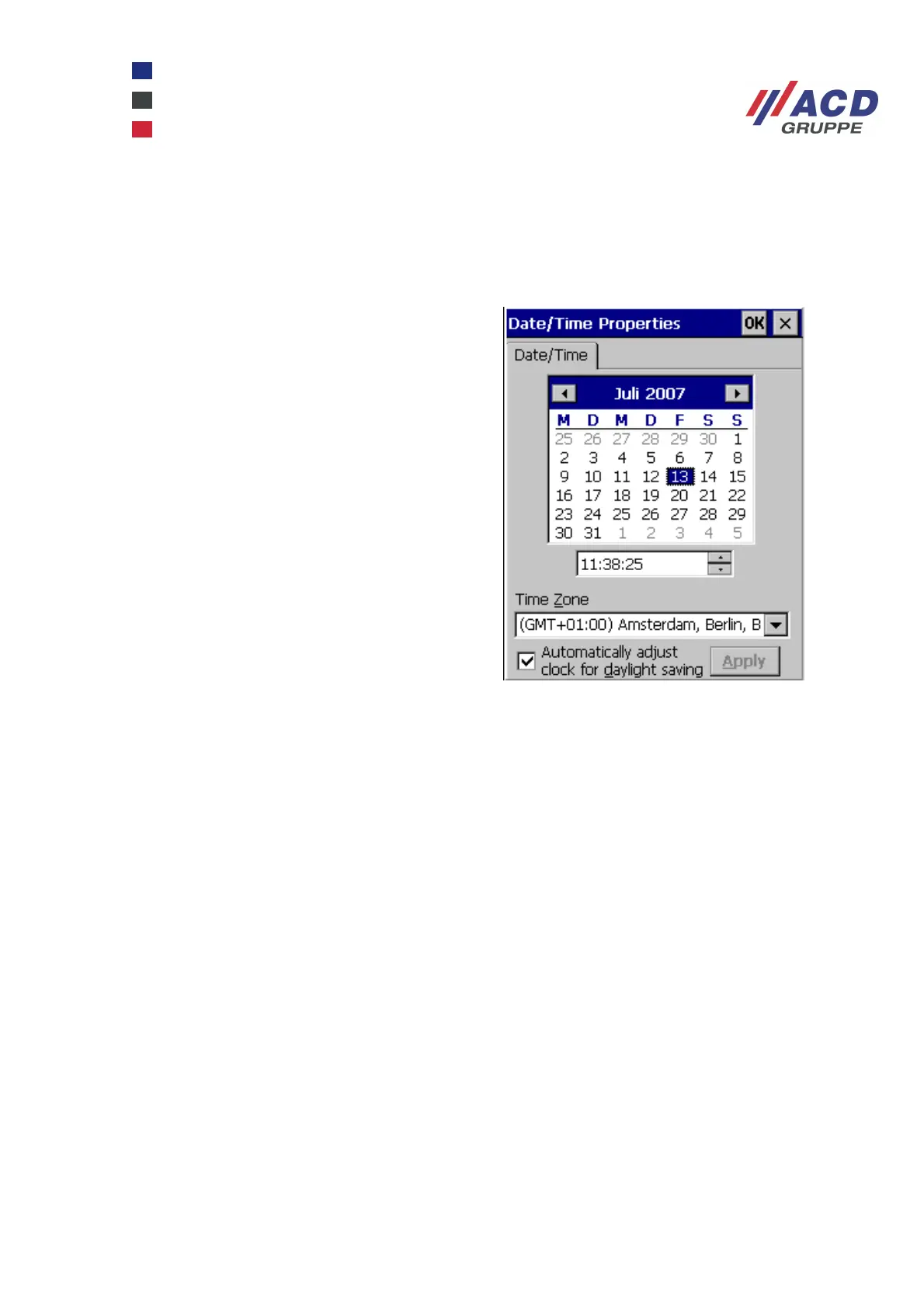
3.4 Setting the clock and time zone
The clock is set automatically when a ntp time server or an ActiveSync partnership is used. Without these
resources, the clock and the relevant time zone information can be accessed from the Control Panel
(Start / Settings / Control Panel / Date/Time).
The checkbox next to Automatically adjust clock for
daylight saving has the following functions:
A device in Suspend mode
(e.g. M210SE) is awakened and the time is reset.
Once the defined suspend time elapses, the device
returns to suspend mode. The device will not be
resumed (awakened) when it is completely switched
off.
Time synchronisation via ntp correctly adjusts the
winter/summer time.



 To Next Page