WinCEGeräte_Handbuch_Administration_v2 00_en 72 / 84
3.5 Calibrating the touchscreen
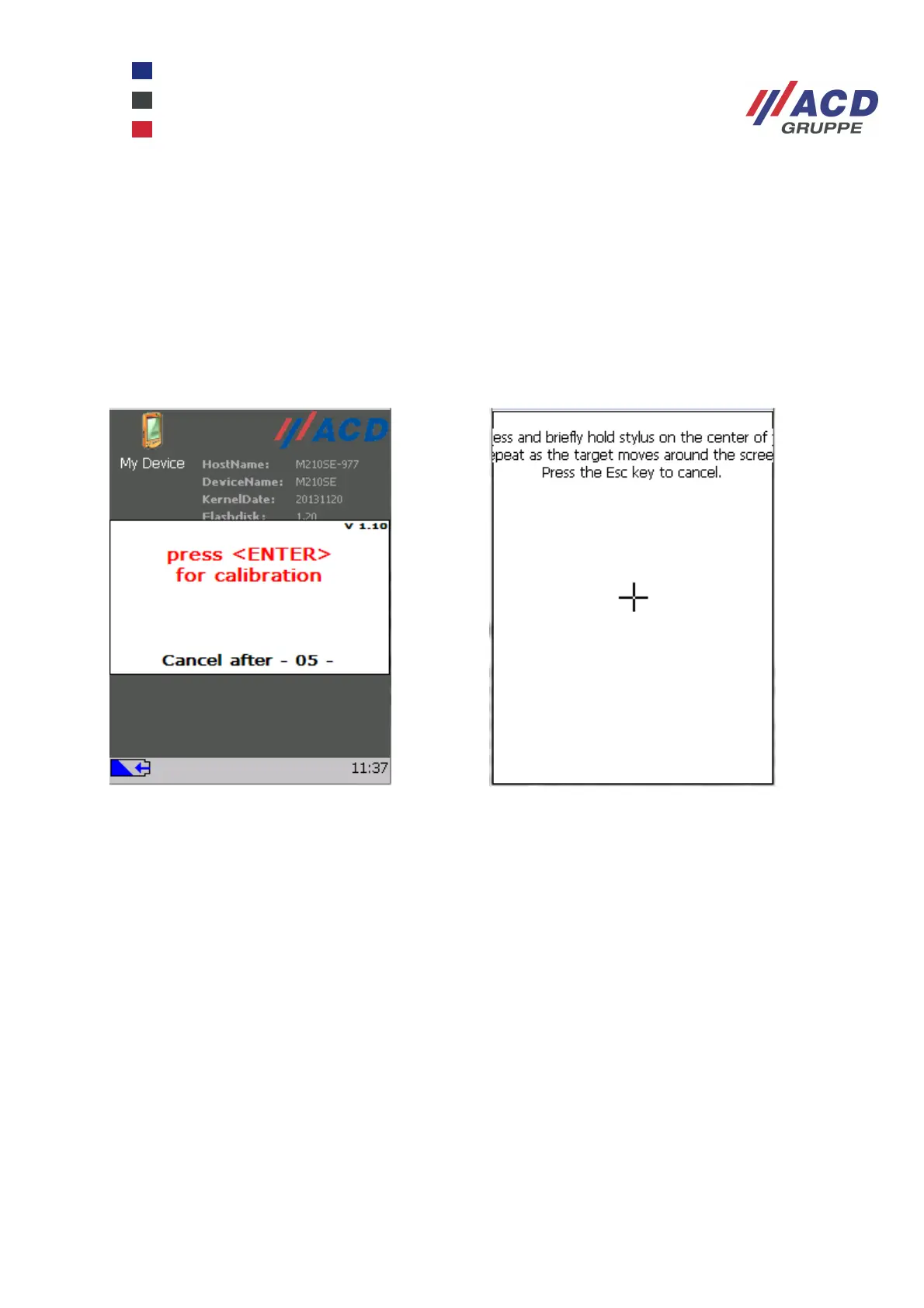
To ensure that the touchscreen transmits the correct touch coordinates on the screen to the operating
system, the touchscreen has to be calibrated. This is done using the menu option
Touch Calibration under Start / Program.
Use the stylus to tap the calibration points for a few seconds until the cross moves position. To ensure that
the Windows taskbar remains easily accessible, both calibration points should be calibrated by moving them
upwards by approx. 1 mm. After calibrating the last point (empty screen), tap on the display to complete the
calibration. The calibration process is then finished. The touchscreen remains calibrated even when the
registry is deleted.



 To Next Page