Acer E200 Smartphone User Guide16
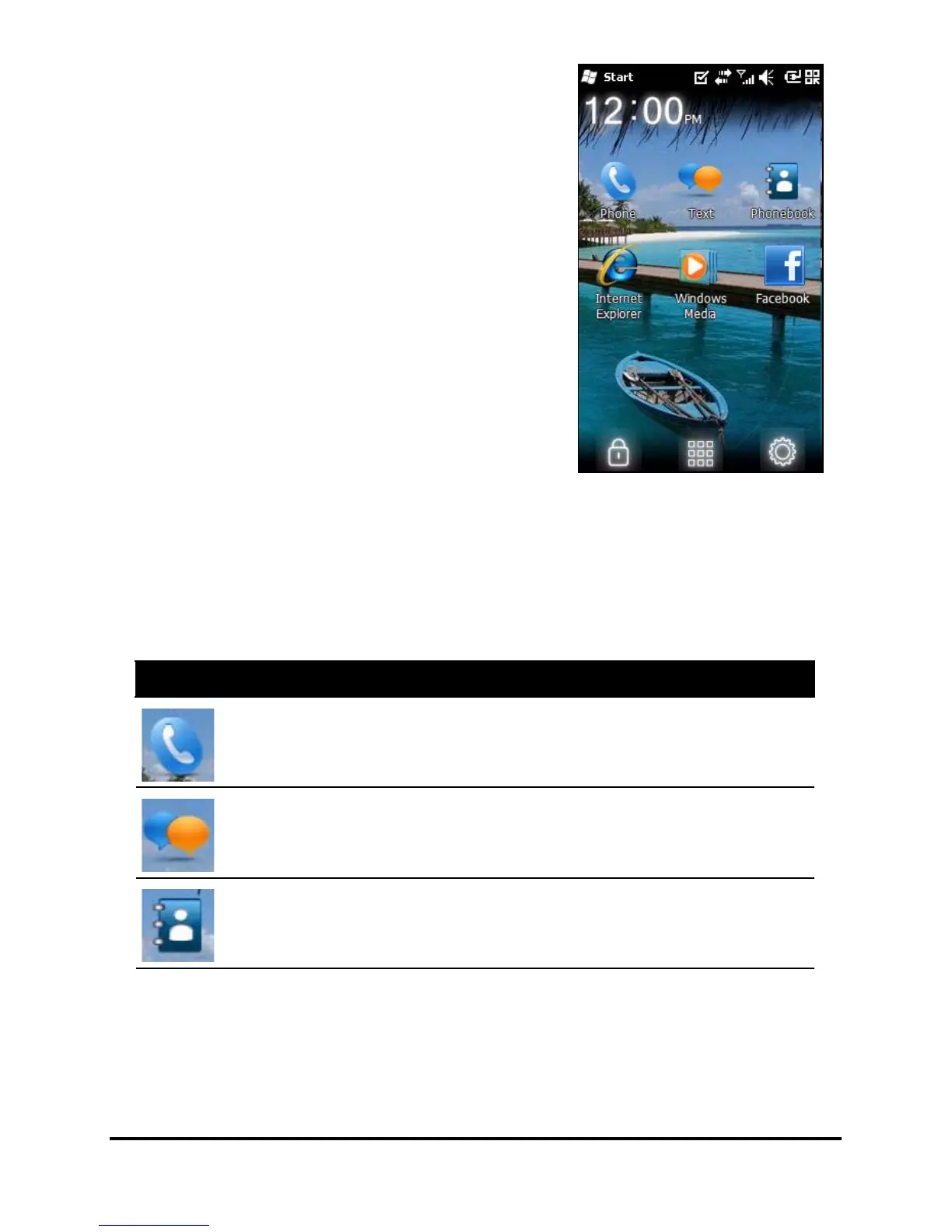
The Today screen
After rebooting, your smartphone
will display the Today screen. This
screen gives you quick, icon-based
access to many of the frequently-
used features of your smartphone.
The first time you start your
smartphone, you will see shortcuts
and control icons on the screen.
Some of them can be changed,
others not.
Phone icons
These icons allow you to access basic phone functions. They
may not be changed or removed.
Icon Description
Opens the phone dialer to make a call.
Opens the Windows Messaging program so you can send an
email, SMS or MMS.
Opens the Phonebook.


 To Next Page