Acer E200 Smartphone User Guide28
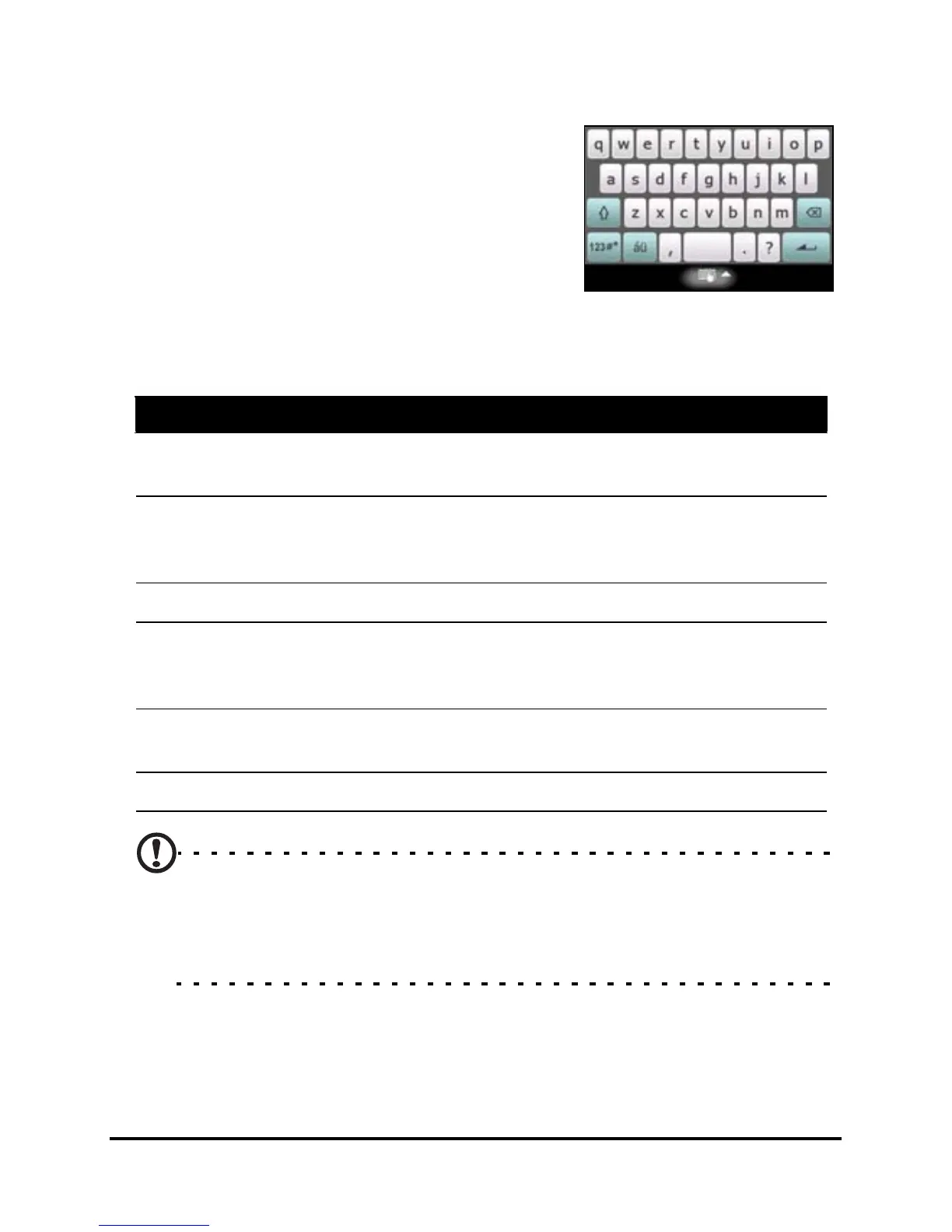
The onscreen keyboard
You can activate an onscreen key-
board in certain applications when
entering data.
Tap the keyboard icon at the bottom
of the screen to display the keyboard.
Tap again to hide the keyboard.
Tap the arrow next to the keyboard symbol to select different
input options.
Note: The handwriting function can take some practice getting
used to. Tap the
? symbol, visible when one of the handwriting
options (*) is active, to view writing demonstrations and access the
Help menus.
Mode Description
Block Recognizer* Write using letters, numbers, symbols and punc-
tuation marks to be converted to text.
Easy Keyboard Displays a standard keyboard with larger keys for
easier use. Tap to enter letters, numbers and use
function keys.
Keyboard Displays a compact keyboard.
Letter Recognizer* Write uppercase letters, lowercase letters,
numbers and punctuation marks to be converted
into text.
Transcriber* Use the stylus to write in cursive, mixed or print
handwriting to be converted into text.
XT9 Smart input method using predictive text.


 To Next Page