Acer E200 Smartphone User Guide20
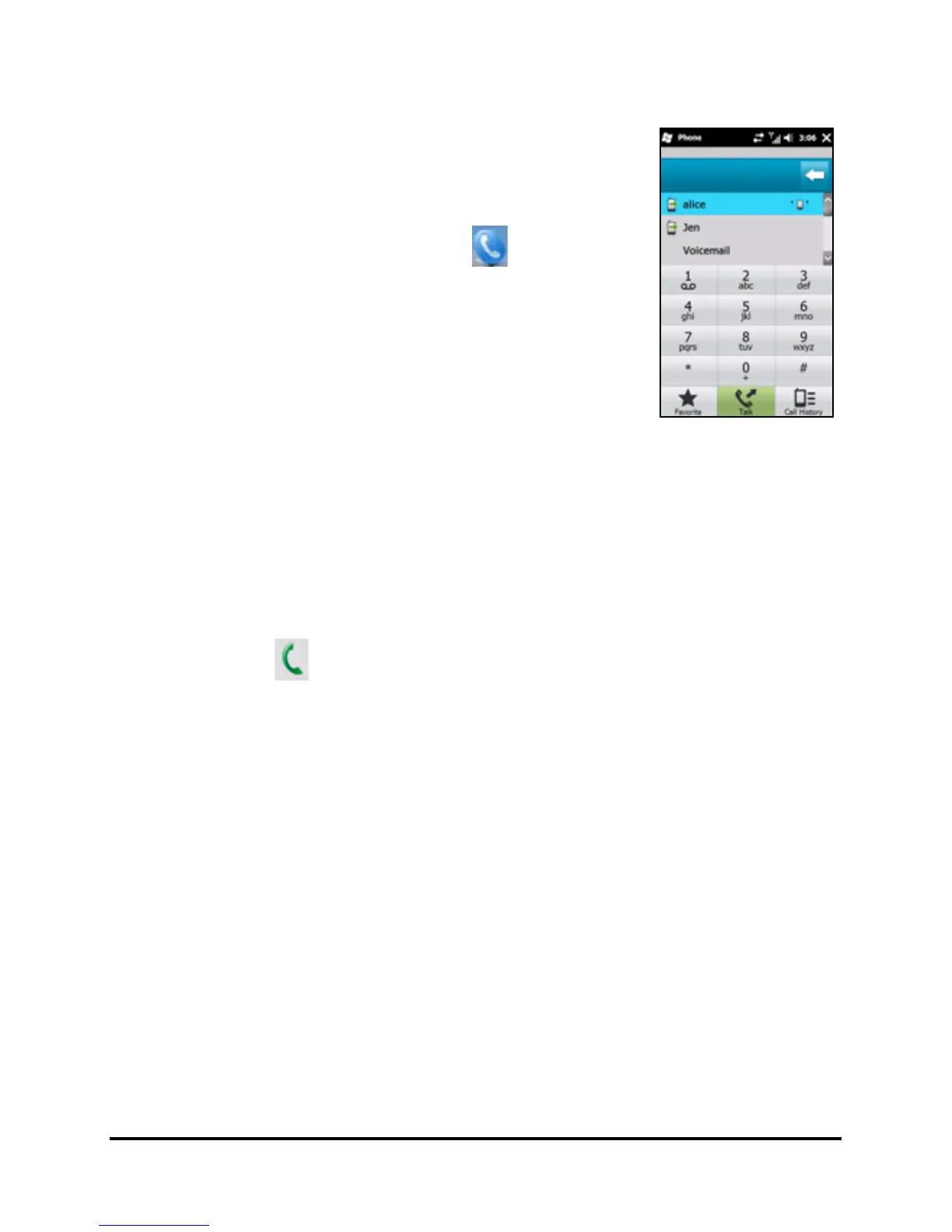
The onscreen number pad
The onscreen number pad allows you to
enter numbers to dial.
To access the onscreen number pad, press
the Call button or tap Phone (
).
Making a call to one of your
contacts
1. Your contacts will be displayed above the onscreen number
pad.
2. Tap a contact to pull up their detailed information.
3. Tap Call ( ), to call the displayed contact.
Using the numeric keypad
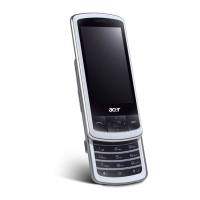
Sliding the numeric keypad out hides the onscreen number
pad.
Enter the number you want to call and press the Call button to
start dialing.
Dialing a number from Call History
Your Call History is also displayed above the onscreen number
pad, and displays recent received, dialed, and missed calls.


 To Next Page