59Personalizing your smartphone
Tap OK to confirm and save.
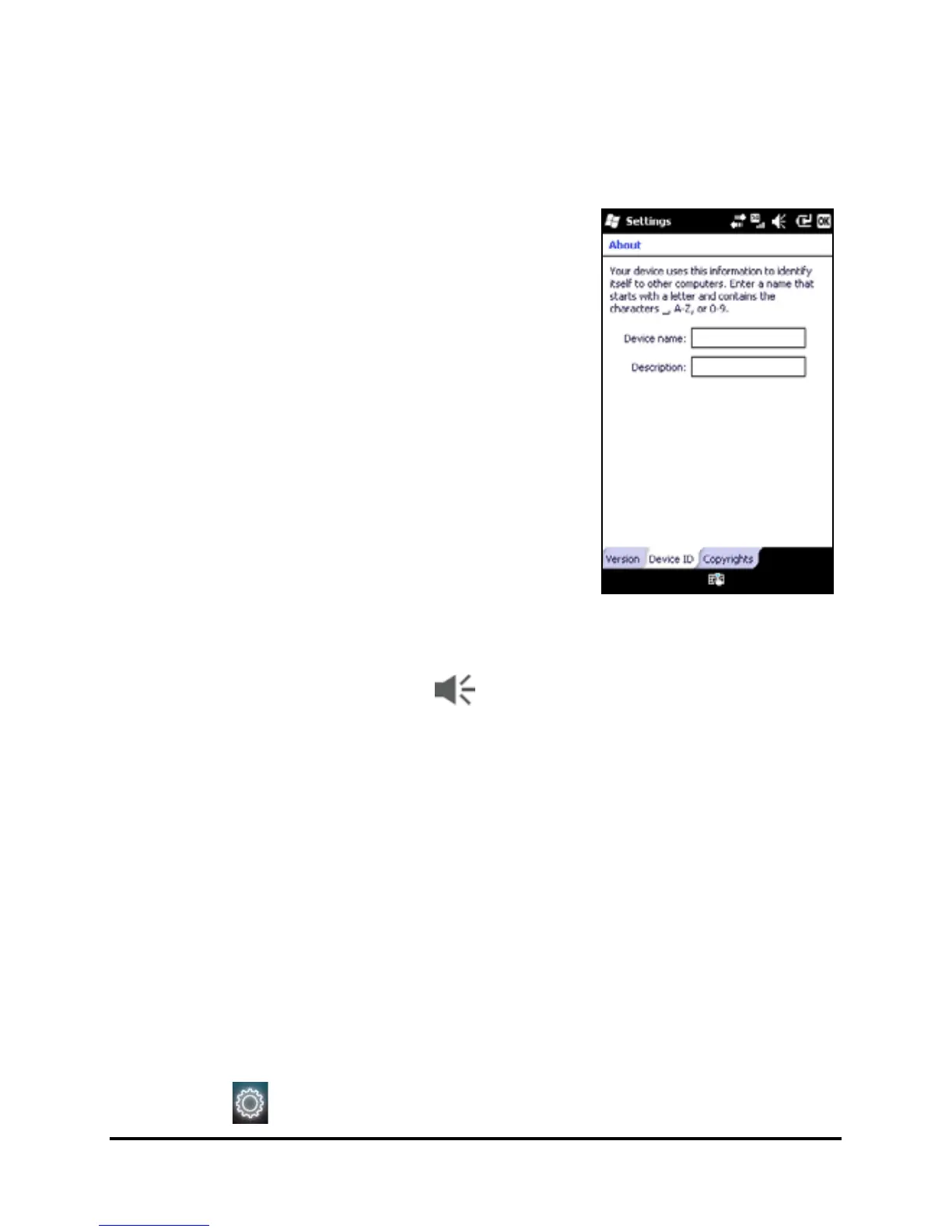
Naming your smartphone
Your smartphone uses a name to iden-
tify itself when connected to other
computers. To specify a name, tap Start
> Settings > System > About > Device ID
tab.
Enter a name for your device. Add a
description if necessary.
Tap OK to confirm and save.
Adjusting the volume
To adjust the volume, tap at the top of the screen. The
volume control appears.
• Use the right slider to adjust the ring volume.
• Use the left slider to adjust system volume.
• Use the icons at the top of the screen to turn all sounds
on, set to vibrate only or mute all sounds.
• If you adjust the volume during a call, the speaker vol-
ume will be adjusted.
Configuring Today screen programs
You can select the programs you most frequently use and put
them in the Today screen as shortcuts.
1. Tap ( ) to bring up the edit screen.


 To Next Page