EasyManua.ls Logo

Acer N368 - User Manual

Acer N368
68 pages
Print Icon
To Next Page IconTo Next Page
Loading...
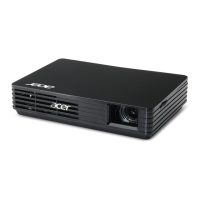
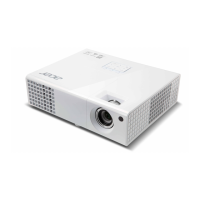
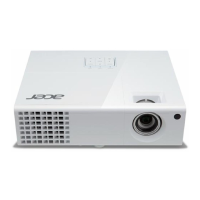
Acer Projector
P5630/N368/PN-WU17/PR642/MF-542/
DWU1703
P5530/N358/PN-817/PR542/MF-442/
D1P1704
P5330W/N328/PN-W17/PR442/MF-342/
DWX1705
P5230/N318/PN-X17/PR242/MF-142/
DNX1706
User's Guide

Questions and Answers

  • Z
    zhowardAug 25, 2025
    How to fix no image on Acer Projector?
    • T
      Tina OlsonAug 26, 2025
      First, ensure that all connections are properly set up as described in the "Getting Started" section. Then, check the connector pins for any damage. Confirm that the projector lamp is securely installed, referencing the "Replacing the Lamp" section if needed. Finally, remove the lens cap and ensure the projector is switched on.
  • T
    Todd SmallAug 25, 2025
    How to adjust Acer Projector image size?
    • H
      Harold WilliamsAug 25, 2025
      If the image displayed by your Acer Projector is too small or too large, try adjusting the zoom ring on the projector. You can also move the projector closer to or further from the screen. Additionally, you can press "MENU" on the remote, navigate to "Image -> Aspect Ratio", and experiment with different settings, or press "RATIO" on the remote to adjust directly.

Acer N368 Specifications

General IconGeneral
BrandAcer
ModelN368
CategoryProjector
LanguageEnglish

Related product manuals