Clearing CMOS
In case you forget your password, short JP11 to clear the CMOS. There is no
physical jumper on the location of JP11. Instead, you will find two solder
pads representing JP11.
Follow these steps to short JP11:
1. Remove the system battery from its socket.
2. Use a wire to short the two solder pads for about 10 seconds.
3. Re-insert the system battery into the socket.
Selecting a CPU
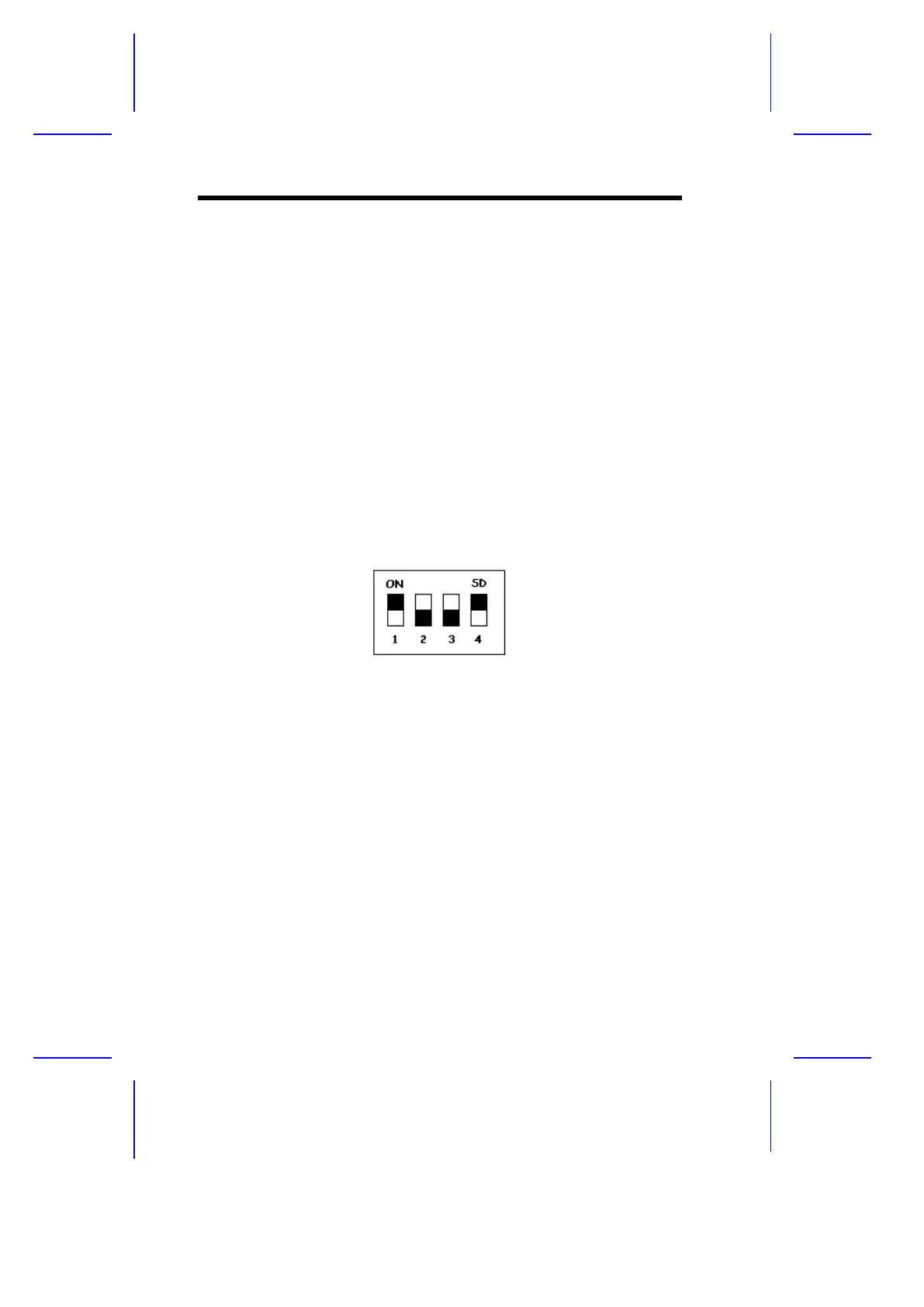
A multifunction switch marked S1 comes onboard to allow selection of the
CPU clock frequency and core/clock ratio depending on the CPU type.
Figure 1-3 shows the S1 multifunction switch.
Figure 1-3 S1 Multifunction Switch
Table 1-2 lists the settings and functions of the S1 multifunction switch.
1-6 User’s Guide



 To Next Page