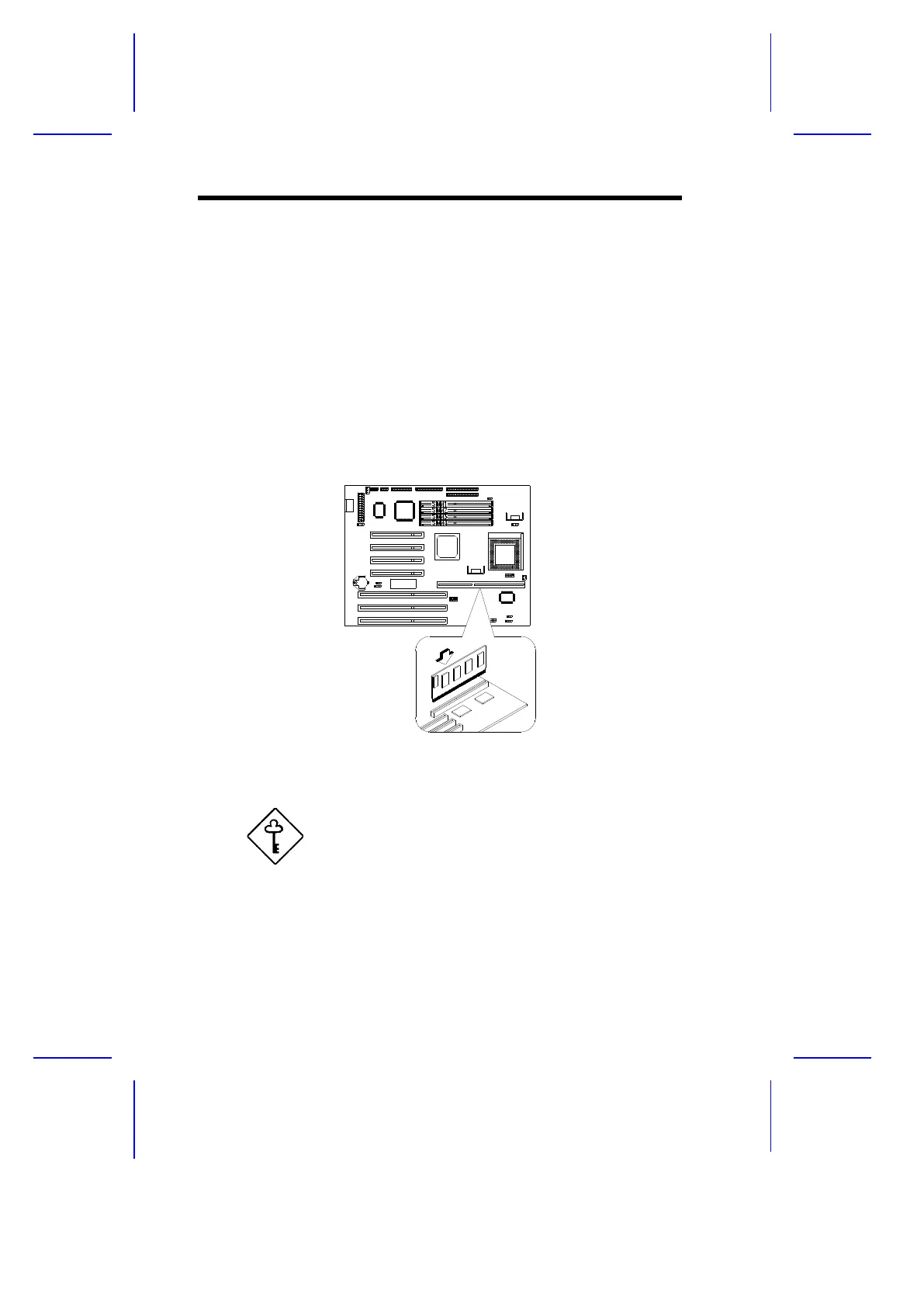
1.8 Second-level Cache Configuration
The system board has an onboard 256-KB or 512-KB synchronous second-
level cache. The 160-pin cache module slot that comes with the board
supports a pipeline burst SRAM module. If the board comes with a 256-KB
cache, you can upgrade it to 512 KB by installing a UMC UM61 3232AF-7
256K cache module.
Follow these steps to install a cache module:
1. Position the cache module on top of the slot such that its component
side faces the CPU.
2. Insert the cache module carefully until the golden finger of the module
fit into place.
Figure 1-8 Installing a Cache Module
3. Set jumpers JP8 and JP9 to the correct second-level cache size.
Do not forget this step. The system will not work
properly if JP8 and JP9 are not set properly.
1-16 User’s Guide



 To Next Page