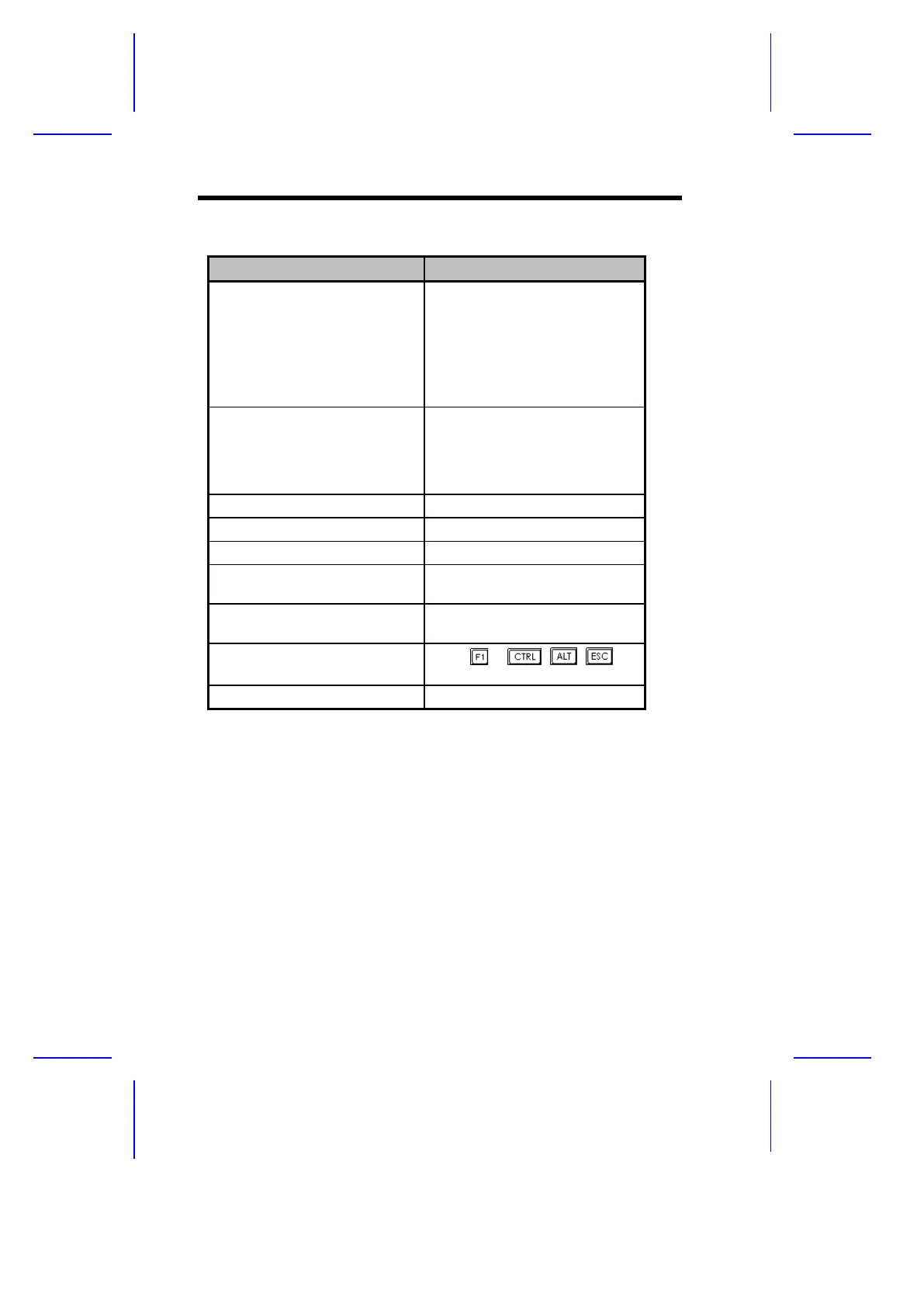
Table 1-7 System Error Messages (continued)
Message Action
Memory Error at:
MMMM:SSSS:OOO
(W:XXXX, R:YYYY)
where:
M: MB, S: Segment,
O: Offset, X/Y: write/read
pattern
Check SIMMs on the system
board. Contact your dealer.
CPU Clock Mismatch Run Setup. Check if the CPU
clock is correct. If correct, exit
Setup and reboot the system. If the
error message reappears, ask for
technical assistance.
Onboard Serial Port 1 Conflict Run Setup and disable the port.
Onboard Serial Port 2 Conflict Run Setup and disable the port.
Onboard Parallel Port Conflict Run Setup and disable the port.
Pointing Device Error Check and connect pointing
device.
Pointing Device Interface Error Replace the pointing device or
contact your dealer.
Press F1 key to continue or
Ctrl+Alt+Esc for Setup
Press or + + to
enter Setup.
Real Time Clock Error Contact your dealer.
1-20 User’s Guide



 To Next Page