2.2 Basic System Configuration
Select Basic System Configuration to input configuration values such
as date, time, and disk types.
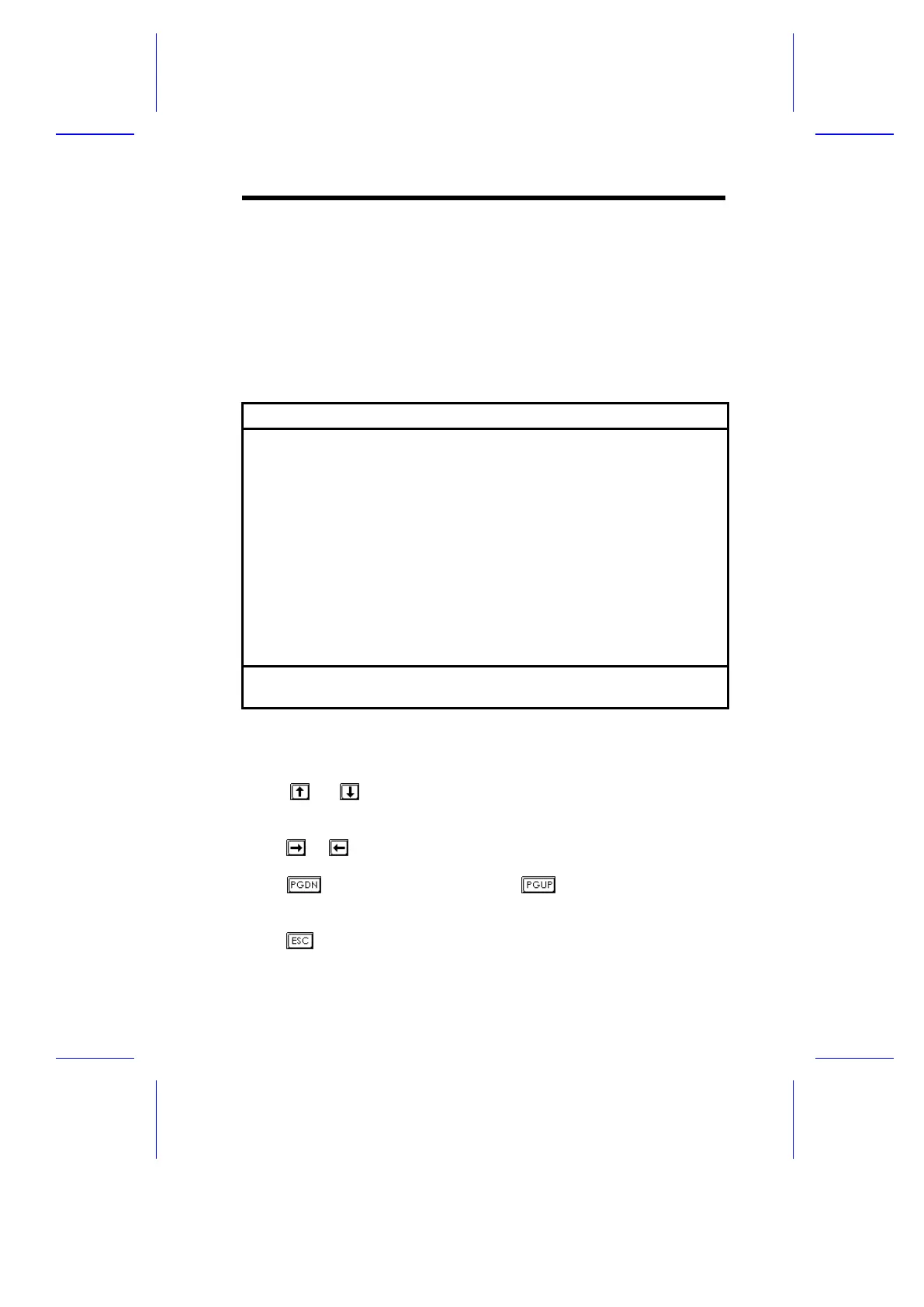
The following screen shows the Basic System Configuration menu.
Basic System Configuration Page 1/2
Date ......................[MM/DD/YY]
Time ......................[HH:MM:SS]
Diskette Drive A ..........[xx-MB xx-inch]
Diskette Drive B ..........[xx-MB xx-inch]
Cylinder Head Sector
IDE Drive 0 (xxx MB)......[Auto] xx xx xx
IDE Drive 1 (xxx MB)......[Auto] xx xx xx
IDE Drive 2 ...............[Auto]
IDE Drive 3 ...............[Auto]
Total Memory ..............[ xxxx] KB
¯ = Move Highlight Bar, ® ¬ = Change Setting
PgDn/PgUp = Move Screen, F1 = Help, Esc = Exit
The command line at the bottom of the menu tells you how to highlight
items, change settings, and move from one screen to another.
Press or on the cursor-edit keypad to highlight the desired
parameter.
Press or to select the desired option for a parameter.
Press to move to the next page or to return to the previous
page.
Press to exit the configuration menu.
BIOS Utility 2-3



 To Next Page