Copyright 2017 ACETEL Co., Ltd. All Right
Reserved
3.3.2 Product Cable Connection
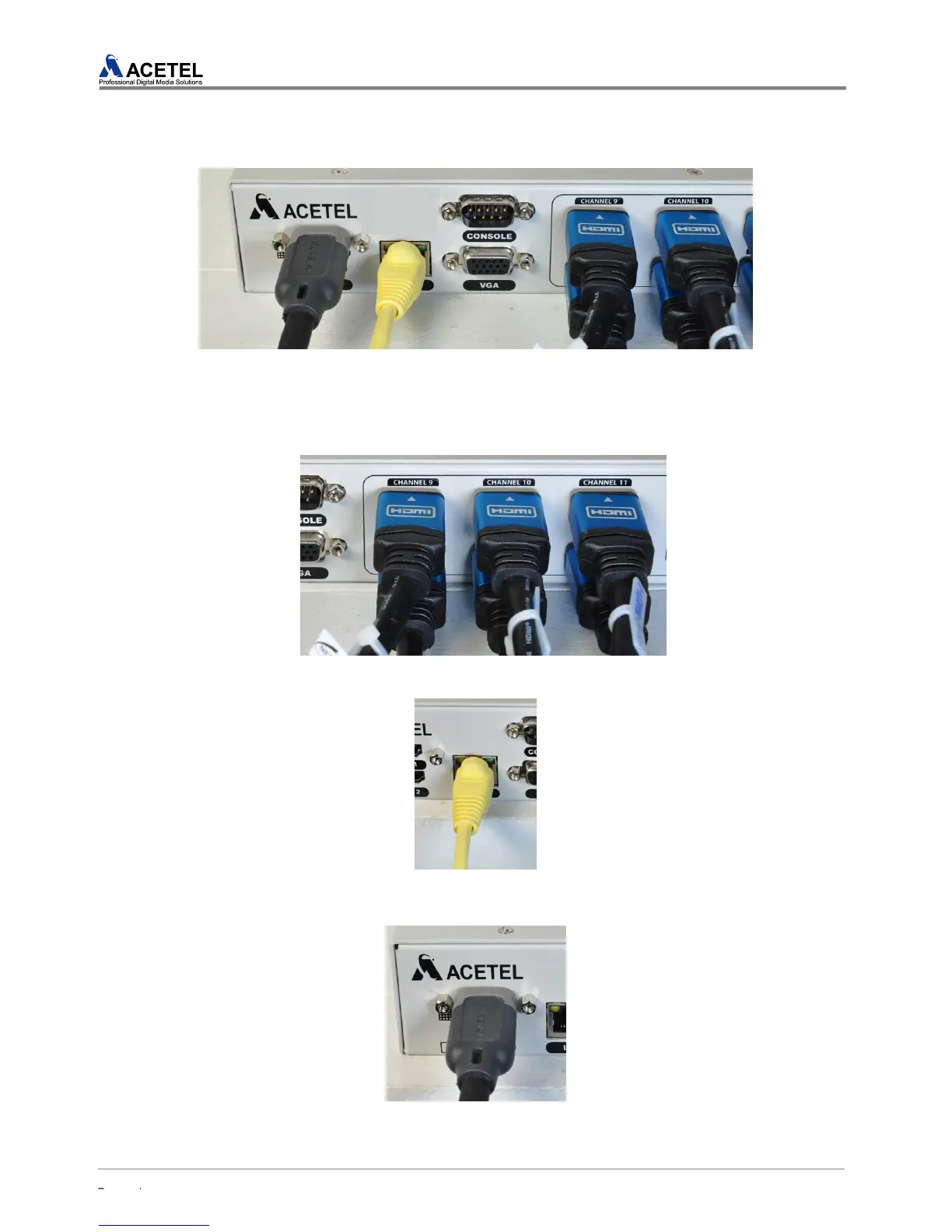
1) Users should connect cables accurately for the proper installation and use of the product.
[Figure 11] Input/Output Cable Connection
Connect a HDMI cable into the desired input port of MD2000-16H
Connect a HDMI cable fix it completely.
[Figure 12] HDMI Cable Connection
3) Network Cable Connection
[Figure 13] Network Cable Connection
4) Output Cable Connection
Connect the HDMI cable onto the HDMI #1 output connector
[Figure 14] Output Cable Connection



 To Next Page