4.1.3 AUDIO SETUP
The MD2000-16H supports audio pass-through through the HDMI output. Operators can select whether
to activate or deactivate this function.
STEP 1) Press the [MENU] button and the main menu will appear.
Select “AUDIO SETUP” in the menu, then press [ENTER].
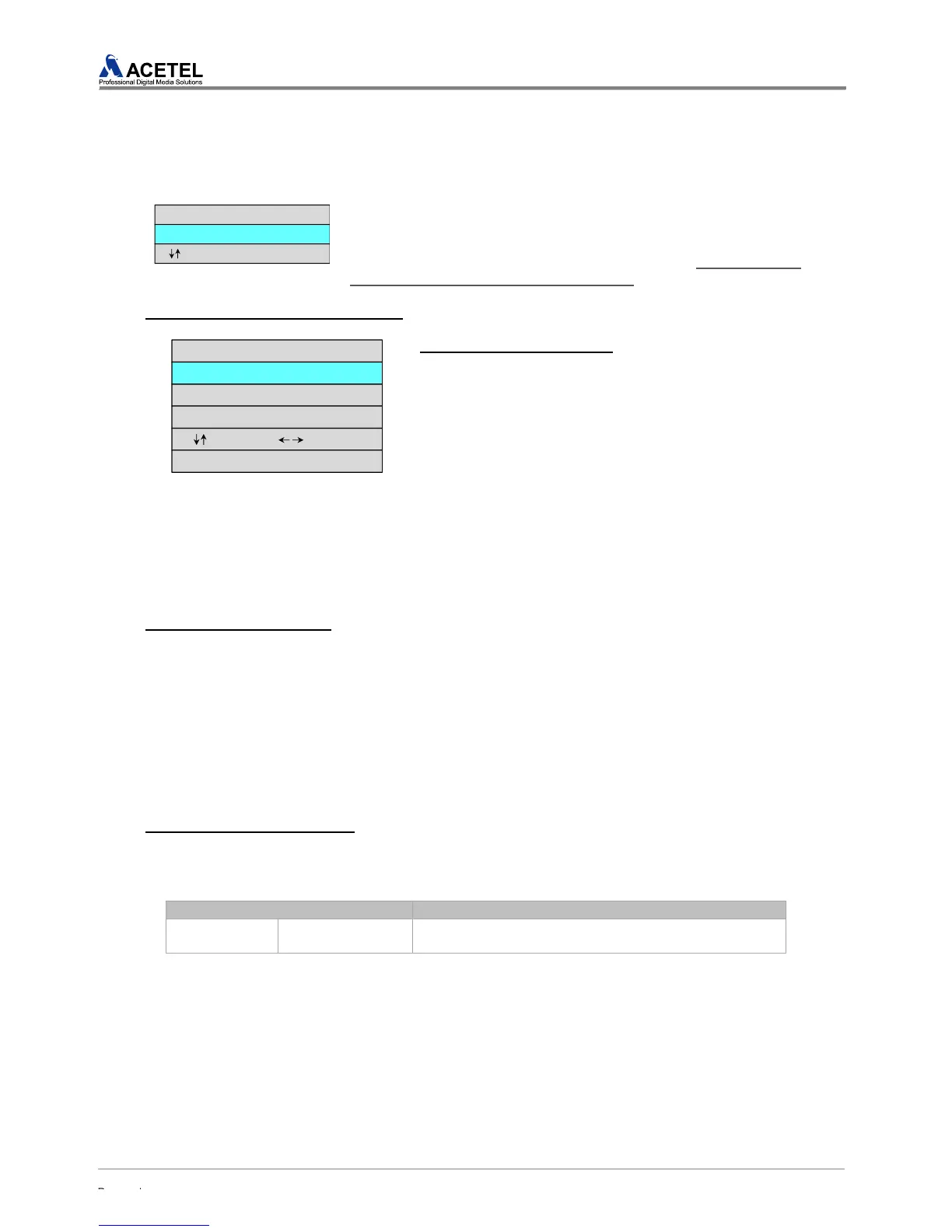
STEP 2) When the AUDIO SETUP appears, select the desired menu
with the [Up/Down] Button and then press [ENTER]. (The color and
font of the selected menu would change)
1) AUDIO OUTPUT CONTROL SETUP
The MD2000-16H can be configured to output the audio through the HDMI output.
(1) AUDIO OUTPUT settings
Desired audio tracks of selected channels can be heard
through the HDMI embedded audio.
STEP 1) In the AUDIO SETUP Menu, select the “AUDIO
OUTPUT CONTROL” and press [ENTER].
STEP 2) In the AUDIO OUTPUT CONTROL Menu, use the
[UP/DOWN] Arrow Keys to select the “AUDIO OUTPUT”
and press [ENTER].
STEP 3) When the AUDIO OUTPUT Menu is highlighted in
RED, use the [UP/DOWN] Arrow Keys to set the
preferences.
STEP 4) Select “ON” to activate the Audio pass-through function through the HDMI output, or select
“OFF” to deactivate the audio pass-through function through the HDMI output and press [ENTER]. To
cancel this selection, press the [EXIT] button.
(2) AUDIO OUTPUT LOCK
The AUDIO OUTPUT LOCK function locks the audio group of the selected channel. If the AUDIO
OUTPUT LOCK is “OFF”, then the audio of each selected channel will be heard. If the AUDIO
OUTPUT LOCK is “ON”, then the selected channel button in the “CHANNEL SELECT” should be
held for “3 Seconds” in order to hear the audio of selected channel.
STEP 1) In the AUDIO SETUP, select “AUDIO OUTPUT LOCK” and press the [ENTER] button.
STEP 2) When the “AUDIO OUTPUT LOCK” is highlighted RED, use the [UP/DOWN] Arrow Keys to
select “ON” or “OFF”.
STEP 3) To Lock or UnLock the Audio output, select “ON” or “OFF”, then press the [ENTER] button.
Press the [EXIT] button to cancel selection.
(3) AUDIO OUTPUT CHANNEL
The MD2000-16H can be configured to output the audio through the HDMI output. The product
supports One Stereo Pair for HDMI Embedded Audio (2channels). The Audio Output Channel can be
selected in the Menu.



 To Next Page