Copyright 2017 ACETEL Co., Ltd. All Right
Reserved
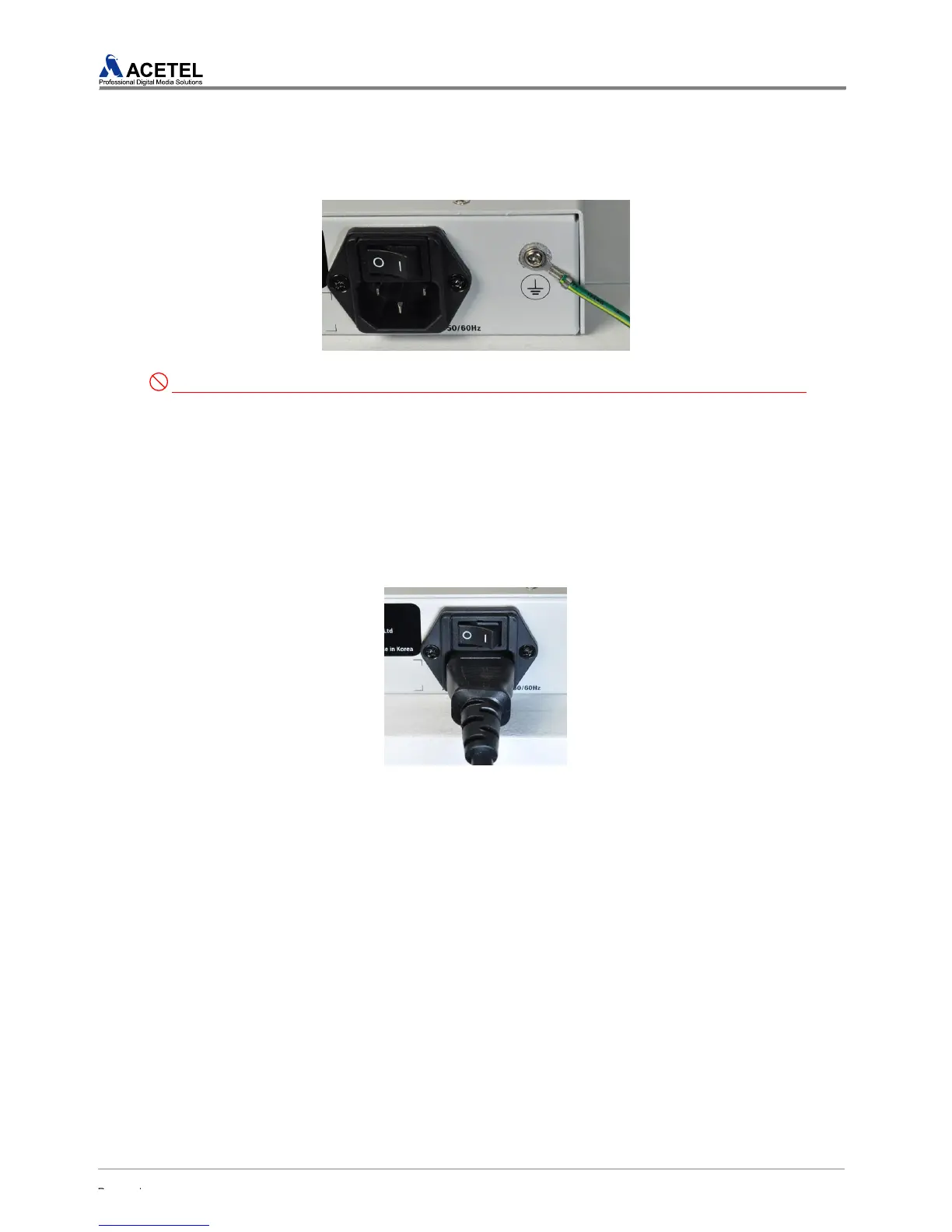
Before connecting a power cord, connect the ground wire of the rack to the right side of the
product.
[Figure 15] Ground Connection
Users must ground the product to prevent an electric shock. Before connecting a power cord,
connect a screw next to a power cable to a ground terminal.
6) Power Cable Connection
When every connection of MD2000-16H is completed, connect a power device to supply the
power. .
Plug a connector of a power cable into a power supply part of the product
Connect the other end of the power cable to a power outlet
Check whether power is properly supplied through the Power LED on the front.
[Figure 16] Power Cable Connection
3.3.3 Releasing of the Product from Rack
To release the MD2000-16H installed onto rack, do the opposite as the installation.
One person should hold the bottom of the MD2016A to be released. .
The other person should unscrew all the screws fastened to fix the bracket and rack with a
screw driver
After unscrewing of all the screws, detach it from the rack safely.


 To Next Page