19-11-2013 manual 5
3. REMOVING AND CHARGING
OF THE BATTERY PACK
4. SWITCHING ON OF THE
FLOWFINDER MK2
®
There are two measuring modes:
‘Validate’ and ‘Adjust’. In validate mode
the FF decides when it is ready with a
measurement. The measured value will
be displayed only when the FF is ready.
In adjust mode, aer pushing the red
buon, a measured value is displayed
connuously. One can then adjust the
venlaon system while measuring.
Important:
When the FlowFinder mk2® is stored away for a longer period of me one should store the baery pack
separately, aer having it charged rst. Extra baery packs can be ordered from ACIN.
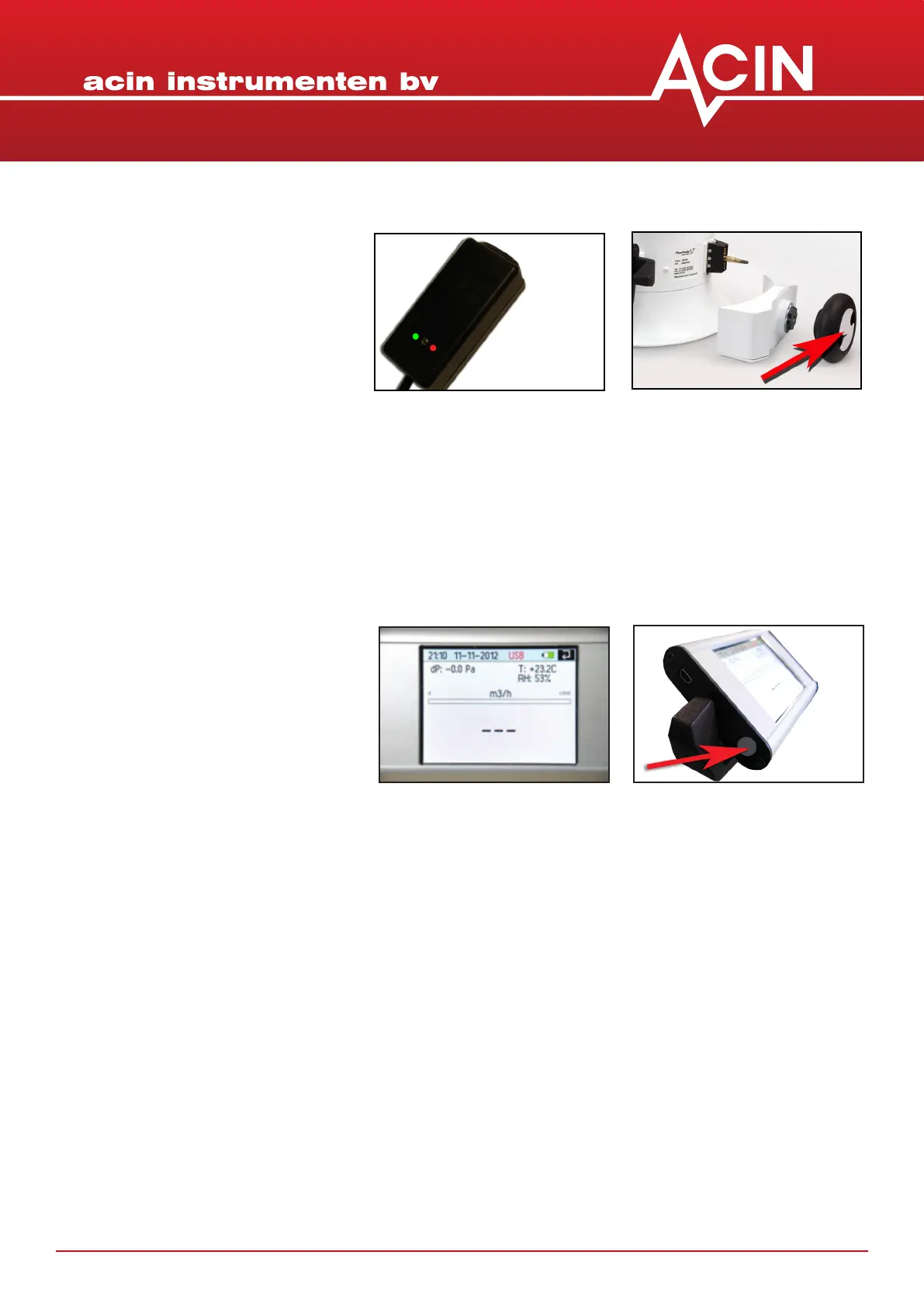
The baery pack has to be removed from
the FlowFinder mk2® before the charger
can be connected. While charging, the
colour of the LED indicates the status.
The baery pack has to be removed from the FlowFinder mk2® before the charger can be connected. While
charging, the colour of the LED indicates the status.
yellow : no baery pack connected
orange : fast charging
green-yellow : top of charging
green : trickle charging
orange-green : ERROR


 To Next Page