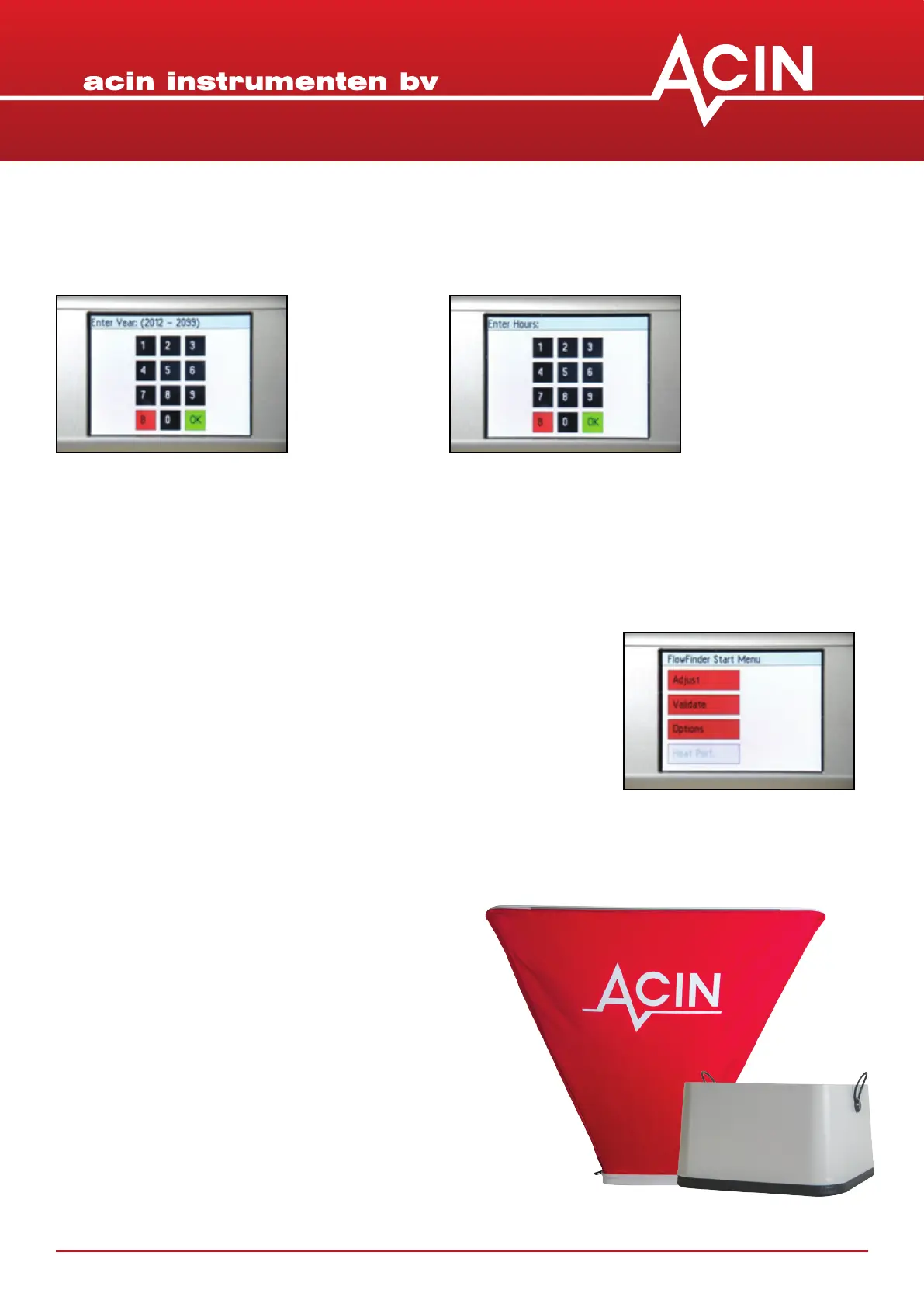
6. Set the Date:
6.1 Press date
6.2 Enter the year (yyyy)
6.3 OK
6.4 Enter the month (mm)
6.5 OK
6.6 Enter the day (dd)
6.7 OK
7. Set the Time:
7.1 Press me
7.2 Enter the hour (0 tot 23)
7.3 OK
7.4 Enter the minutes
7.5 OK
19-11-2013 manual 7
Leave this menu by pressing the white arrow again. The Opons menu appears again.
5. Choose Validate or Adjust as default start up measurement of the FlowFinder mk2®
Leave the Opons menu by pressing the white ‘return’ arrow. The
Start Menu appears. From the Start Menu the FlowFinder mk2® will
go into measuring mode by touching ‘validate’ or ‘adjust’.
Preferably, the FlowFinder mk2® is used with at least the
straight hood, certainly for most supply grilles. If space
is limited certainly exhaust can be measured without a
hood.
The straight hood is placed on top of the housing and is
hold in place by pulling the O-rings over the lile black
knobs.
The same procedure can be used to mount the
600x600mm foldable hood.
For ows above 103CFM it is assumed that the
600x600mm hood is used.
Avoid liing the FlowFinder mk2® just using the hoods.
7. USING THE STRAIGHT HOOD 230X230X145mm AND
THE HOOD 600X600mm


 To Next Page