DVS-2500/5000/5000II
5B
Product Items
Digital Video Spot 2500/5000
User manual
2 x Omega clamps
8GB memory SD card (packaged with user manual)
2. Installation
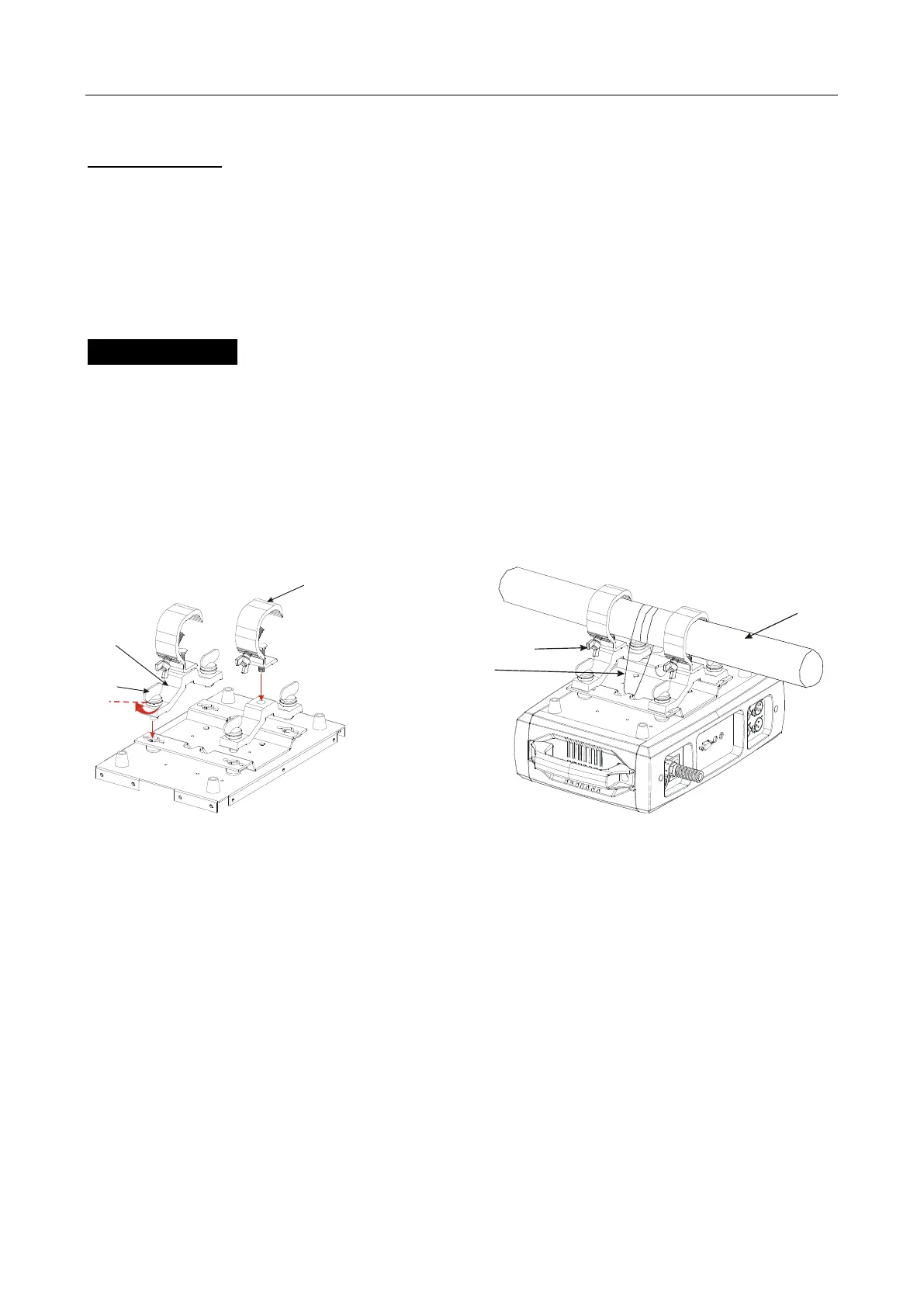
1. Bolt each clamp (1) to the Omega holder with screw and lock nut through the hole in the
holder.
2. Fasten the omega holders (2) on the bottom of the base by inserting quick-lock
fasteners (3) into the holes of the base and tighten fully clockwise.
3. Hang the fixture to the support (4) through clamp and fasten the screws (5). Fasten the
safety cable (6) through the bottom of the base and over the support.
Fig.1 Fig.2
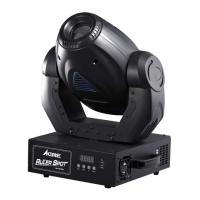
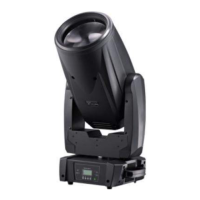
4. Please refer to the diagram to know how to install the fixture in correct position.









 To Next Page