32
Place the Drive on a sturdy, flat surface. Do not place the Drive on an
unstable or makeshift base, such as a stack of books, that may be prone
to collapse or toppling.
Choosing an Orientation
(Vertical or Horizontal)
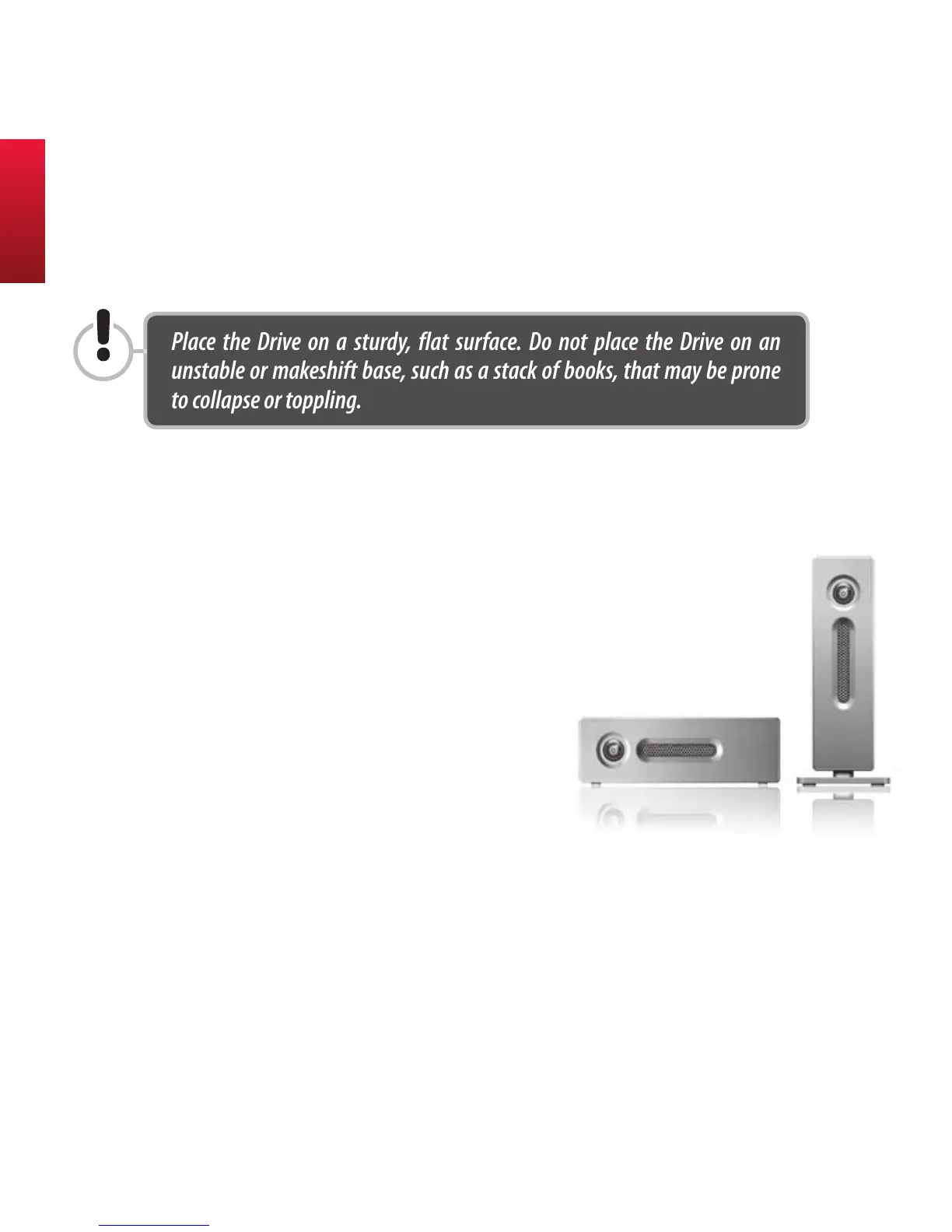
Your AcomData Drive can be placed on your desktop in
either the vertical or horizontal position. If you do not
plan to stack on additional AcomData E5 Drives, we rec-
ommend the vertical position, as this orientation takes
up the minimum amount of desktop space. Also, the
PushButton will be higher up, so there
is less chance it will get obstructed by
other items on your desk.
Vertical Placement
Most likely, your Drive was packaged with the stand
attached to the Drive case, so you can stand the Drive on
your desktop vertically right out of the box. However, if the
stand was not already attached, follow the steps below:
Placing the Drive on Your Desktop



 To Next Page