46
Step 4: Activate Nomad Mobile Desktop?
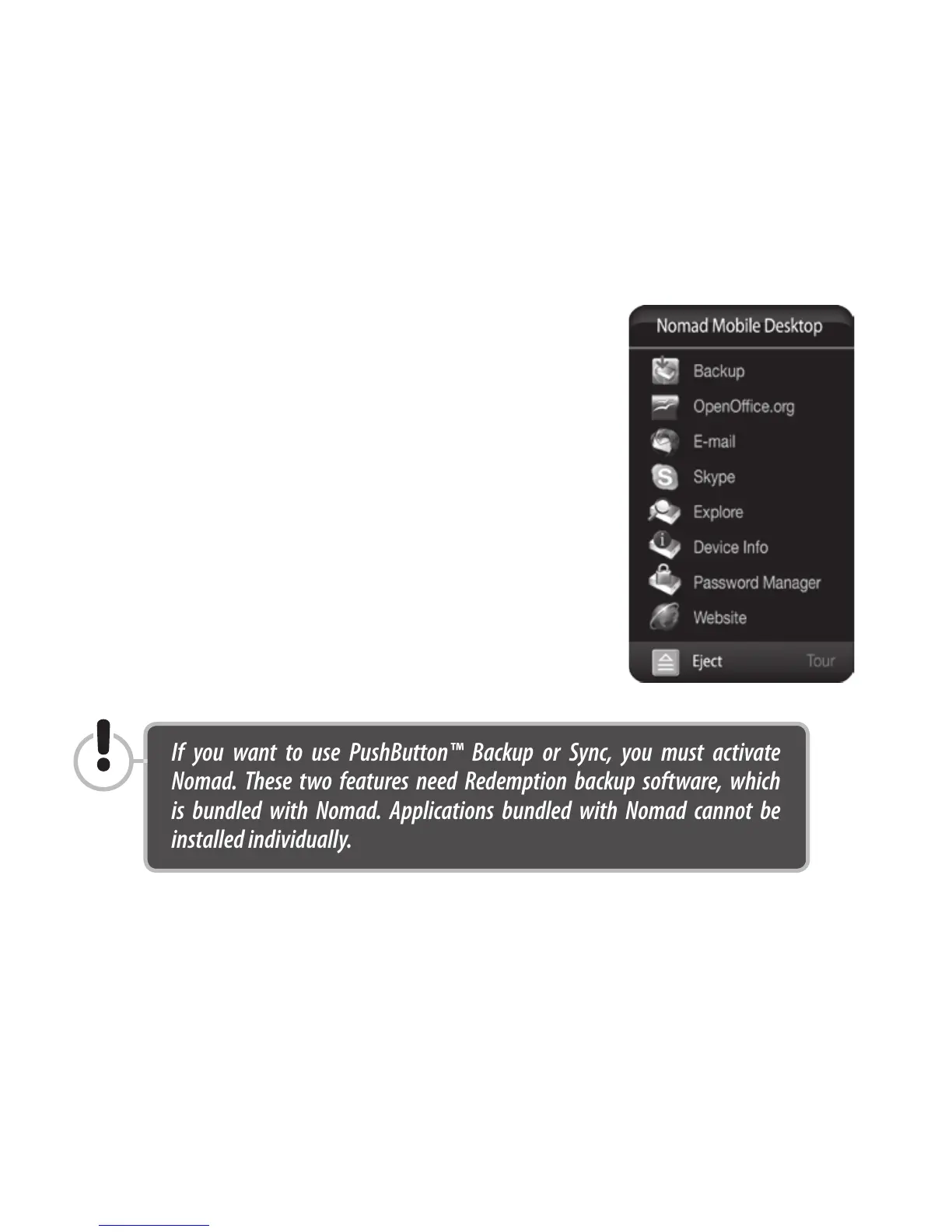
After you complete Step 3, a new win-
dow will appear asking if you wish to
activate the Nomad Mobile Desktop.
(See 'HybridDrive In-Depth' for information
on the Nomad Mobile Desktop and descrip-
tions of the bundled software applications.)
Activating Nomad requires no fees or
license codes. Nomad is yours to enjoy
with our compliments. The manufactur-
ers of the individual applications may
have their own end-user license agree-
ments (EULAs), but there is no cost to
install their software.
If you want to use PushButton™ Backup or Sync, you must activate
Nomad. These two features need Redemption backup software, which
is bundled with Nomad. Applications bundled with Nomad cannot be
installed individually.



 To Next Page