8
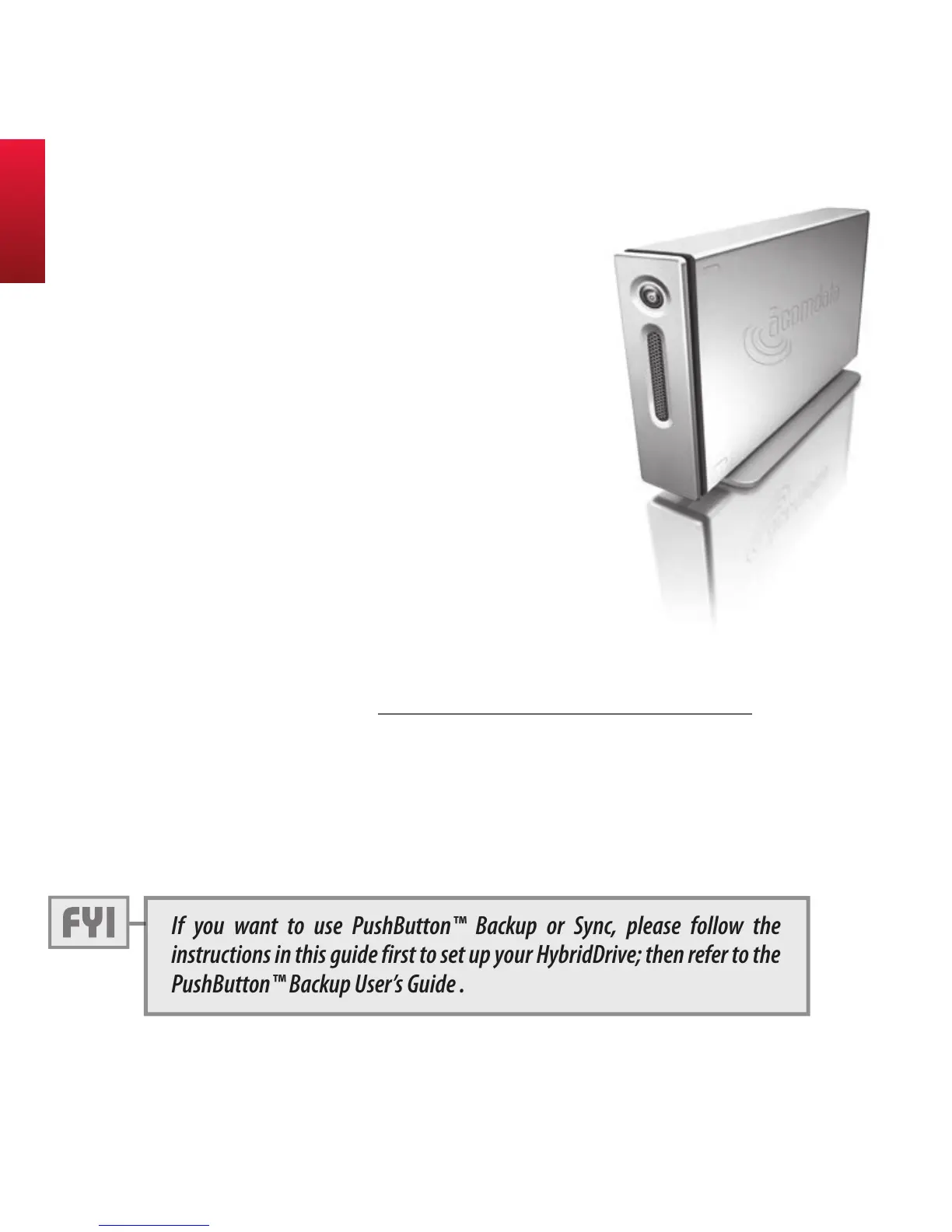
Welcome, and thank you for choosing
an AcomData E5 HybridDrive.
Your HybridDrive features high-quality
construction, advanced engineering,
and state-of-the-art data storage tech-
nology, designed to provide years of
reliable, user-friendly performance.
Your HybridDrive is furnished with two guides:
1) this Hard Drive User's Guide, and;
2) a PDF* PushButton Backup User's Guide, located on the
Drive's CD partition (more on the CD partition later).
* Viewing PDF Documents requires ADobe AcrobAt/reADer V. 5 or lAter. You cAn Down-
loAD ADobe reADer For Free At: www.ADobe.com/ProDucts/AcrobAt/reADsteP2.html
Please read this guide carefully and retain it for future refer-
ence. It contains very important information to help you
properly set up your HybridDrive and customize its many
advanced features.
If you want to use PushButton™ Backup or Sync, please follow the
instructions in this guide first to set up your HybridDrive; then refer to the
PushButton™ Backup User’s Guide .
Welcome



 To Next Page