43
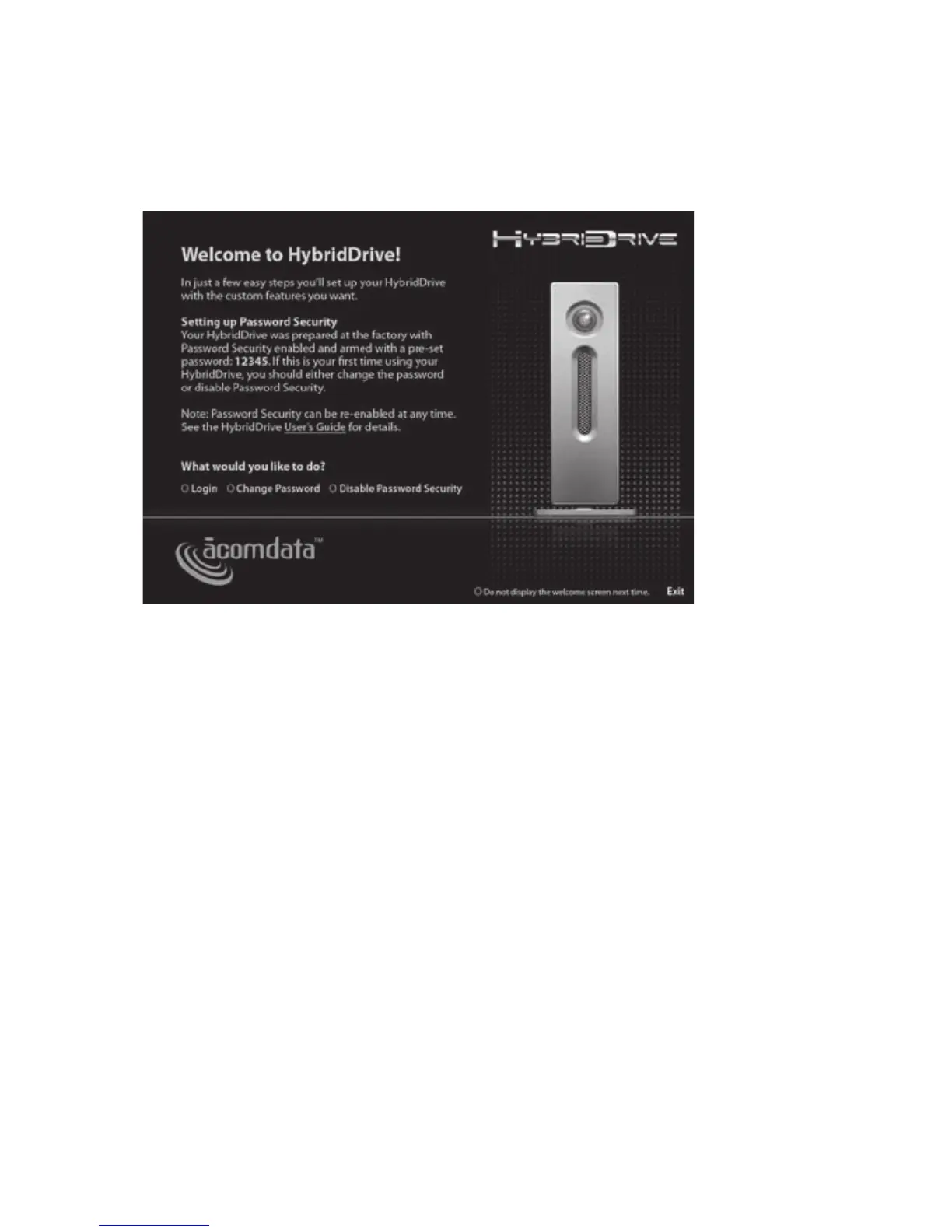
Step 2: Deactivate the Welcome Screen?
By default, the Welcome Screen is set to appear whenever a
secured Drive mounts. If you plan to keep Password Security
enabled, but you don't want to see the Welcome Screen
every time you mount the Drive, check 'Do not display the
Welcome Screen next time'. The next time you mount the
Drive you will be taken directly to the Password Security
Login window.
You can re-activate the Welcome Screen by checking 'Show
Welcome Screen' in the Password Security Login window.
This can be useful if someone else needs to use the Drive.
hYbriDDriVe
welcome screen



 To Next Page