ES900 User’s Manual 23
Manually Setting DST
Example:
Start Date – Sunday, March 9, 2008
End Date – Sunday, November 2, 2008
In this example, the unit remembers the Start Date as the second Sunday in March and the End
Date as the first Sunday in November. Once the unit is set, it automatically updates the settings
every year thereafter. No further manual setting is necessary.
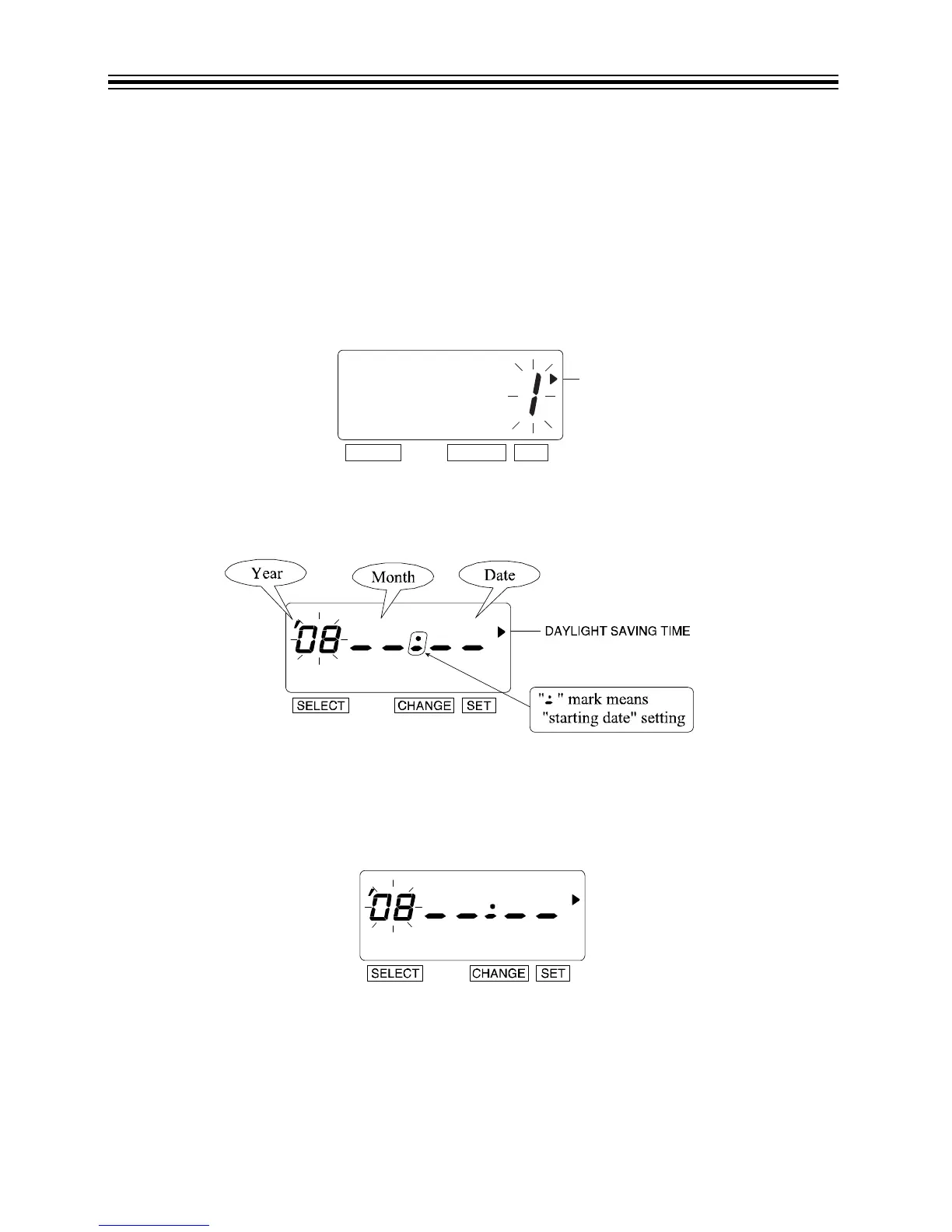
1. Press SELECT until the X is beside the "DAYLIGHT SAVING TIME" mark.
2. Press CHANGE until the option is "3" (Manual).
3. Press SET.
4. The flashing digit indicates "Year".
Start Date
Change the Year
1. In this example, the "Year" is not being changed. Refer to DST on page 22.
2. Press SET.



 To Next Page