24
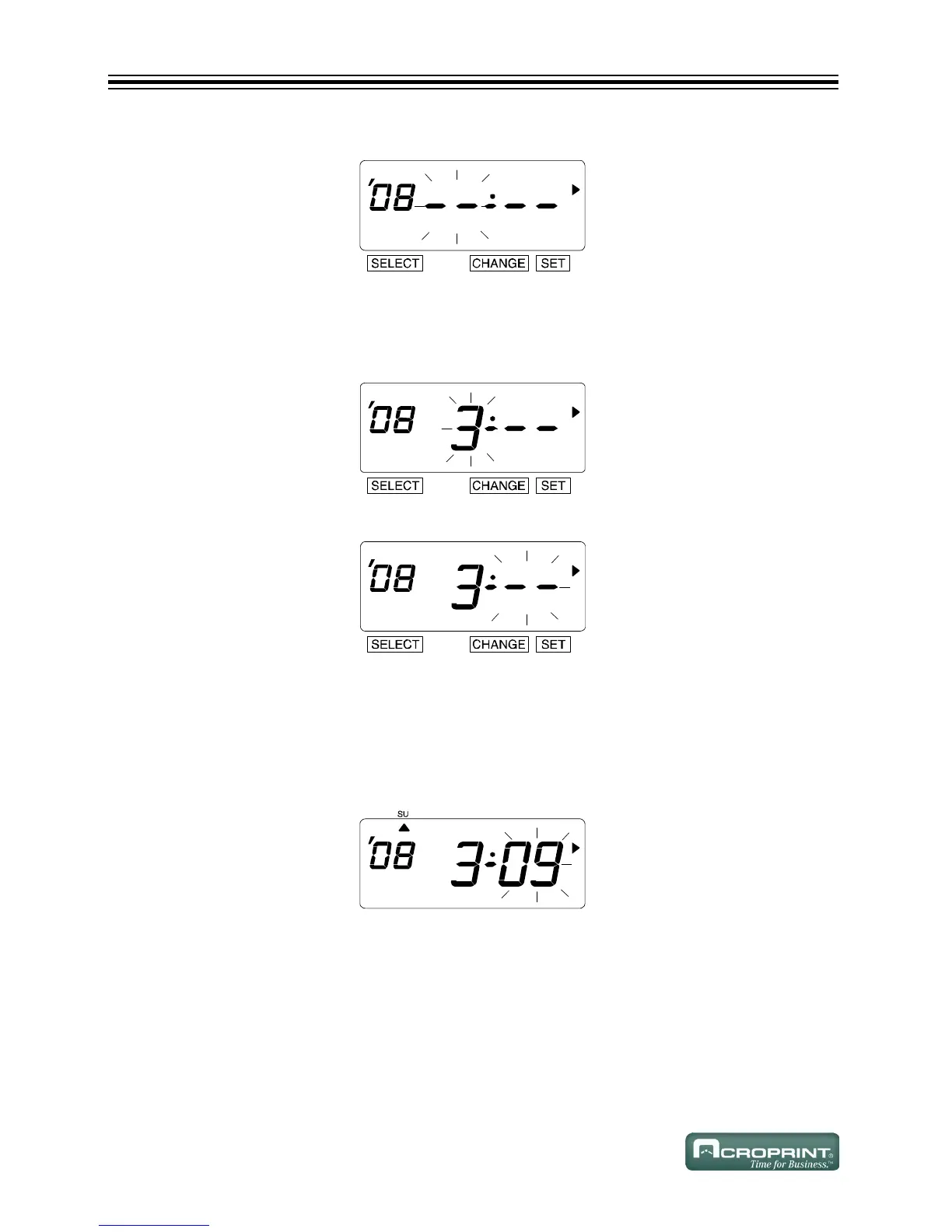
3. The flashing changes from "Year" to "Month".
Change the Month
1. In this example, press CHANGE until the month is "3" (March). Refer to DST on page 22.
2. Press SET.
3. The flashing changes from "Month" to "Date".
Change the Date
1. In this example, press CHANGE until the date is "09". Refer to DST on page 22.
2. Press SET.
3. The "Starting Date" of the display changes from flashing to steady and the S mark is
displayed under "SU".



 To Next Page