ES900 User’s Manual 41
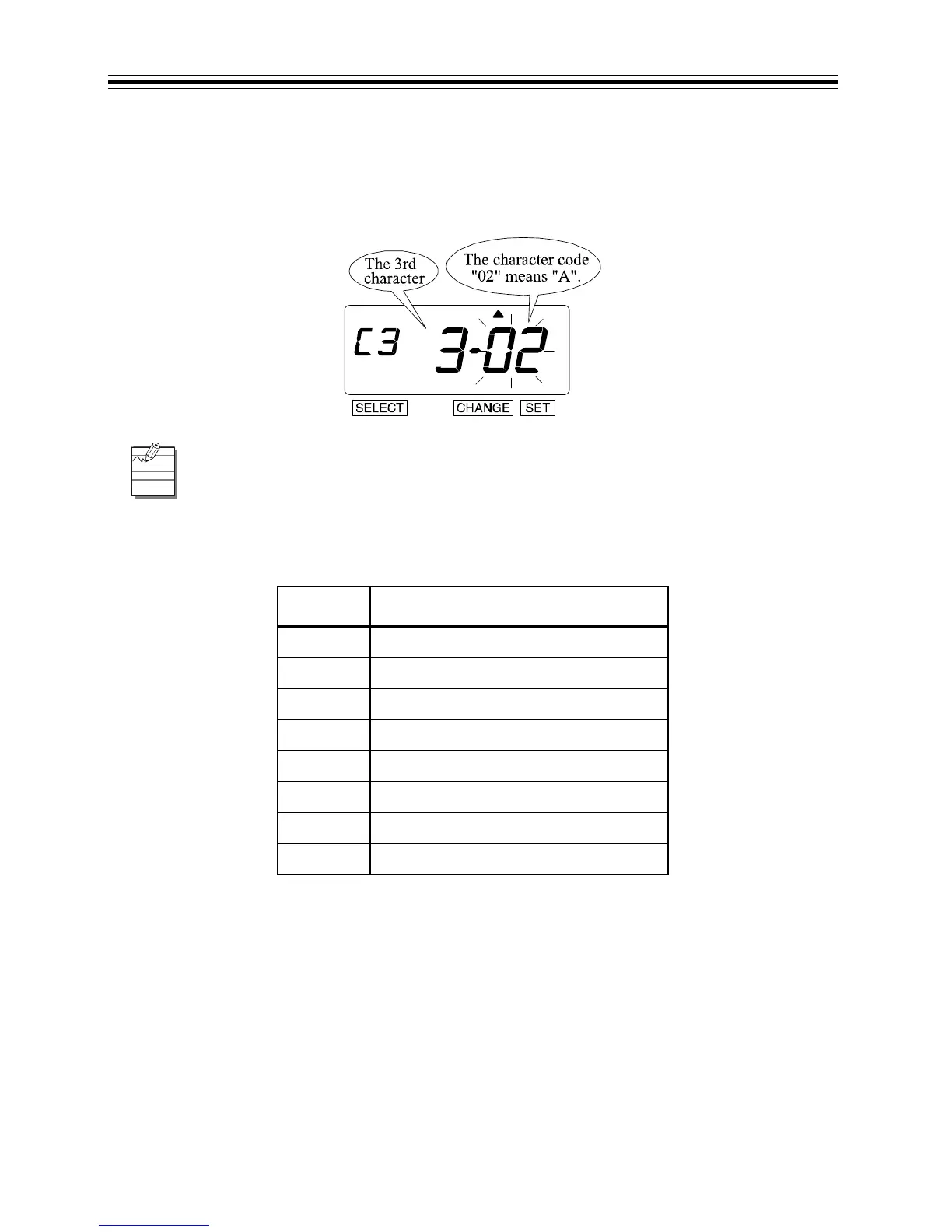
Set 3rd Character Code
1. In this example, the 3rd character is "A". Press CHANGE until the Character Code is
"02"(A). Refer to “Character Code for Alphanumeric” on pages 64-68.
2. Press SET.
Refer to the Change Customized Comments below to make changes to your customized comments.
Change Customized Comments
Follow the same procedures as outlined above for setting further Character Codes.
C
ODE MEANING
F8 Insert Character
F9 Delete Character
FA Insert Line
Fb Delete Line
FC Exchange Line 1 to 2
Fd Exchange Line 2 to 3
FE Exchange Line 1 to 3
FF Delete All



 To Next Page