7 Medical device description
7.1 Starting and stopping the medical device
7.1.1 Switching on the medical device
1. Turn the mains switch to on (I).
7.1.2 Switching off the medical device
Turn the On/Off switch to off (O).
7.2 Description of the medical device in polishing mode
7.2.1 Handpiece cord
The cord establishes the irrigation and air flow between the medical device and the handpiece.
7.2.2 Handpiece
The medical device must be used with a Prophypen handpiece.
7.2.3 Powder tank
The medical device's tank is fitted with a plug. The maximum capacity is shown by the MAX mark on the tank.
7.3 User interface
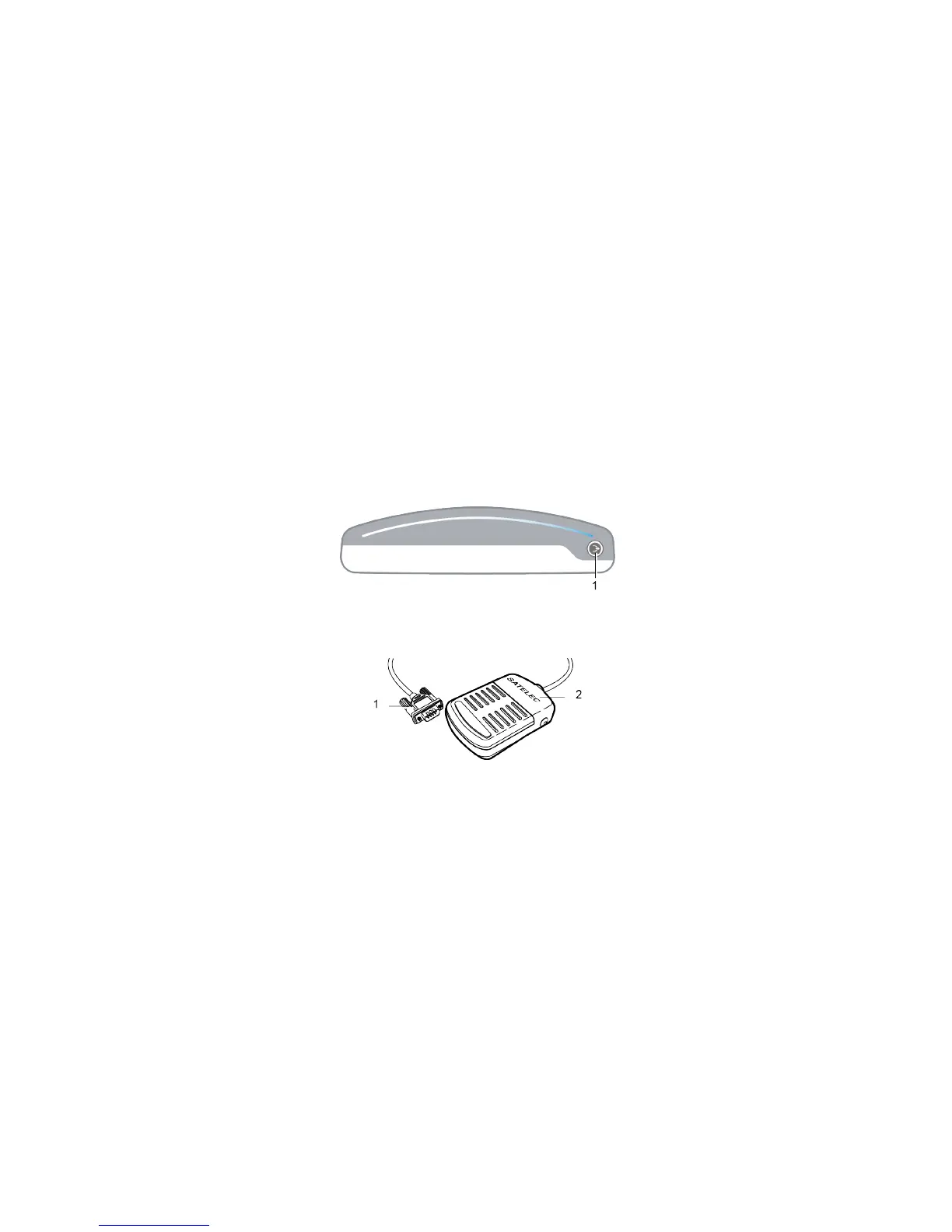
7.3.1 Control unit
1. Purge button: press any hold for a rinse flow for a few seconds
7.3.2 Control pedal
1. Footswitch connector
2. Footswitch: pressing starts the polishing jet
7.4 Switch
The mains switch is used to switch on (position I) or to stop (position O) the medical device.
7.5 Fuse recess
The recess holds two fuses designed to protect the medical device in the event of overvoltage or an internal fault.
Please read the instructions listed in the chapter Replacing the fuses page 29
Two fuses are used for a 115 V power supply. Refer to the chapter Control unit page 31.
User Manual|AIRMAX|J11401|V7|(03)|12/2017|ND07EN010G - Page 19/42















 To Next Page