WARNING
The 17 programmed exposure times cannot be modied in the “x-mind ac” radiographic sys-
tem.
Meanwhile it is possible to customize the default exposure values.
WARNING
After customizing, the “Chart of default exposure values” (refer to Chapter 5) are not valid
any more.
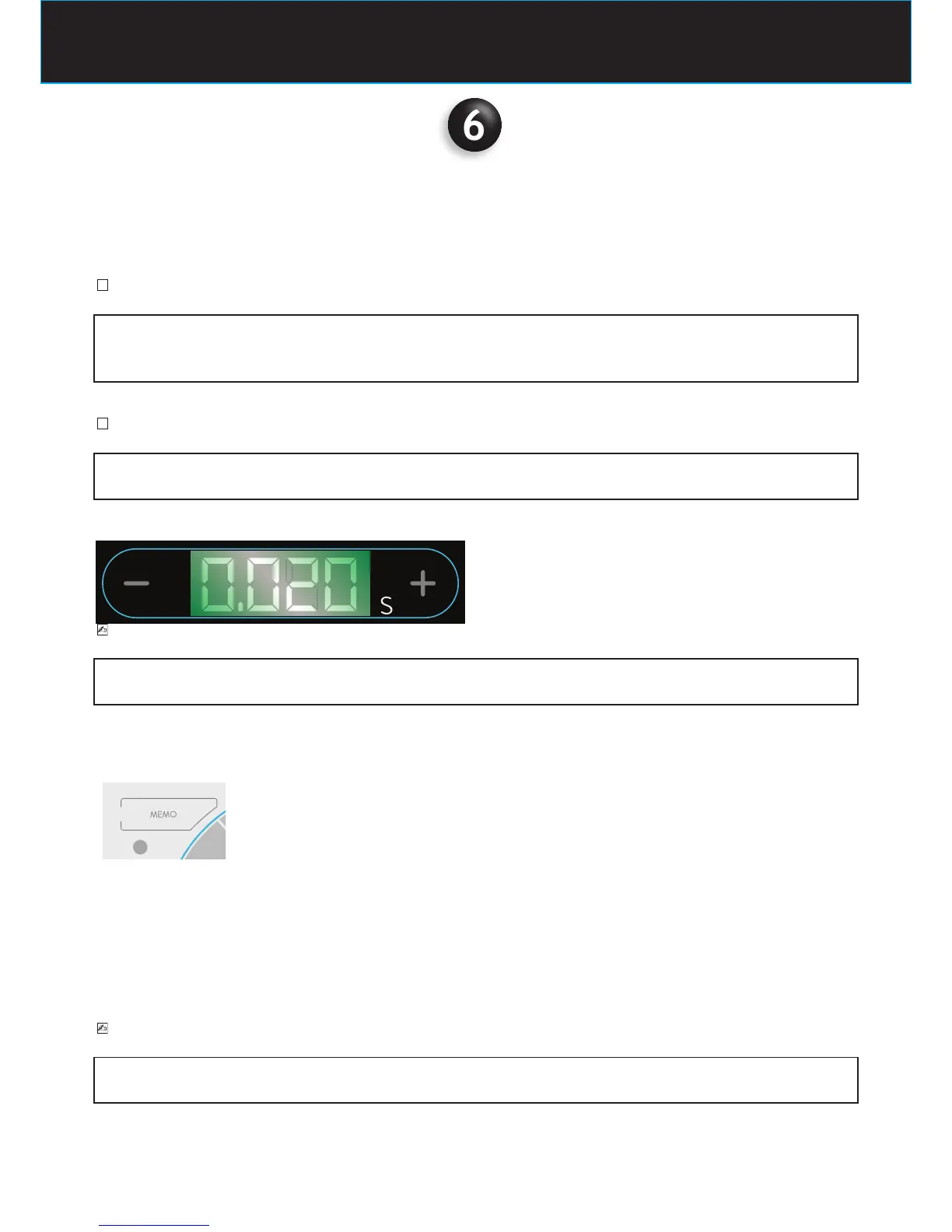
To program the new exposure values press the following keys
PLEASE NOTE
The “repeat” function automatically sets in when the key is kept pressed, so the time shown
on the display scrolls faster.
To conrm the new program check the LED key
LED MEMO ON
indicates that it is possible to save the new default exposure value.
Press the button for 3s until the acoustic signal conrms the new default exposure values have been saved.
LED MEMO OFF
indicates that it is not possible to save the new default exposure value
PLEASE NOTE
It is not possible to save data when the “range of exposure eld” exceeds the programmed
exposure time limits. (refer to the example in the next page)















 To Next Page