INSTRUCTIONS FOR USE
4.1. INSTRUCTIONS FOR USE
1° - TURN ON
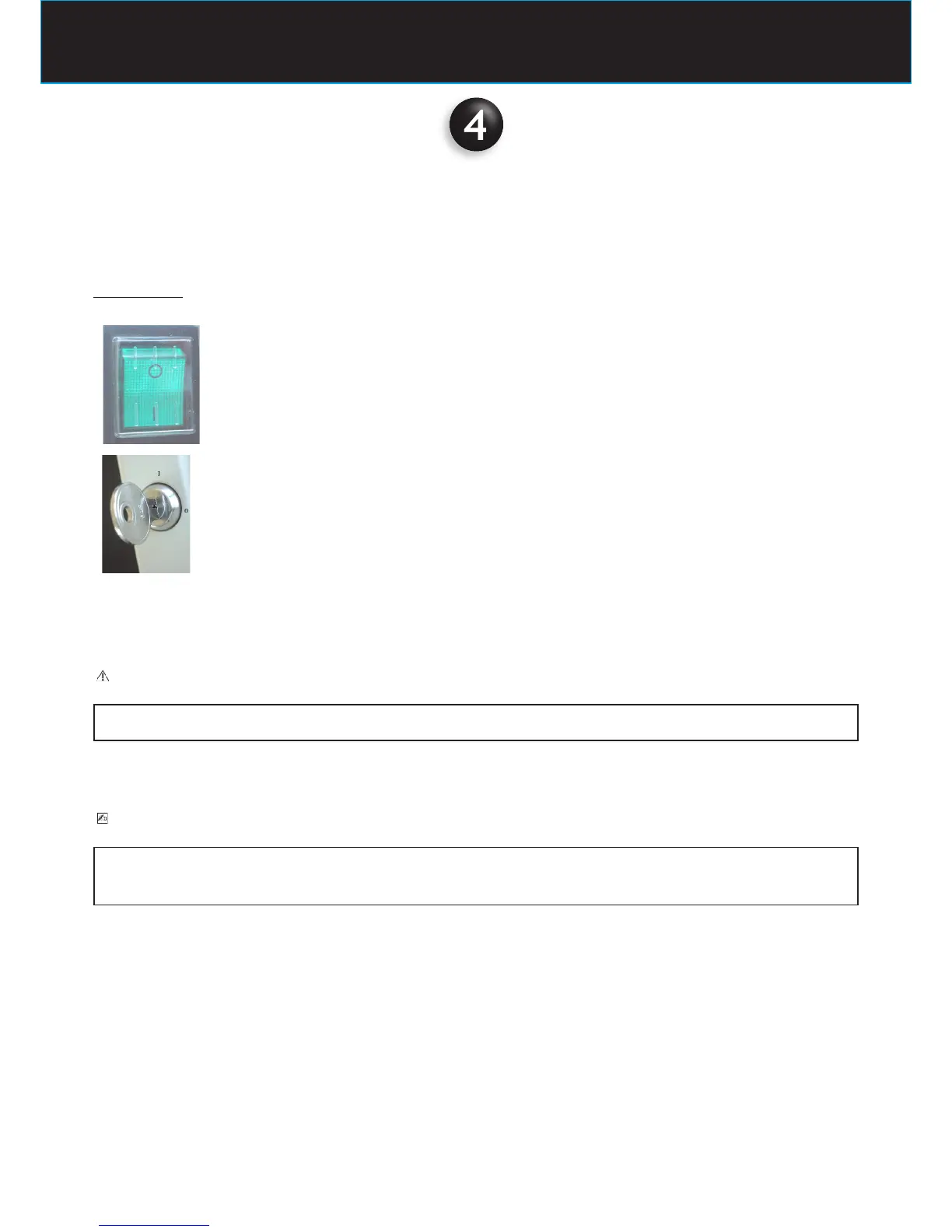
Bring the main switch located on the upper part of the timer to the “I” position (ON)
Bring the key switch to the “I” position (ON)
1. the green light turns on, indicating that the system is powered
2. the LEDs of the set parameters automatically light up
3. the exposure time is shown on the display
CAUTION
If an error is detected when the system is turned on, please refer to Chapter 8 ERROR MESSAGES of this Manual
PLEASE NOTE
The exposure time and parameters which appear on the display are the last that were set before the timer was turned off.
If the timer remains inactive for a few minutes, it switches to the stand-by mode.
Press any key on the control panel to restore it to the operative mode.















 To Next Page