Hardware Manual
22
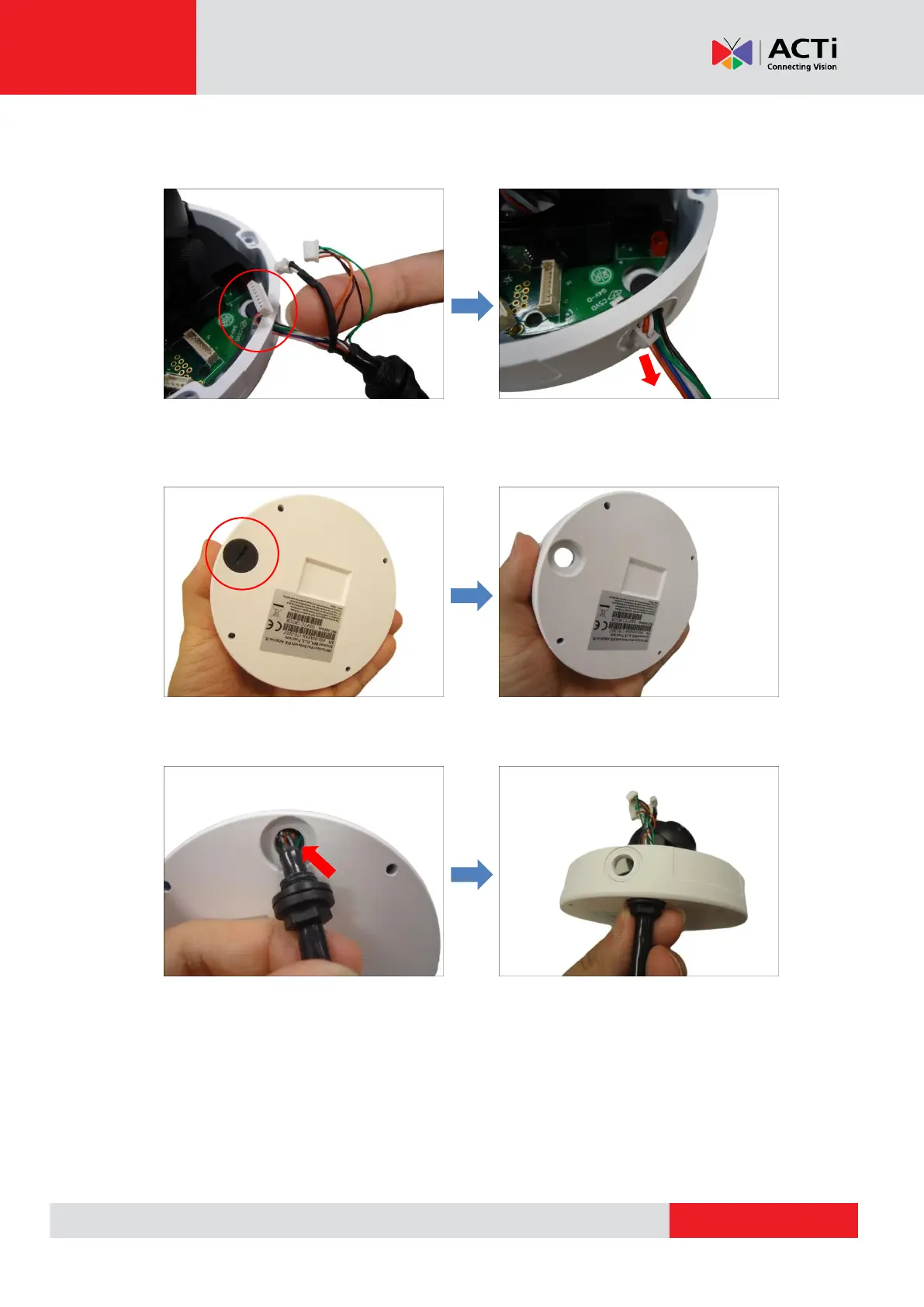
3. Remove the cables through the side cable hole. The Ethernet cable has a wider wafer
head, which you may need to pull sideways to fit the cable hole.
NOTE: Be careful not to damage the wafer and cables, this will void the warranty.
4. Unscrew the cover from the bottom hole.
5. Carefully push the cable through the hole and secure the cable gland on the hole. Make
sure the gland is secured tightly to ensure waterproof.



 To Next Page