Hardware Manual
26
Step 4: Install the Mount
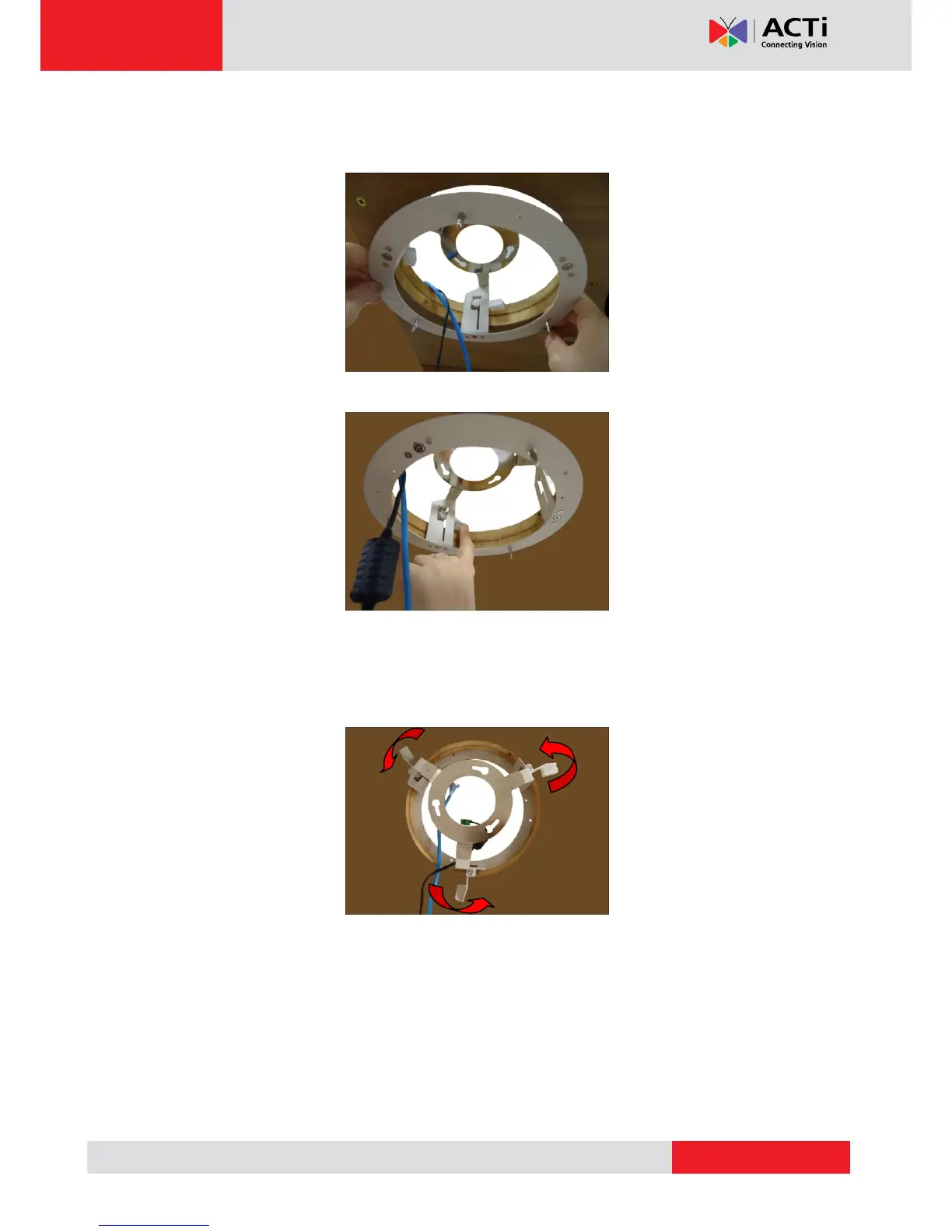
1. Insert the metal bracket through the hole until the ring edge is flat on the ceiling.
2. Position the retaining brackets to hold the mount on the ceiling.
NOTE: The following illustration shows how the flush mount will look like when viewed
from inside the ceiling. In case you cannot access inside the ceiling, use your fingers
to position the retaining brackets through the hole.



 To Next Page