Active Vision SX-420 User Guide
32
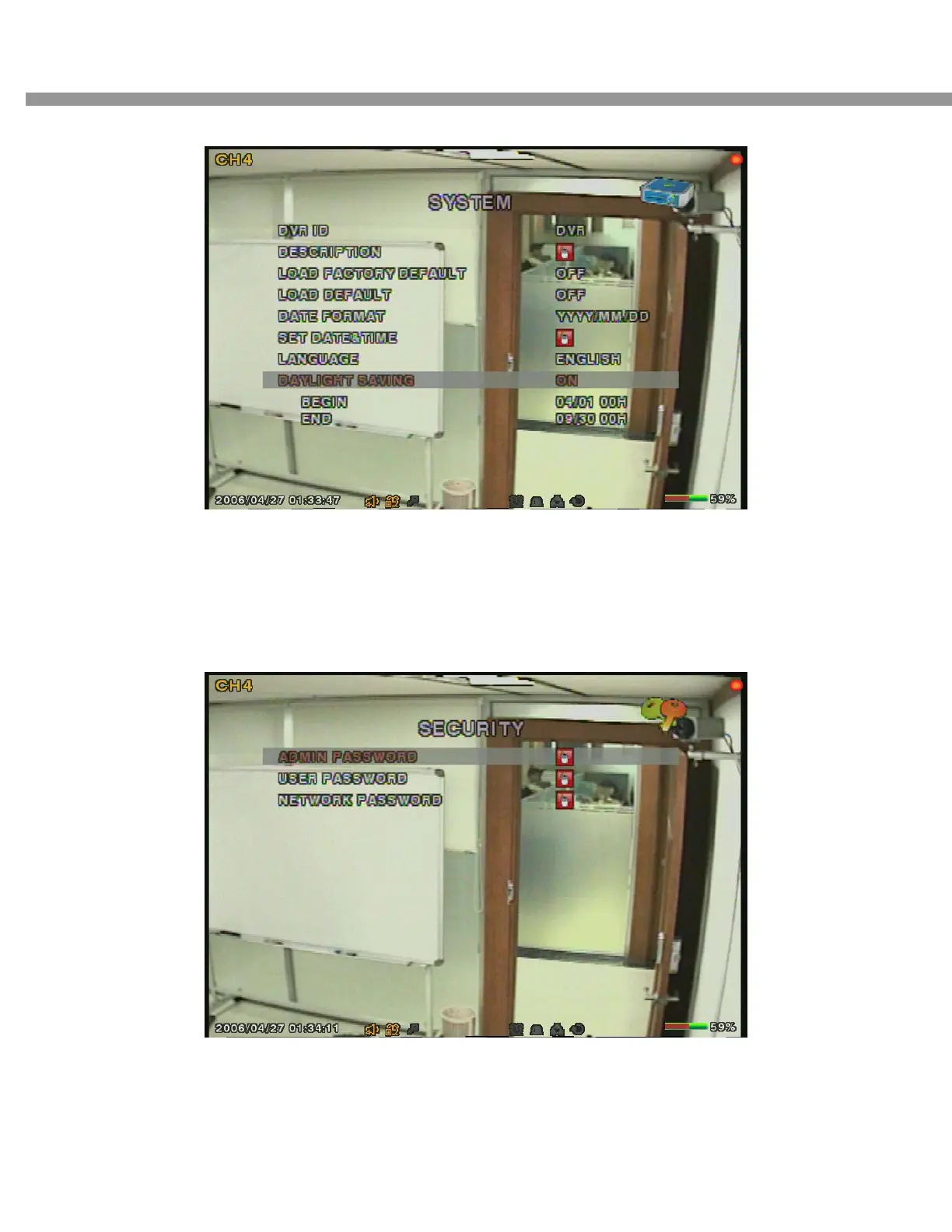
Figure 3.5.5. Daylight Saving setup screen
3-6. Setup – Security Mode
In this menu, password and security parameters can be input. Navigate through the menu items
by pressing the UP or DOWN button. User can change the value of the menu items by pressing
the LEFT or RIGHT button.
Figure 3.6.1. Security setup screen


 To Next Page