User Guide
37
3-8. Setup - Storage Mode
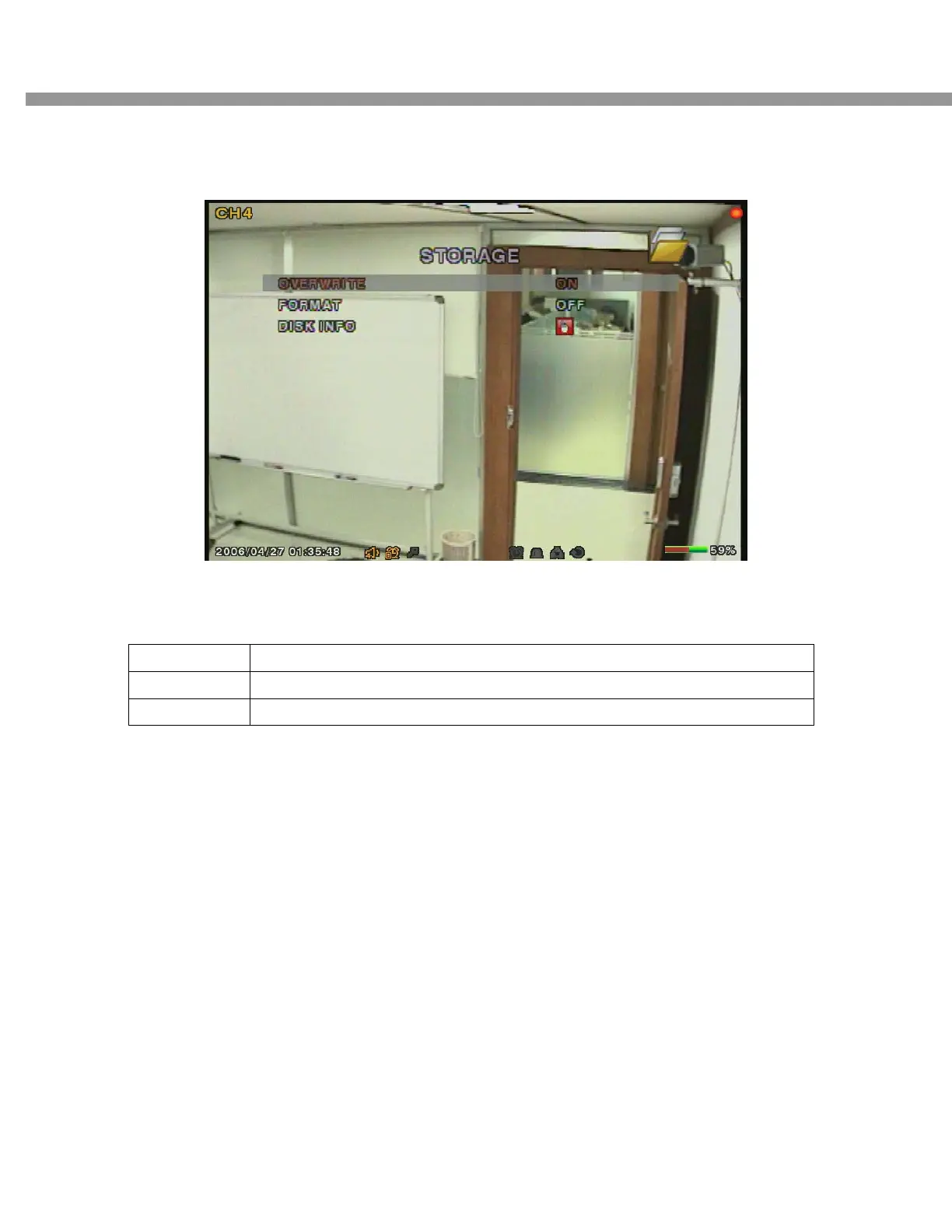
User can set recording mode in the hard disk drive or initiate format of the hard disk driver.
Figure 3.8.1. Storage setup screen
Table 3.8.1. storage setup
Item Description
OVERWRITE
Overwrite existing material when hard disk drive is full.
FORMAT
Format hard disk drive.
3-9. Saving Setup
To preserve the changed setup values, select the SAVE SETUP menu and select CONFIRM.


 To Next Page