User Guide
53
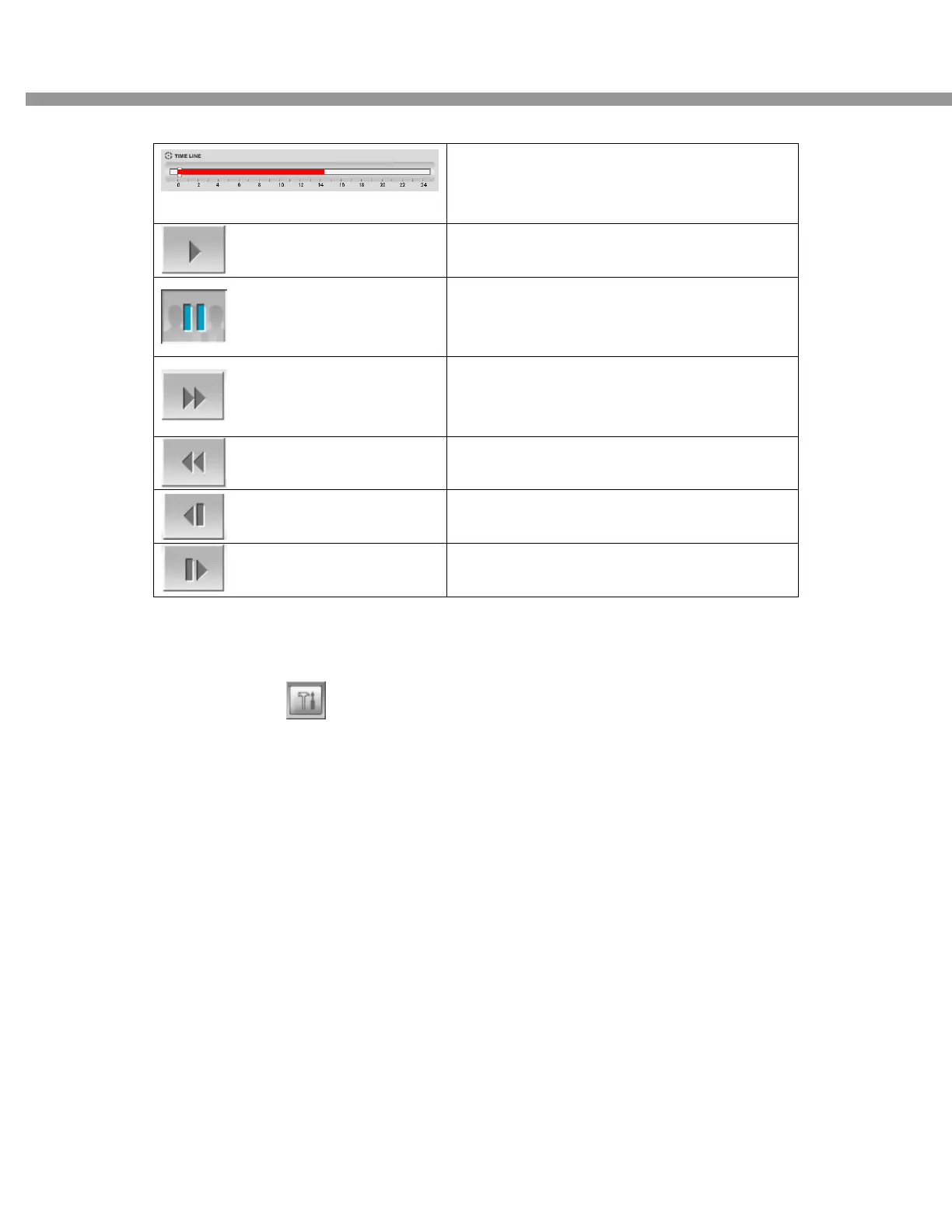
It shows the recorded data in green bar. You
can adjust the time line scale and click the play
icon to display the recorded video
Click this icon to play the recorded video
Click to pause/stop the displaying video
Click to fast forward the displaying
Click to rewind the displaying
Click to backward by 1frame
Click to forward by 1frame
7-6. System configuration
Click the setup icon to setup the configuration of DVR.
7-6-1. General
Once you click the setup icon, this pop up window appears. Select security options and set a
password. Then when you access to the functions you have set, you need to enter the password
which has set in setup menu.
You can set the save path for capturing, backup and camera files.


 To Next Page