16
Operation Manual - (CP05 / CP10) Commercial Control Interface
Doc. No. 0525-031 Ver. 3 190308
CHANGING THE MODE OF OPERATION
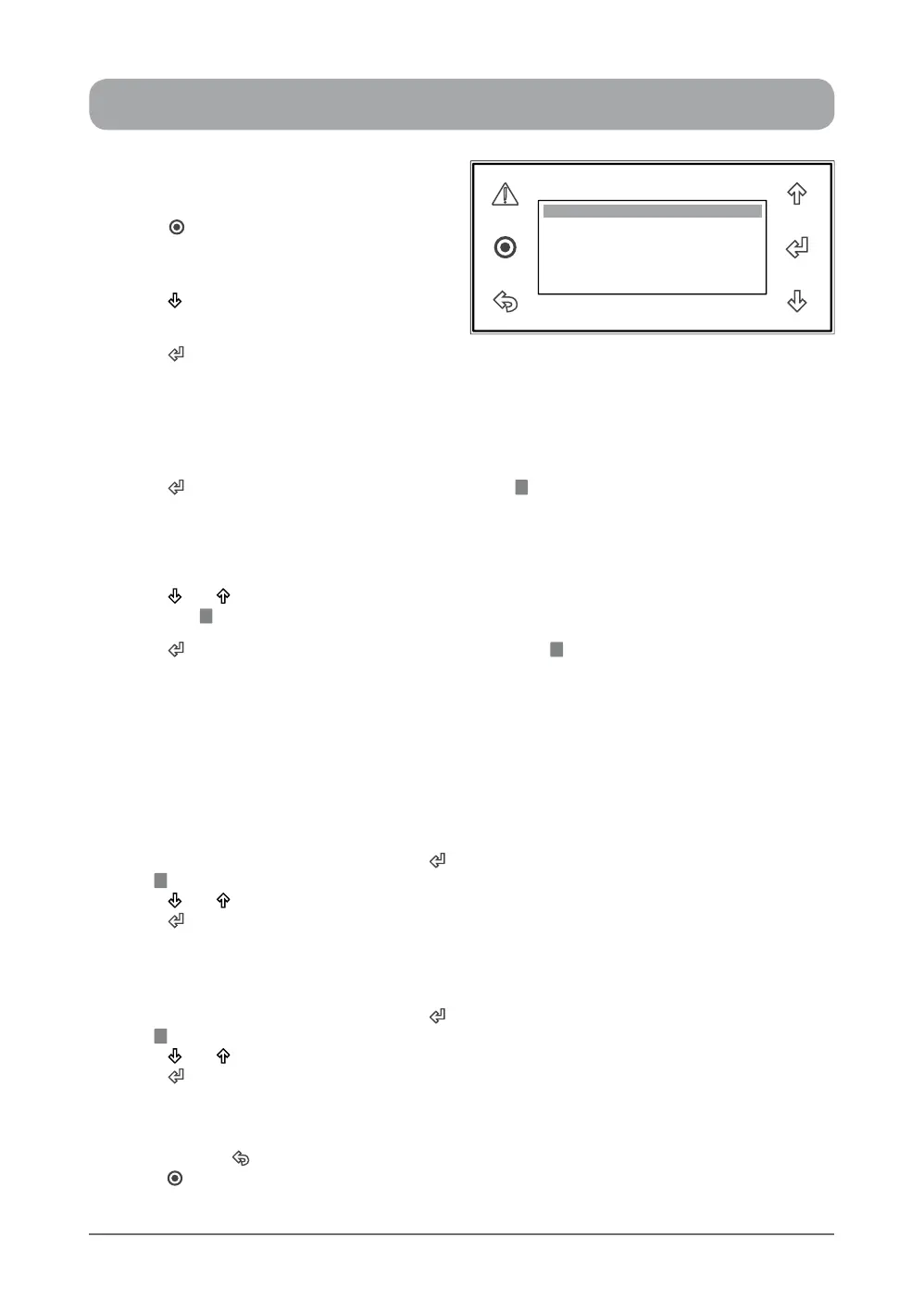
1. Press “ ” Button to get into the Main
Menu. Display will show Main Menu and
highlighted Sub-Menu A. On / Off Unit.
2. Press “ ” Button to scroll down to C. Mode
of Operation sub-menu.
3. Press “ ” Button to go into C. Mode of
Operation sub-menu. Display will change to Operation Mode and Fan Mode selection menu,
showing the current Mode and Fan mode.
NOTE: For Optional 3 Speed Fan Operation, Fan Speed wil be shown and can be selected via
the service menu (See Display Progression Step 3A below).
4. Press “ ” Button to change the mode and the cursor “ ” will be blinking at the rst letter of the
current mode.
TO SELECT COOL ONLY MODE (from HEAT ONLY mode)
5. Press “ ” or “ ” Button to scroll to COOL ONLY mode. Display will show COOL ONLY mode with
the cursor “ ” still blinking.
6. Press “ ” Button to select COOL ONLY mode, the cursor “ ” will move to the next menu item
indicating that the operation is now in COOL ONLY mode.
NOTES:
• Mode of Operation menu will be locked for 3 min after changing mode as a safety time delay in
order to prevent frequent mode changes.
• To select HEAT ONLY or AUTO CHANGE OVER mode, follow steps 4 to 6 above.
CHANGING THE FAN MODE
7. Follow steps 1 to 4 above and then press “ ” Button to get into the Fan mode selection menu.
The “ ” will be blinking at the rst letter of the current Fan mode setting.
8. Press “ ” or “ ” Button to select Auto Cycle or Continuous Fan mode.
9. Press “ ” Button to lock-in your desired Fan mode.
CHANGING THE FAN SPEED (For 3 Speed Fan Operation, when applicable)
10. Follow steps 1 to 4 above and then press “ ” Button to get into the Fan Speed selection menu.
The “ ” will be blinking at the rst letter of the current Fan Speed setting.
11. Press “ ” or “ ” Button to select LOW, MED or HIGH fan speed.
12. Press “ ” Button to lock-in your desired Fan Speed.
TO RETURN TO THE MAIN MENU
13. Keep pressing “ ” (Escape / Return) Button until you get to the Main Menu screen. Otherwise
press “ ” Button.
Operation Mode
Fan mode: Auto cycle
Mode: COOL ONLY
OPERATION MODE ...


 To Next Page