23
ActronAir
®
is constantly seeking ways to improve the design of it’s products, therefore specications are subject to change without notice. Please check prior to purchase.
Copyright © 2016 Actron Engineering Pty. Ltd.
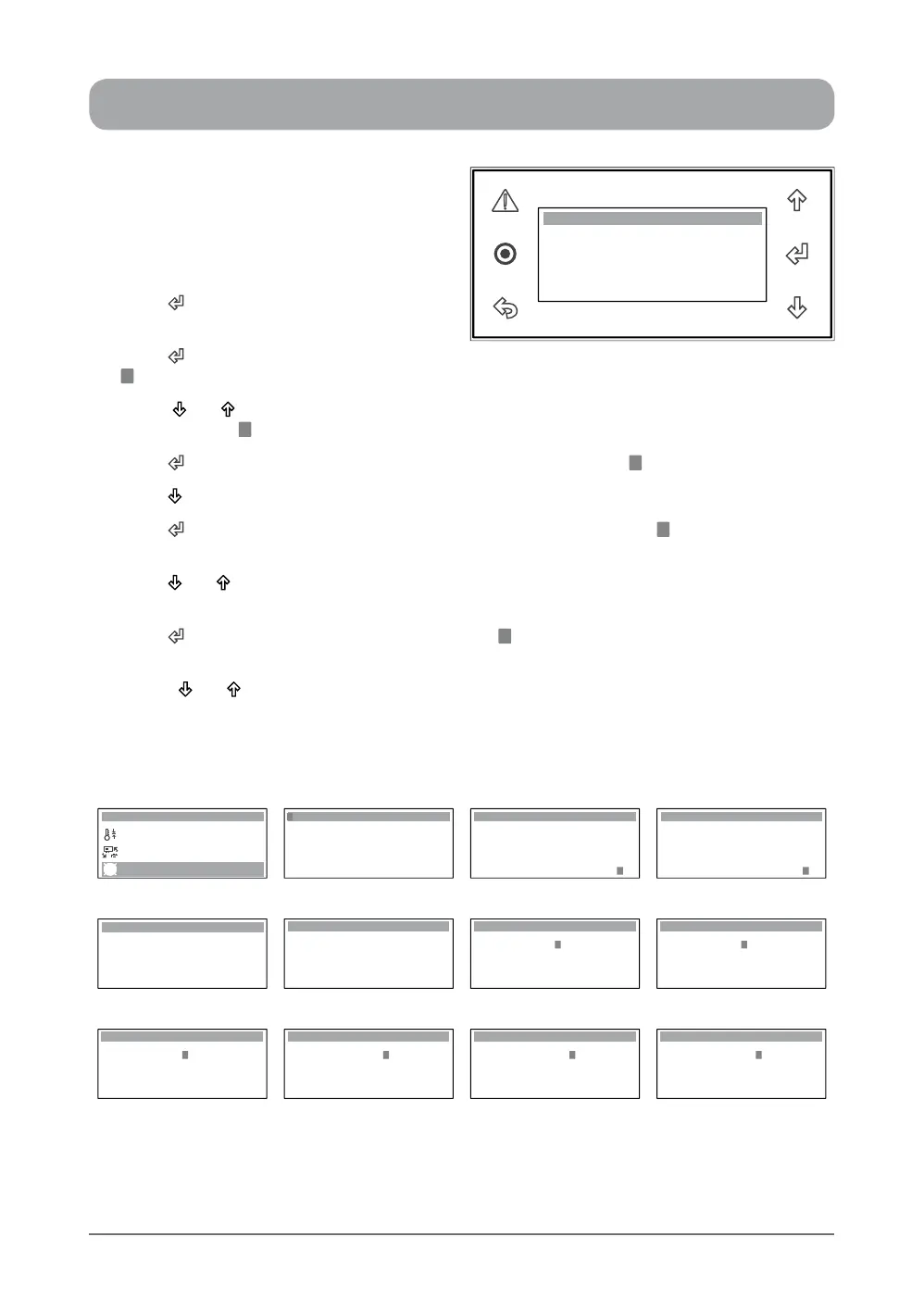
7- DAY PROGRAMMING ...
1. From the main menu, scroll down to D.
Clock / Scheduler menu following the
procedures from "Setting the Clock"
section.
2. Press “ ” Button to enter D. Clock/
Scheduler main menu.
3. Press “ ” Button repeatedly until the cursor
“ ” gets down to Enable Scheduler sub-menu.
4. Press “ ” or “ ” Button to prompt Enable Scheduler, "Yes" will replace "No" in this sub-menu
with the cursor “ ” ashing.
5. Press “ ” Button to enable the scheduler sub-menu, note the cursor “ ” will disappear.
6. Press “ ” Button to scroll down to "Clock Schedule 01" sub-menu.
7. Press “ ” Button to enter the Clock Scheduler sub-menu and the cursor “ ” will appear on
Monday Event 1 starting hour indicator.
8. Press “ ” or “ ” Button to change the hour.
NOTE: The time clock is in 24:00 format, i.e. 6:00 AM will be 06:00 and 6:00 PM will be 18:00.
9. Press “ ” Button to lock-in the time and the cursor “ ” will move next to Event 1 starting minute
indicator.
10. Press “ ” or “ ” Button to change the minute.
Hour: 10:28
Enable Scheduler: Yes
Date: 22 / 09 / 14
Day: Monday
Clock
Display Progression
C. Mode of Operation
B. Setpoint
Main Menu 4/8
D. Clock / Scheduler
Hour: 10:28
Enable Scheduler: No
Date: 22 / 09 / 14
Day: Monday
Clock
Hour: 10:28
Enable Scheduler: No
Date: 22 / 09 / 14
Day: Monday
Clock
Hour: 10:28
Enable Scheduler: Yes
Date: 22 / 09 / 14
Day: Monday
Clock
Step 1 Step 2 Step 3 Step 4
Hour: 12:58
Enable Scheduler: Yes
Date: 22 / 09 / 14
Day: Thursday
Clock
Monday
Event 1: 00:00 to 00:00
Event 2: 00:00 to 00:00
Tuesday
Event 1: 00:00 to 00:00
Event 2: 00:00 to 00:00
Clock Schedule 01
Monday
Event 1: 00:00 to 00:00
Event 2: 00:00 to 00:00
Tuesday
Event 1: 00:00 to 00:00
Event 2: 00:00 to 00:00
Clock Schedule 01
Monday
Event 1: 06:00 to 00:00
Event 2: 00:00 to 00:00
Tuesday
Event 1: 00:00 to 00:00
Event 2: 00:00 to 00:00
Clock Schedule 01
Step 5 Step 6 Step 7 Step 8
Monday
Event 1: 18:00 to 00:00
Event 2: 00:00 to 00:00
Tuesday
Event 1: 00:00 to 00:00
Event 2: 00:00 to 00:00
Clock Schedule 01
Event 1: 06:00 to 00:00
Monday
Event 2: 00:00 to 00:00
Tuesday
Event 1: 00:00 to 00:00
Event 2: 00:00 to 00:00
Clock Schedule 01
Event 1: 06:01 to 00:00
Monday
Event 2: 00:00 to 00:00
Tuesday
Event 1: 00:00 to 00:00
Event 2: 00:00 to 00:00
Clock Schedule 01
Event 1: 06:59 to 00:00
Monday
Event 2: 00:00 to 00:00
Tuesday
Event 1: 00:00 to 00:00
Event 2: 00:00 to 00:00
Clock Schedule 01
Step 8 Step 9 Step 10 (6:01) Step 10 (6:59)



 To Next Page