18
Operation Manual - (CP05 / CP10) Commercial Control Interface
Doc. No. 0525-031 Ver. 3 190308
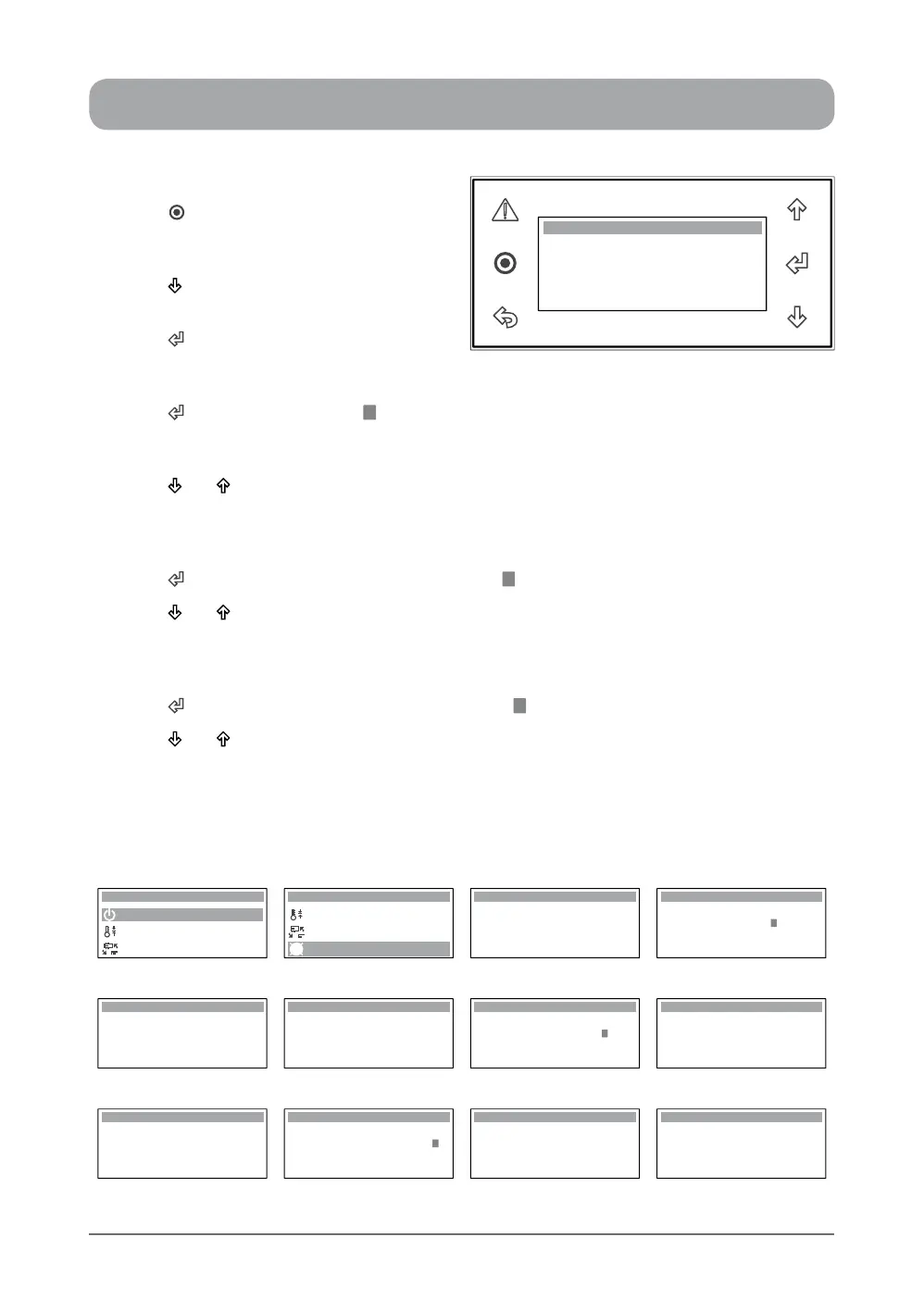
1. Press “ ” Button to get into the Main
Menu. Display will show Main Menu and
highlighted A. On / Off Unit main menu.
2. Press “ ” Button to scroll down to D. Clock
/ Scheduler main menu.
3. Press “ ” Button to enter D. Clock/
Scheduler main menu. Display will show
the Day, Date, Hour page and Enable Scheduler status.
4. Press “ ” Button and the cursor “ ” will appear next to the date indicator and the corresponding
day will be shown,
i.e. Monday, 22/09/14 (22nd September 2014 ).
5. Press “ ” or “ ” Button to change the date.
NOTE: Day changes corresponding to the change in date as follows:
Sunday, 21/09/14 (21th September 2014),
Tuesday, 23/09/14 (23rd September 2014).
6. Press “ ” Button to lock-in the Date and the cursor “ ” will move next to the month indicator.
7. Press “ ” or “ ” Button to change the month.
NOTE: Day changes corresponding to the change in month as follows:
Friday, 22/08/14 (22nd August 2014),
Wednesday, 22/10/14 (22nd October 2014).
8. Press “ ” Button to lock-in the Month and the cursor “ ” will move next to the year date.
9. Press “ ” or “ ” Button to change the year.
NOTE: Day changes corresponding to the change in year as follows:
Sunday, 22/09/13 (22nd September 2013),
Tuesday, 22/09/15 (22nd September 2015).
SETTING THE CLOCK ...
Display Progression
A. On / Off Unit
B. Setpoint
Main Menu 1/8
C. Mode of Operation
C. Mode of Operation
B. Setpoint
Main Menu 4/8
D. Clock / Scheduler
Hour: 10:27
Enable Scheduler: No
Date: 22 / 09 / 14
Day: Monday
Clock
Hour: 10:27
Enable Scheduler: No
Date: 22 / 09 / 14
Day: Monday
Clock
Step 1 Step 2 Step 3 Step 4
Hour: 10:27
Enable Scheduler: No
Date: 21 / 09 / 14
Day: Sunday
Clock
Hour: 10:27
Enable Scheduler: No
Date: 23 / 09 / 14
Day: Tuesday
Clock
Hour: 10:27
Enable Scheduler: No
Date: 22 / 09 / 14
Day: Monday
Clock
Hour: 10:27
Enable Scheduler: No
Date: 22 / 08 / 14
Day: Friday
Clock
Step 5 Step 6 Step 7
Hour: 10:27
Enable Scheduler: No
Date: 22 / 10 / 14
Day: Wednesday
Clock
Hour: 10:28
Enable Scheduler: No
Date: 22 / 09 / 14
Day: Monday
Clock
Hour: 10:28
Enable Scheduler: No
Date: 22 / 09 / 13
Day: Sunday
Clock
Hour: 10:28
Enable Scheduler: No
Date: 22 / 09 / 15
Day: Tuesday
Clock
Step 7 Step 8 Step 9
Hour: 10:27
Enable Scheduler: No
Date: 22 / 09 / 14
Day: Monday
Clock



 To Next Page