9
100S Reference Manual
SETUP
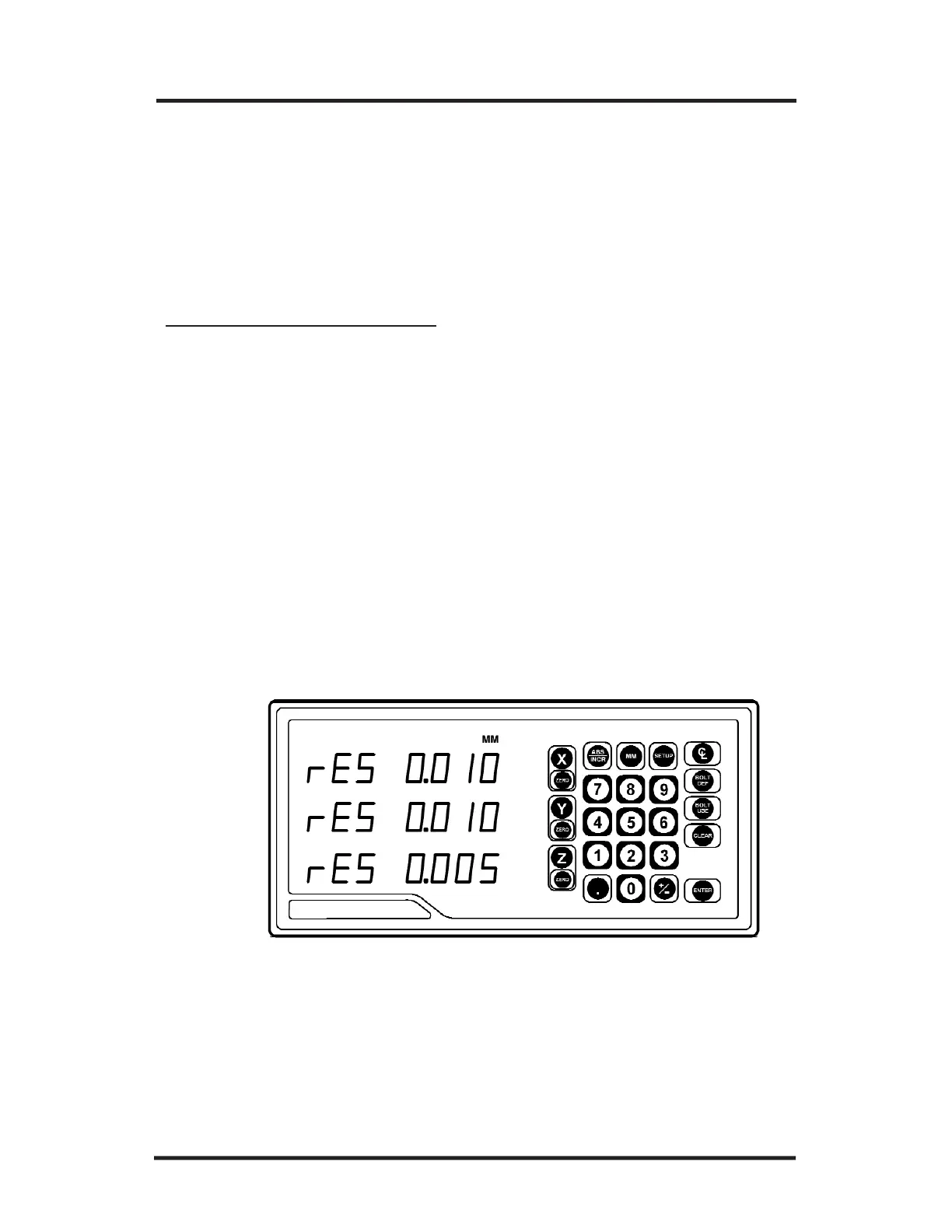
Scale Resolution
To ensure accurate readings, the scale resolution shown for each axis
must correspond with the resolution of the scales on your machine.
• If necessary, choose “Scale Resolution” from the Setup menu. (Press
SETUP and then the ENTER key until the screen appears).
• Press the appropriate axis key until the appropriate resolution appears.
Choose 0.01 mm for 10µm (0.0005”) scales, 0.005 mm for 5µm
(0.0002”) and 0.001 mm for 1µm (0.00005”)scales.
• Repeat the procedure for each axis.
• Press
ENTER to continue with Setup.
T
o change the scale resolution:



 To Next Page