10
100S Reference Manual
SETUP
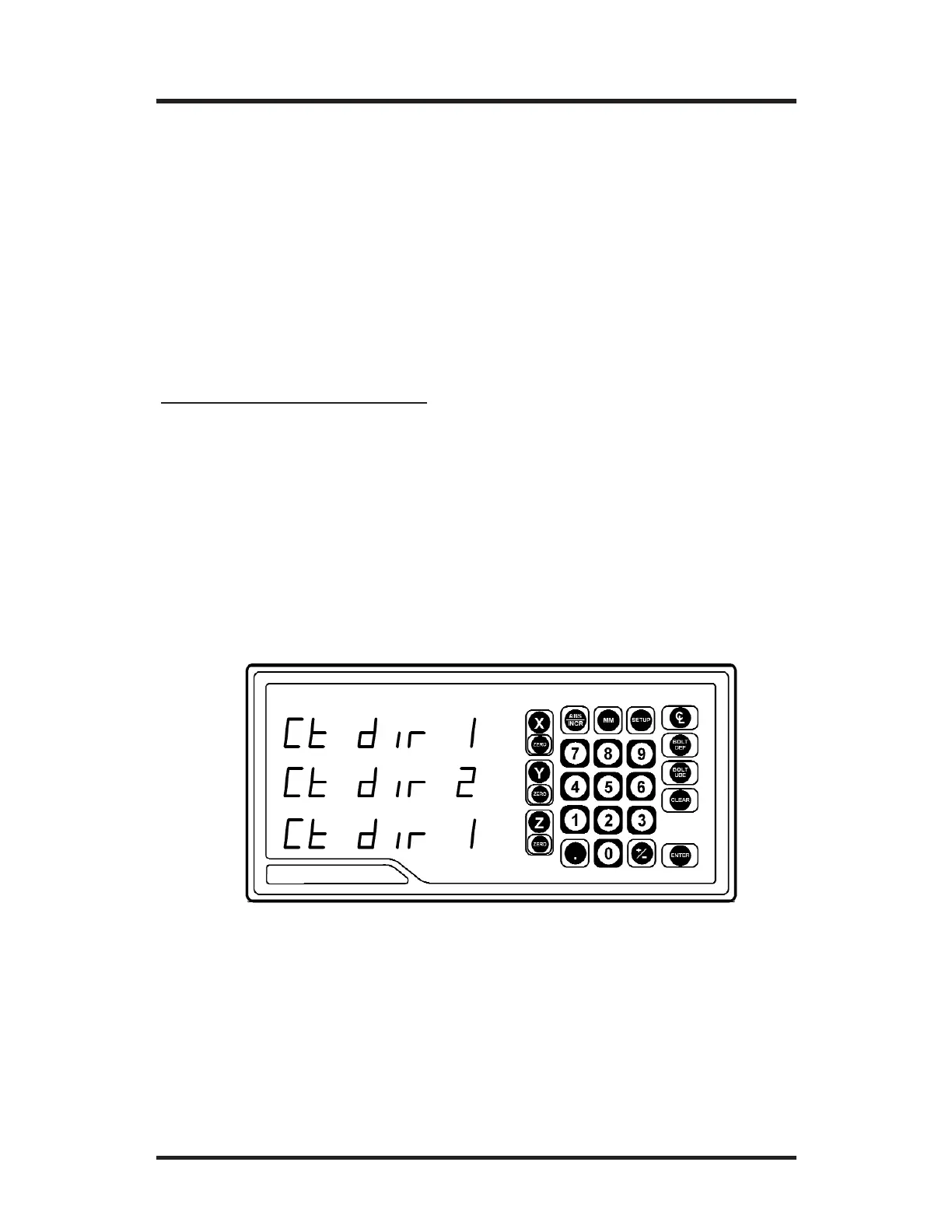
• Move to the “Count Direction” display in the Setup mode. (Press
SETUP and then the ENTER key until “Ct dir” appears).
• Press the appropriate axis key (
X, Y or Z) until the count direction
(1 or 2) appears.
• After you complete setting your count direction, press
ENTER to con-
tinue with setup or press
ENTER then SETUP to return to the normal
DRO display.
To change the count direction:
Count Direction
Use the count direction setting to define the positive counting direction
for each scale. The direction will be displayed as a “1” or a “2” (the
numbers are not assigned to a particular direction). You only need to
change the count direction if the scale is counting in the negative
direction during a positive table move, or vice versa.
Refer to Conventions on pg. 37 for more guidelines.
Position Recall
• Set this parameter to the ON position to store the last position
of each axis when power is turned off.



 To Next Page